

The 5 Best Budget Monitors For Your Home Office In 2026

We may receive a commission on purchases made from links.
Whether you're setting up your new home office or just looking to upgrade it with fresh gadgets, a monitor is often one of the most important purchases. While there is no shortage of impressive displays, working on a tight budget requires you to consider the right things and not waste money on unimportant features. Still, it can be tricky to pick out the right monitor for your needs from the host of models you'll find for sale online or in your nearest tech store.
Everyone's home office needs are a bit different. Some exclusively use their home office setup for finishing their office work, replying to important emails, or spending time with work tools, whereas others also sprinkle in some occasional gaming, media consumption, and planning their next vacation. This means a good home office monitor not only needs to be excellent for office tasks but also decent for other use cases. Fortunately, our handpicked recommendations have the right set of features to meet diverse needs and have received positive feedback from experts as well as buyers. More importantly, each is priced below $500.
Dell S2725QS
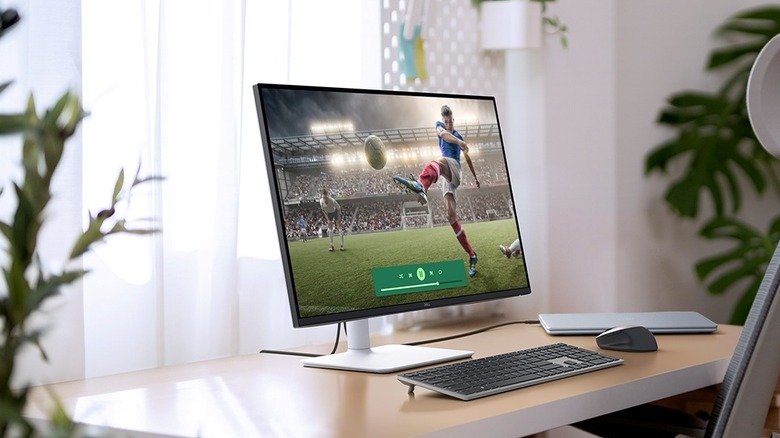
Although 4K resolution may seem like a feature that'll require you to splurge while picking up a monitor, there are quite a few excellent 4K monitors that don't cost a pretty penny. The Dell S2725QS is a prime example. It's a 27-inch 4K monitor that uses an IPS-type flat display panel with a 120Hz refresh rate for a smooth and responsive feel. 4K resolution means you get crisp and clear visuals, while the 27-inch form factor offers reasonable screen real estate for multitasking.
The monitor design is fairly simple with thin bezels, and the included stand is pretty ergonomic. It also gets reasonably bright to handle glare and reflections in most rooms and packs two HDMI 2.1 ports and a DisplayPort 1.4 port for video input. Plus, there are built-in speakers for basic audio needs. While the presence of the IPS-type panel does mean it has mediocre contrast, it shines in terms of viewing angles and color accuracy. The monitor is also capable of displaying the full sRGB color space and around 80% of AdobeRGB. However, the one notable drawback of the S2725QS is the lack of a built-in USB hub, which means you won't be able to connect any peripherals or storage devices directly to the monitor. It's also not great for HDR, and fast motion can feel blurry, making it unsuitable for any serious gaming.
You'll have to shell out $280 for it, and it has received largely positive feedback from verified buyers with a rating of 4.5 out of 5. Buyers like its bright display, 120Hz refresh rate, and value for money. The only notable con some reviews have mentioned is image retention issues. While burn-in is typically not a big concern with IPS monitors, some buyers seem to be dealing with temporary image retention.
AOC Q27G3XMN
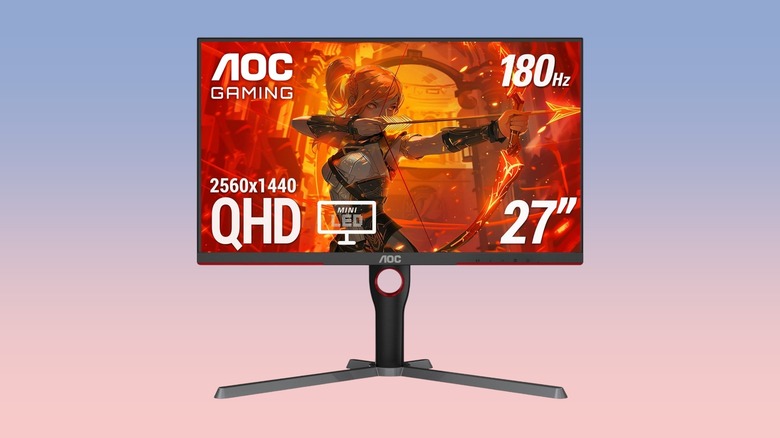
The AOC Q27G3XMN is another widely appreciated budget monitor that, although marketed for gaming, makes for good home office use as well. It's one of the few sub-$500 LCD monitors that rely on Mini-LED backlighting and local dimming. This helps the already good contrast ratio of the built-in VA-type panel become even better, making it excellent for content consumption. More importantly, mini-LEDs allow the monitor to get super bright, enhancing its HDR performance and the ability to handle glare and reflections. You also get a 1440p resolution, which is a good middle ground between 1080p and 4K, and a high 180Hz refresh rate.
While the monitor's design is fairly simple, there are some red accents on the front and back to get a bit of a gamer aesthetic. The supplied stand is also ergonomic, supporting all common adjustments. Like the Dell S2725QS, the AOC monitor misses out on any USB ports and comes with two HDMI and one DP 1.4 ports. Another positive of the AOC monitor is its color accuracy and the coverage of the DCI P3 color space. It can cover over 90% of the DCI P3 and has almost full coverage of the sRGB color gamut.
However, being a VA-type monitor, it has narrow viewing angles. Plus, you may notice some blooming around bright objects in a dark scene because of the local dimming. The monitor carries a price tag of $300 and has received a solid buyer rating of 4.4 out of 5 on Amazon. Buyers appreciate its high brightness, good color performance, and low input lag. However, some folks have dealt with dead pixels on the screen and the lack of support for AOC. There are also some durability concerns, with buyers writing about connection issues with the DisplayPort.
Asus ProArt Display PA279CRV
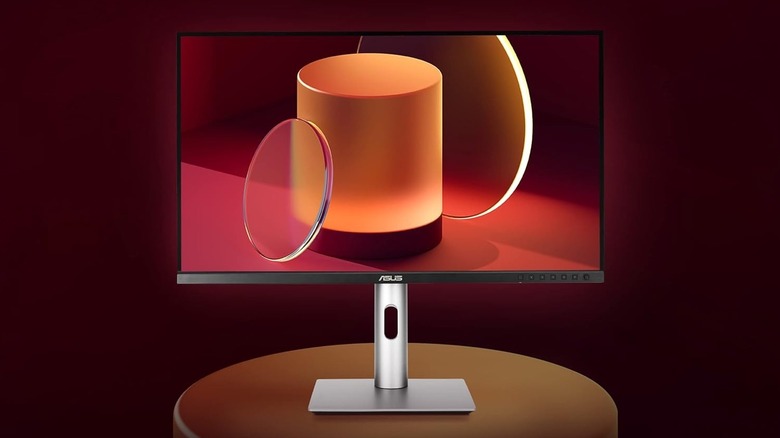
If you're willing to shell out over $400 on a monitor, the Asus ProArt Display PA279CRV has a lot to offer. It's a 4K IPS monitor that's made for professional-grade work and comes color calibrated from the factory. It also offers almost full coverage of the AdobeRGB and DCI-P3 color spaces, which are used in print and video work, respectively. The 4K resolution ensures amazing clarity and sharp visuals.
Another highlight of the Asus monitor is support for USB-C input and up to 96W power delivery for a seamless one-cable connection with your laptop. If you don't want to use USB-C, you also get HDMI and DisplayPort inputs. More importantly, the monitor has a DisplayPort MST port to daisy chain another monitor. The monitor can also function as a USB hub for your computer and has built-in USB Type-A and USB-C ports to connect peripherals, storage drives, and more.
Among other features, the bundled stand is ergonomic, with support for swivel, tilt, pivot, and height adjustments. While the monitor has a reasonable brightness to counter glare, it doesn't handle reflections well and can't offer good HDR performance. Moreover, being an IPS-type monitor, it has a mediocre contrast ratio but wide viewing angles. It'll set you back $429 and has garnered a solid rating of 4.3 out of 5 on Amazon. Buyers like its picture quality, high resolution, and good build quality. However, some buyers say the factory calibration is not good and blame quality control issues for problems with their units.
Dell P2425H
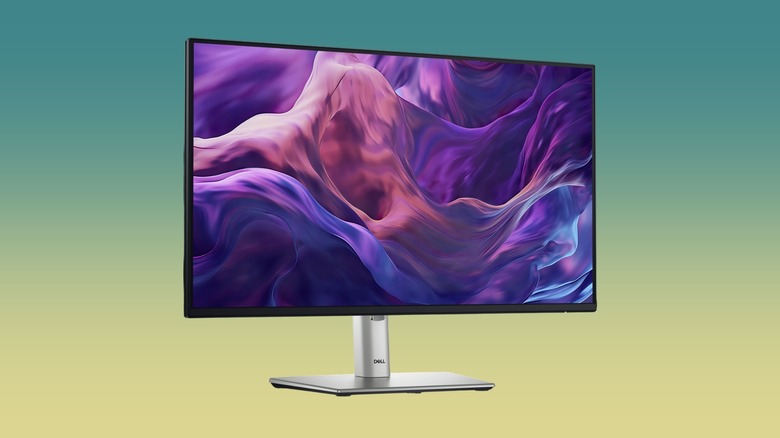
The Dell P2425H is worth considering if your budget is below $200 and you are okay with a 1080p monitor. It's a 24-inch 100Hz monitor, which has quite a few things going for it. For example, it has good build quality, and the included stand is pretty ergonomic. The onboard IPS panel delivers decent color performance, with full coverage of the sRGB color space and excellent accuracy after calibration. The matte coating also reduces glare.
It comes with HDMI, DisplayPort, and VGA input ports, and there are three USB-A ports and one USB-C with 15W power delivery to connect any peripherals. All this will cost you $165. However, Dell had to make some compromises to make it this cheap, and the monitor doesn't get very bright, which can make it difficult to see things on screen in bright ambient light conditions. It also doesn't support HDR.
Buyers are generally happy with what the Dell offers and have awarded it an average rating of 4.6 out of 5 on Amazon. Shoppers like its low price tag and excellent supplied stand. The only complaint some buyers noted is getting defective units.
Asus ROG Strix XG27ACS
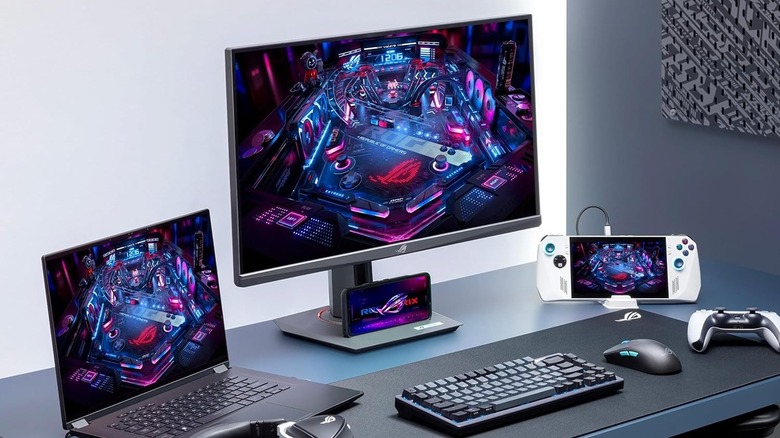
Although the ROG lineup from Asus is primarily known for its gamer gadgets, the ROG Strix XG27ACS is a solid monitor for home office usage. It's a 27-inch IPS display with a 1440p resolution and a 180Hz refresh rate. Being part of the ROG lineup does mean that you get a gamer aesthetic, but at least the front of the monitor is relatively subtle, and there is no RGB lighting. Build quality is good, and the included stand supports all common adjustments.
The XG27ACS gets sufficiently bright for good visibility in rooms with tons of ambient light and can cover the entire sRGB color space. Video input options are great, with one HDMI, one DP, and one USB-C port with DP Alt mode. Unfortunately, it lacks any additional USB ports, and the included USB-C port has low power delivery, making it unfit for charging your laptop through a single cable connection.
In other notable drawbacks, while the presence of an IPS panel gives the monitor good viewing angles, it also means the display has a relatively low contrast ratio, and there is no local dimming to improve it. Still, there is plenty to like in the Asus ROG Strix XG27ACS, particularly considering its $245 price. The monitor has also received a solid 4.4 rating out of 5 from Amazon buyers, who enjoy its vibrant colors, solid ergonomics, and fast refresh rate. That said, some buyers complain about dead and stuck pixels and getting defective units.
How we selected these affordable monitors for your home office

While picking up these budget monitors, we focused on the essential features required for home office usage, such as a reasonably bright display, a good selection of inputs, and solid picture quality. We checked out offerings from both popular and underrated monitor brands that were priced below $500. Moreover, we consulted expert reviews and Amazon buyer feedback to refine our picks and select a diverse range of monitors that cater to different price segments and have varied feature sets to meet different needs. All our recommendations have received favorable reviews from shoppers, with an average rating of at least 4.3 out of 5 on Amazon, and are actively available for purchase in the U.S.