

Your Amazon Fire TV Cube's USB Port Has A Feature Most People Don't Take Advantage Of
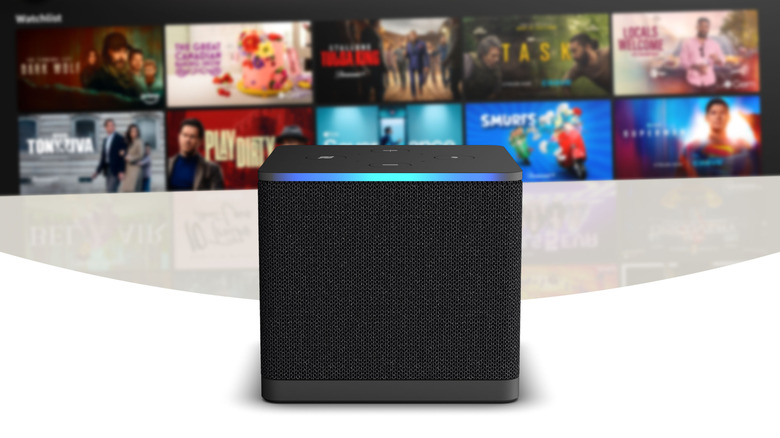
Amazon's 3rd-generation Fire TV Cube is generally known as a streaming platform for apps like Netflix, Prime Video, and Disney+. But this upgrade from the Fire TV Stick has some handy functionality tucked into that inconspicuous USB port in the back. If you've been assuming it's largely just there for accessories, you may have missed that it also unlocks a lightweight, built-in media player for offline files.
With the right setup, your Cube can play local media files directly from a USB drive, effectively turning it into a compact media hub. You can use it to display everything from videos you've taken on your phone to downloaded TV, movies, and music, or even photo collections from your last vacation, on any TV the Cube's attached to. If you've got a huge media collection and/or an unstable internet connection, the media player can be a real boon, despite the fact that Amazon virtually never mentions or promotes it. If you were seduced by all the ways Roku is superior to the Fire TV streaming platform, it may be the final straw to lure you back to the Amazon ecosystem. Its media hub functionality is another feature that makes the Cube one of the best streaming devices.
How media playback on the Cube works
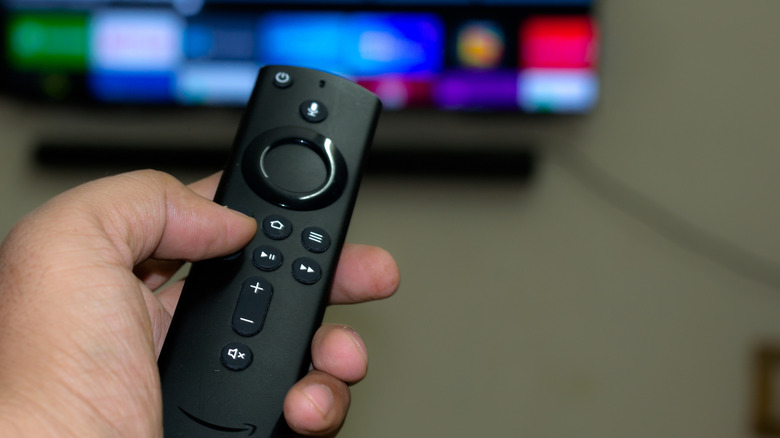
The 3rd Gen Fire TV Cube's USB slot will recognize pretty much any external storage that's formatted as FAT32. It's one of the most common file system formats, but it can't accommodate files larger than 4GB. While this shouldn't be an issue for most media, it does mean some films, especially longer movies in high resolutions or high fidelity formats, may be too large.
Plug in a FAT32 drive and the Cube will automatically recognize it and flash a prompt to open it. You can also find the media player at any time by navigating to the input menu. The Fire TV Cube supports a wide range of common video, audio, and image formats, including MP4, MKV, MP3, AAC, and JPEG. The player will show your media as thumbnails and allow you to sort by type (videos, images, and audio); just select and click on what you want to view/listen to and the player will automatically launch.