

Ditch Light Switches: Here's A Cooler Way To Control Your Home Lighting
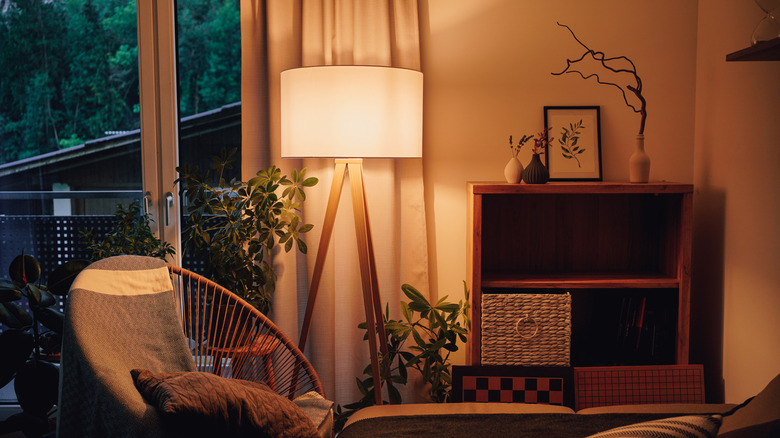
Broadly speaking, there are two typical ways to get a little extra illumination in a room: turning a knob on a standing lamp or flicking a wall-mounted light switch connected to either a compatible outlet or hard-wired lighting. There's nothing inherently wrong with these simple approaches, but when you live in an era of constantly advancing technology, you might as well make things a little more interesting. Whether it's with motion sensors or smart tech frameworks, you can control your home lighting without even having to flick a switch.
With the right tech, a simple setup, and a bit of creative application, you can have the lights in just about any room in your home turn on automatically in response to your presence, or turn on and off on a fixed schedule based on your daily routine. Besides saving you the effort of manually turning fixtures on and off, automating your lighting can also help if you're prone to forgetting to turn lights off when you leave the house. It's a cool thing you may not have known you can do with a smart plug.
Set up motion sensors
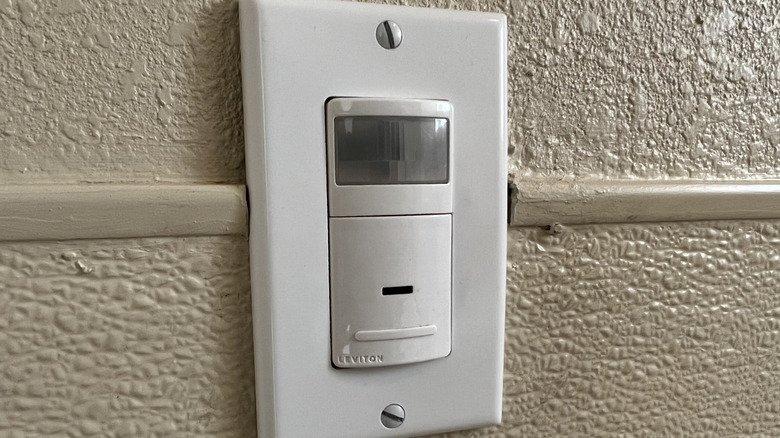
Generally, the lights in a given room in your home aren't going to be turned on unless you're already physically present in the room. Given that, lighting is a smart way to use a motion sensor in your home: have it automatically turn the lights on when your presence is detected and turn them off when you're not there. There are a couple of ways to use motion sensors with your lighting, including using standalone lights equipped with individual sensors and replacing a light switch with a dedicated motion sensor that connects to existing lighting.
In the former case, there are many different lights to choose from, including smaller night-light-style lights that plug directly into outlets, battery-powered lights that can be mounted in out-of-the-way spaces like ceilings, and larger, more traditional wall lights that can either be plugged in or charged. All of these lights use standalone motion sensors that can detect when you pass by, lighting up automatically.
If you have existing hardwired lighting, you could also opt to network your lights via a motion-sensor light switch, the same kind you sometimes see in public bathrooms. By replacing your normal flick switch with one equipped with a motion sensor, you can have any connected light source power on automatically when the sensor detects movement. Just remember that this approach requires some installation know-how and should only be attempted by a trained electrician.
Invest in smart tech
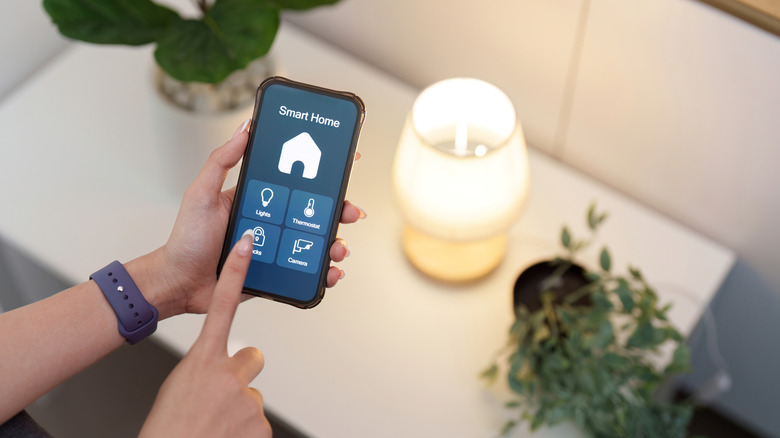
Motion sensors are the simpler option for hands-free lighting control, but they can be a bit imprecise, especially if they're on the cheap. If you're looking for something a little more elaborate, the answer may lie instead in smart tech. If you've already got a smart home framework like Alexa or Google Home, you can add lighting control to the mix with the right smart devices.
For controlling standing lighting fixtures, you've got two options when it comes to smart tech: smart bulbs and smart plugs. A smart bulb can be placed in any compatible lighting fixture and synced with your smart home framework over Wi-Fi. While the bulb is connected, you can use your smart devices or voice commands to remotely enable or disable the lights, or set schedules for them. If you have a light with an unusual bulb size that you can't get a smart bulb counterpart for, a smart plug will work instead, serving as an intermediary between the light and its outlet. A smart plug can be synced to remotely enable or disable power, which is perfect for simple lighting fixtures that don't need to be adjusted after being turned on.
If fixed, preexisting lighting is stopping you again, in the same vein as motion-sensor switches, there are also smart switches that you can have a professional wire directly into your home grid. It's a more elaborate option, but it gives you a much higher degree of control over any lights connected to that particular switch. Even if you're miles away, as long as you've got internet access on your phone, you can remotely activate or deactivate your lights or set a schedule to do it for you.