

Google Pixel Phones Just Got A Useful Audio Update In Android 17
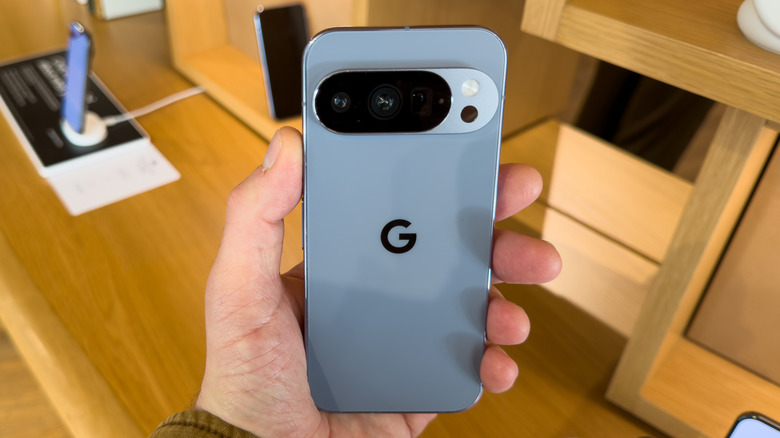
Android 17 has been rolling out to Pixel phones since June 16, and already users are diving into some of the coolest new features. Along with a bigger push for Google's artificial intelligence agent Gemini, the update also includes redesigned emojis, new on-device editing features for Instagram, and new security patches. There's quite a bit packed into the operating system, but one user has found new support for an audio codec that's sure to have Hi-Fi lovers checking for an update.
If your Pixel device is running Android 16 or earlier, you likely have access to the Advanced Audio Coding (AAC) and Subband Codec (SBC) audio codecs. However, a Reddit user has spotted that the new Android 17 update adds support for the Low Latency High-Definition Audio Codec (LHDC) for Pixel owners (per Android Authority). For users with earbuds that support this codec, it's sure to be a welcome feature.
The company behind the codec, Savitech, mentioned back in March that the feature would be arriving for users. Now the time is finally here. Useful as the new feature may be, some may need to enable the codec, and we can show you how. We can also show you which Google Pixel phones are getting the update in case you haven't made the jump yet. Remember that you can always check for updates by navigating to Settings, tapping System, and selecting Software updates.
Better Bluetooth audio comes to Pixel owners with Android 17
Thanks to the arrival of the LHDC v5 codec, Pixel owners can now enjoy 24-bit high-resolution audio over Bluetooth on compatible earbuds. This codec offers a maximum bitrate of up to 1 Mbps in high-resolution, which is comparable to around 256 kbps with AAC and 328 kbps for SBC — neither of which supports high-definition. Though the codec supports many Pixel devices, users may want to check their headphones to ensure compatibility.
While the codec will work with Pixel 6 devices and newer, it's worth noting that Pixel Buds do not support LHDC v5 — though they do support AAC and Sony's LDAC. However, OnePlus' OnePlus Buds 4 (among other OnePlus options) and the latest Nothing Ear earphones support the codec, as examples. Users may also need to enable this feature on their Pixel devices by following these steps:
-
Head to Settings.
-
Select System.
-
Choose Developer Options.
-
Select Bluetooth Audio Codec.
-
Tap LHDCv5.
Be sure to check the manual or any companion apps for your earbuds to see if you need to enable Hi-Res Audio for them as well. Additionally, this option will be grayed out in Android 17 if you do not have compatible earphones or headphones connected to your smartphone. If you have headphones that support the feature, you'll be good to go from here. If you use streaming services, make sure they support 24-bit audio, such as Spotify or Apple Music. You may also want to check out this useful Pixel feature Google buried under AI marketing.