

DVD Vs. Hard Drive: Which Movie Storage Type Lasts Longer?
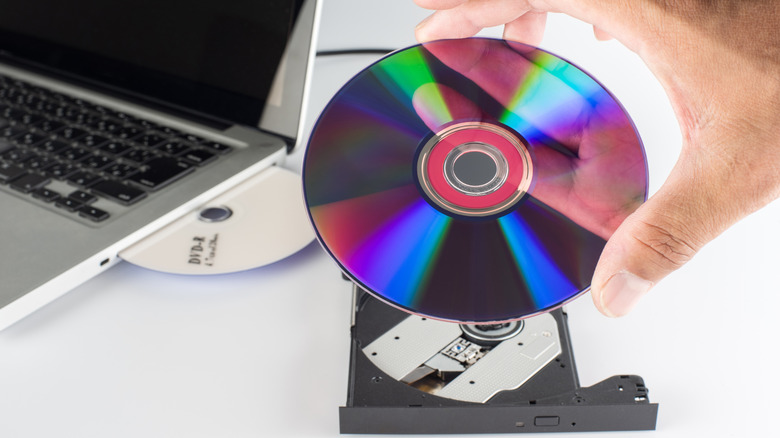
You should be proud of your movie collection. This is especially true if you've built it in the streaming era, which generally operates on the principle of "you don't actually own anything." So, how do you plan on preserving your film collection for posterity? Is it better to choose a DVD and/or Blu-Ray or a hard drive for movie storage?
Well, it's tricky, and even asking opens a huge can of worms. Though many claims are floating around about DVDs lasting a century or two, their actual lifespan depends on a number of factors, some of which are outside your control. Don't worry, as your disc collection can last a decent amount of time. Read-only DVD-ROMs (aka factory-pressed) are good for about ten to twenty years, for instance. If you copy them over to a DVD-R, they tend to have a similar one to two decade lifespan. That said, you should take these figures with a grain of salt. Life expectancy isn't an exact science, as some researchers say a DVD-ROM's longevity is in the ballpark of 20 to 100 years, while also claiming that DVD-R copies can technically last from 100 to 200 years.
Despite the uncertainty, DVDs are theoretically a safer bet than HDDs, since those often die after about four to seven years. To risk sounding like a broken record, the math here isn't exact either. For example, one Redditor says they have 30-year-old hard drives that are still trucking along, but they also say they've had drives fail after less than a year. Since digital storage is a fickle mistress, your best bet is opting for multiple formats if you're really concerned about preserving your collection.
Why stick with DVDs
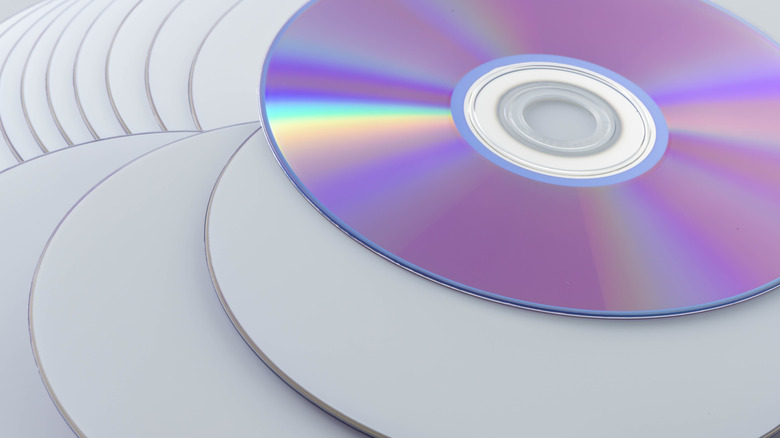
The good old DVD is much more resilient than you'd expect from a piece of plastic. Naturally, the type of material used in manufacturing plays a role in the overall lifespan. DVD-R discs that use cyanine or azo dye (these give off a blue or purple hue) and have a gold metal protective layer can last from 50 to 100 years. Discs that use silver alloy metal (the majority of DVD-Rs sold for consumer use) in the protective layer are slightly less durable, and as mentioned, have a projected duration that falls in the 10 to 20-year range, which is similar to factory-pressed DVD-ROMs.
The figures manufacturers state can vary wildly, with the most optimistic expectancy falling into the 100 to 200 range mentioned recently. Another study that used accelerated aging methods suggests that a DVD-R disc will last 30 years if stored at 50% humidity and 77°F.
We're talking DVDs, though, not the Declaration of Independence. So, no need to drive yourself bananas dialing in the exact atmospheric conditions. Just put them in their case when you're done watching, store them in a dry and cool area (avoid direct sunlight), and you'll be good.
Why opt for a hard drive copy
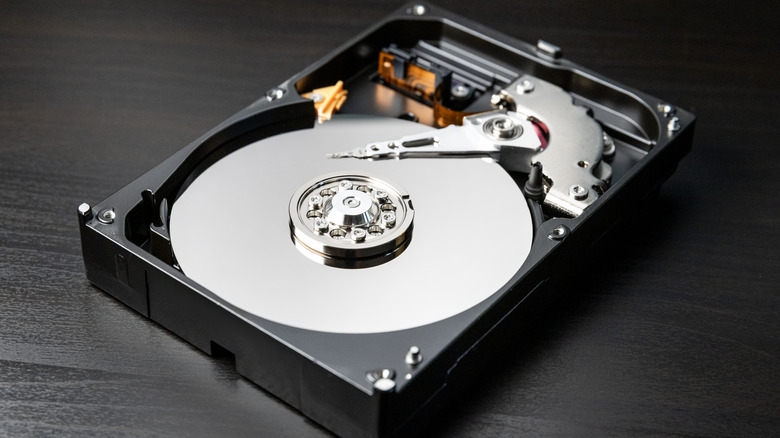
A DVD may outlast a hard drive for movie storage, theoretically speaking, but ripping a film to MP4 or MKV is also a good idea. Mechanical HDDs are still worth buying, as they're relatively affordable in relation to the storage space they offer, although their life expectancy can be so-so. Your mileage will vary, of course. Babying the HDD could minimize the risk of a mechanical failure, yet as mechanical devices, they could fail at random. It's not that scary if you've got backups. Manufacturers cite the expected lifespan as four to seven years, but many people report that some of their hard drives have gone multiple decades without fault.
SSDs are a different beast. They may be more robust, as manufacturers say that they can last from five to 10 years, but opposed to mechanical HDDs that store data magnetically (meaning, data is technically recoverable), the more modern type stores it as an electrical charge. As such, SSDs aren't reliable for long-term storage because the stored data degrades over time. You'll also have to plug it in and use it periodically to refresh those power cells.
At the end of the day, creating copies of your movies is making sure that your favorites "stay alive," figuratively speaking. This provides you with a failsafe if the originals degrade, and it's what experts recommend you do. When preserving something valuable, the three-copy rule (preferably on wildly different storage types) is something that spares you a headache, no matter how unlikely that headache may be.