

3 Things You Can Do On An Xbox Even When It's Offline
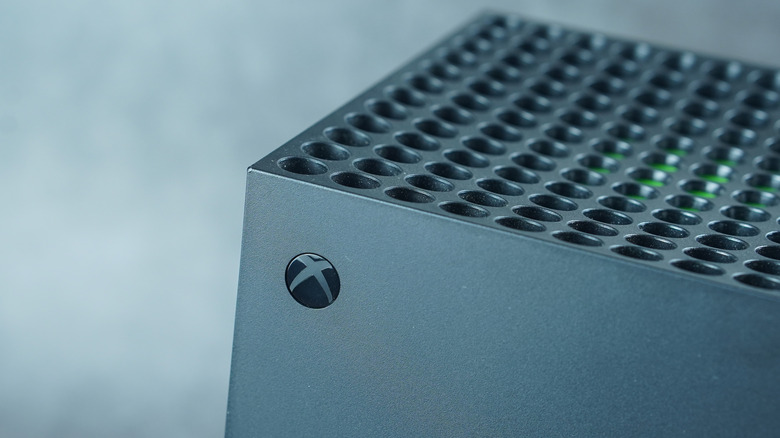
The Xbox One wasn't meant to be an offline console. Microsoft intended for your primary Xbox One console to always be online by forcing mandatory check-ins with Microsoft's servers every 24 hours. Don Mattrick, the former president of Interactive Entertainment Business at Microsoft, even doubled down by saying those who couldn't manage this requirement should stick with the Xbox 360. After Microsoft saw that players weren't having it, they reversed course. Even though the late Albert Penello, a former Microsoft marketing executive, said in a 2013 interview with Game Developer that an always-online future is inevitable, the Xbox Series X and S are usable offline with some restrictions, although they do require an internet connection to finish setting them up.
Keeping an Xbox online comes with several advantages, including playing games online with family and friends, streaming Netflix, automatic game and system updates, and enabling remote play on computers, smartphones, and tablets. However, there are times when you just take the console offline. This works if you don't always have a reliable internet connection, love playing single-player games, or travel a lot. Luckily, you can make the most of your Xbox offline by playing your physical and digital media offline in various ways, whether that be games or other types of media, such as movies, TV shows, music, and pictures.
Play physical games
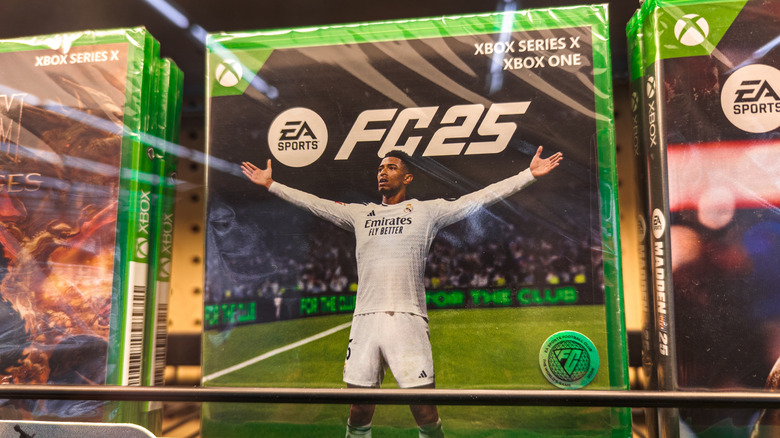
A majority of physical games can be completely installed on your Xbox without needing an internet connection. There are a few exceptions, such as "Crimson Desert" and "Spyro Reignited Trilogy," that require an internet connection to finish installing. Afterward, you can play them offline indefinitely. The ones that you can't play are physical games with an always-online requirement, even if they have single-player campaigns, such as "Call of Duty: Black Ops 6" and "Diablo IV." Always check the cover of the game for words like "Requires content download" for game key games or "Requires internet" for online-only games before purchasing them.
Be sure to update the games after installation if you can. Some of them launch broken, needing you to download patches for a smooth experience. This can also give you a chance to download any DLC and expansions, should you need them while offline. Also, some of the latest games might need the latest system software for you to play them, so be sure to update your Xbox as well. You can do this by going to Profile & System> Settings > System > Updates and selecting "Console update available."
Perhaps the best part of owning a disc-based modern Xbox is that it's compatible with select games from the OG Xbox and Xbox 360. As long as it's on the Xbox Backward Compatible Games Library list, the physical disc will work. There are hundreds of games on the list, including "Max Payne," "Final Fantasy XIII," and "Red Dead Redemption."
Play downloaded digital games (even from Game Pass)
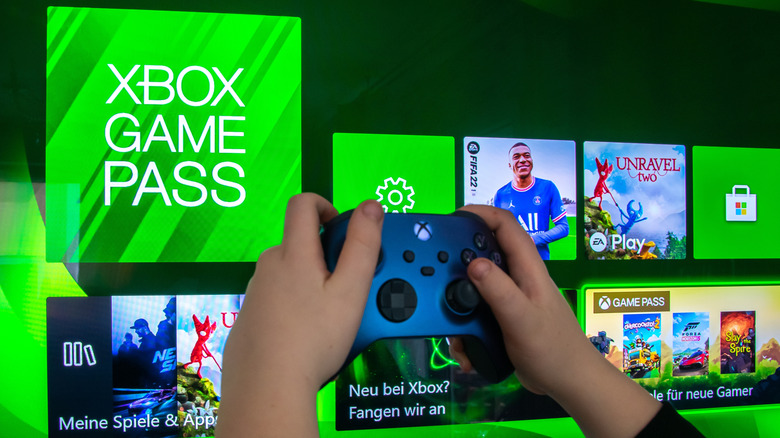
You can play digital Xbox games you've bought offline for one year, at which point the license will expire. You will then be required to connect your console to the internet for a check-in to verify the license. While this is still a limit, it's way better than the 24-hour check-in requirement that came with the unveiling of the Xbox One in 2013, which Microsoft hasn't lived down ever since. You can also play Game Pass games offline, but these require a check-in every 30 days.
Also, this will only work if you have an active subscription. In order for digital games to be played offline, you'll need to set your primary console as your home Xbox by tweaking a simple setting. To do that, go to Profile & System > Settings > General > Personalization, and select "My home Xbox." Then, select "Make this my home Xbox."
Just keep in mind that you won't be able to purchase DLC since that requires the console to connect to Microsoft's servers. You can, however, still earn achievements. These will be stored locally, but will sync to the cloud once you go online. Be sure to do this when you get a chance, as you can lose them should something happen to your Xbox while offline. The same goes for any game clips and screenshots that you take.
Play other media
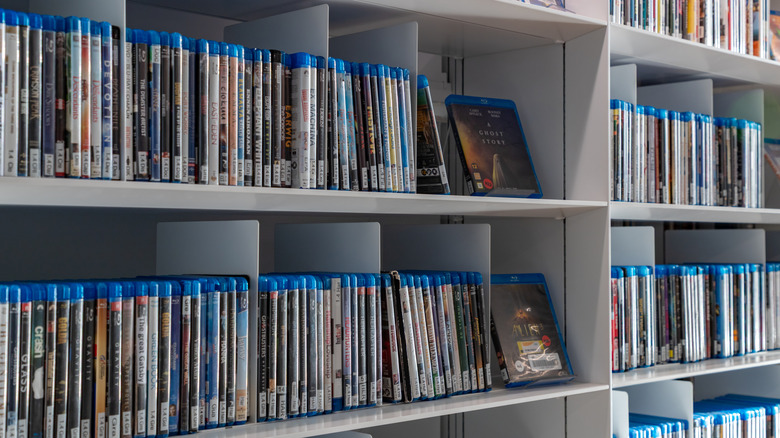
An Xbox is also a highly capable entertainment hub that players can use to play other media besides games. It has streaming services such as Netflix, Disney+, and YouTube. But unfortunately, you can't download the content for offline viewing like you would on a phone. However, if you have an Xbox with a disc drive, then you essentially also have a Blu-ray player. It makes a compelling case for you to stop buying digital movies and start a physical collection of Blu-ray discs.
Not only does this mean that you can access the movies and TV shows offline, but also enjoy the superior fidelity that 4K Blu-ray offers over 4K streaming since it has a higher bitrate. Also, even though you'll still be purchasing a license to access the media, it can't be as easily revoked as it would if it were a digital copy or removed from your library on a streaming service due to licensing changes.
If you have a digital Xbox, you can still play media offline on a USB drive. Its built-in media player supports a wide range of media types, including music, videos, images, and documents. Supported file types include MP3, WAV, WMA, MP4, AVI, MKV, MOV, JPEG, and PDF.