

5 Tips And Tricks To Get The Most Out Of Your Xbox Series X
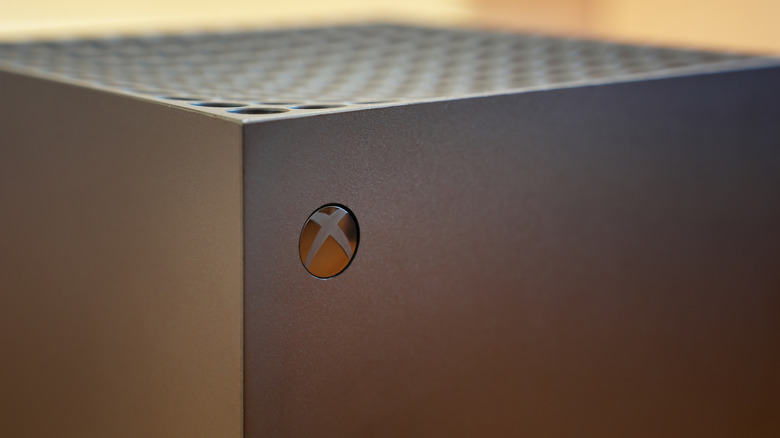
Since you've probably spent $499.99 on your Xbox Series X, it's a good idea to make sure you know every hidden feature and integration that Microsoft has packed into its high-performance gaming box. Xbox Series X has been on the market for around five years now, and while chatter about Microsoft's PC/console hybrid "Project Helix" is reaching a fever pitch, Series X is still a massive gaming and entertainment hub thanks to Game Pass, backward compatibility, and more. Thanks to the recent Game Pass price drop, Xbox is once again one of the most packed gaming consoles ever. That includes games all the way back on the original Xbox to current-generation titles.
By tweaking deep-level settings like spatial audio, cross-platform social tools, and digital library sharing, users can fundamentally change how they interact with games while saving money on software. There are plenty of cool Xbox Series X features that users might not know about, and the same rule applies to the Xbox controller, but this article is all about getting the most out of your Xbox Series X. Have you already ticked all of the Xbox Series X performance-boosting boxes and are ready to find out what else Xbox Series X has to offer? Then this article is for you.
Stream games anywhere with Remote Play
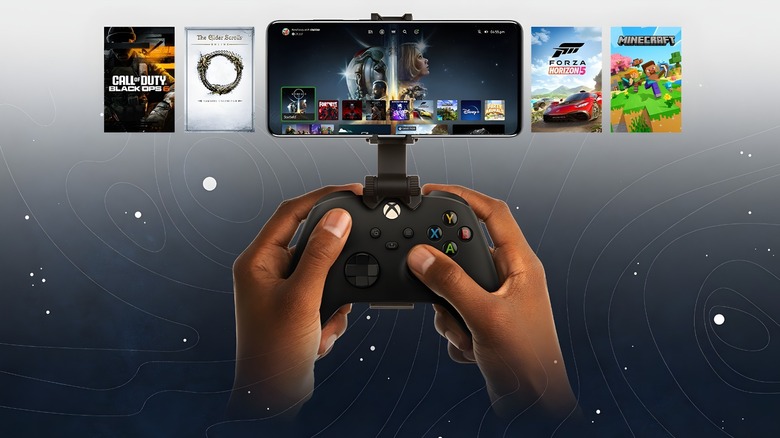
This might sound strange considering users may have just paid out for an Xbox Series X, but they don't have to be sitting in front of it to enjoy their game library. With Remote Play, they can stream Xbox games directly to their phone, tablet, or Windows PC. This isn't to be confused with Cloud Gaming, which requires a fast internet connection to stream games from a server. Remote Play uses a home network to turn Series X into its own server hub that streams its display output instead. This means users can play on their Series X during a commute or even while traveling, provided the console is in sleep mode.
To enable Remote Play, navigate to Settings and enable Remote features under the Devices & connections tab. Then, on your tablet or smartphone, download the "Xbox" app and pair a controller to it via Bluetooth. This will then enable users to play on their Series X anywhere with a stable internet connection. Remote Play isn't talked about nearly enough in gaming and provided upload speeds are as solid as download speeds, players can enjoy the full power of a Series X wherever they are, including resuming save games, saving progress and then continuing on Series X when at home.
Connect with friends via Discord integration
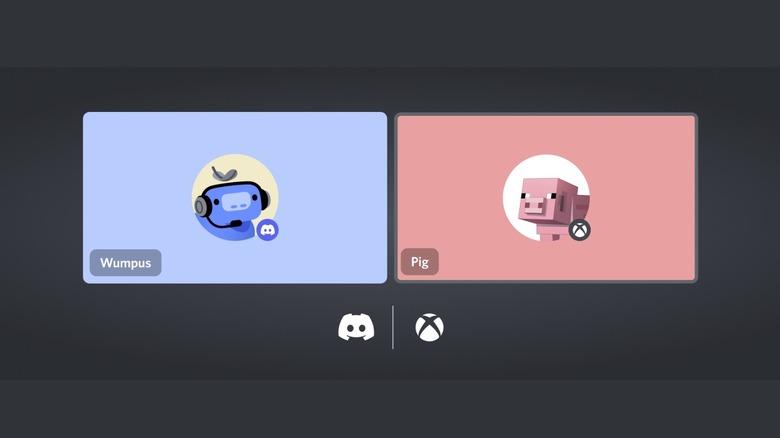
Cross-platform gameplay is pretty commonplace today, but syncing up with friends on other platforms can be a nightmare. The Xbox Series X solves this issue through its native Discord integration. Users can join channels directly through the Xbox guide sidebar, which creates a seamless social experience with no platform-specific limits on who you can or can't talk to. The overlay also allows gamers to mix the volume between game audio and voice chat, so no one will miss a footstep during a match.
However, gamers should be aware of the new age-verification requirements Discord is rolling out. Eventually, the platform will require users to verify their age with a face scan or an ID upload to access adult content or unblur sensitive material. While Discord uses an inference model for most adults, users may need to complete certain checks to access certain age-restricted communities or see direct messages from people they don't know. Everyone is in a teen-appropriate experience by default, so this shouldn't affect players' messaging and voice chatting to their friends, but it will affect streaming gameplay to them. Regardless of the changes, it's still a great way to voice chat while playing "Diablo IV" on a Series X with someone on Steam, for example.
Upgrade your audio with Dolby Atmos
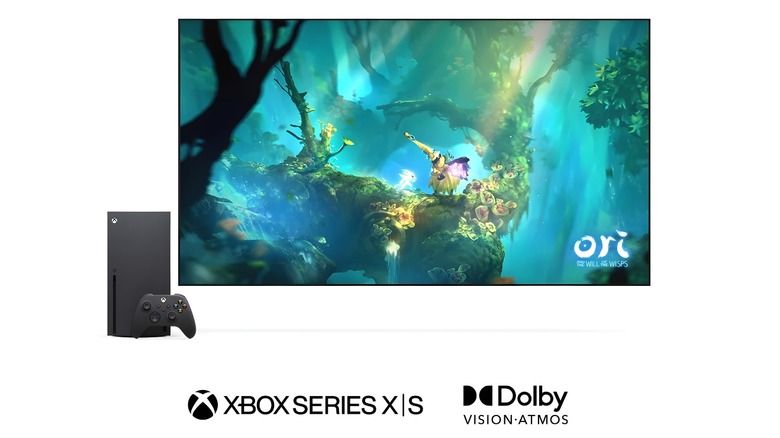
There's nothing wrong with standard stereo audio, but the Xbox Series X supports Dolby Atmos, which is a massive upgrade for anyone using a gaming headset. This spatial audio technology places sound in a three-dimensional space around the listener, allowing the listener to hear enemies approaching from behind or the exact height of a helicopter flying overhead with pinpoint accuracy. It's a significant advantage in competitive shooters where audio cues often mean the difference between winning and losing a match. It makes every explosion impactful and every environment more alive.
Kick things off by downloading the Dolby Access app from the Microsoft Store to activate the functionality. For those who use the Xbox Wireless Headset, the feature is usually included, but for other headsets, it requires a $14.99 one-time payment to permanently unlock the license. Once enabled in the audio output settings, the Series X processes sound to mimic a high-end theater setup in the user's ears. For those who take immersion seriously, this is the single best audio investment to make for gaming setups. It works with almost any pair of 3.5mm or wireless headphones a gamer already has. Other audio formats can't match its immersion and depth, so it's well worth trying.
Share your library using the Home Xbox feature
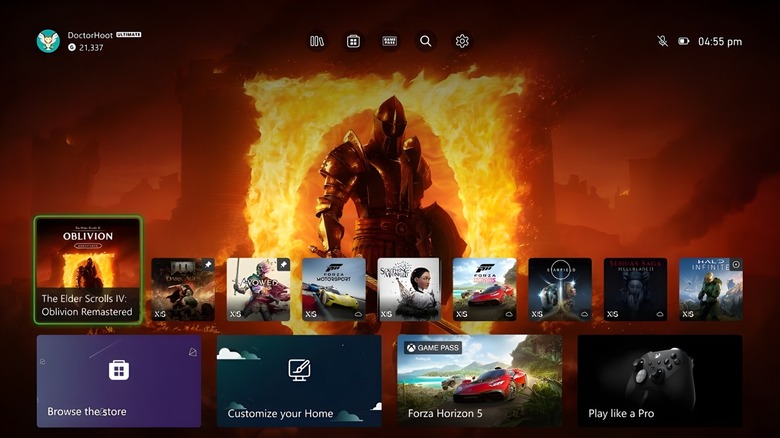
Gaming is an expensive hobby, but the Home Xbox feature can effectively cut software costs in half. This setting lets you designate a Series X as your primary device. Anyone else who signs in on your primary device can share digital games and your Game Pass subscription. If gamers have a trusted friend or family member in another room, they can swap Home designations to share libraries across two separate machines. Long story short, this allows two people to play the same digital copy of a game at the same time, potentially saving a household hundreds of dollars in game costs over the lifespan of the console.
To activate the Home Xbox feature, navigate to the personalization settings and select "My Home Xbox". Once the Series X is set as the primary Xbox, any user on that console can play digital games associated with your Microsoft account, even if you're not logged in. It's a powerful way to maximize the value of purchases and ensure a household has access to a massive library without having to buy multiple subscriptions. Just be aware that Microsoft limits this functionality to five changes per year, so don't share this access lightly.
Maximize your earnings with Microsoft Rewards
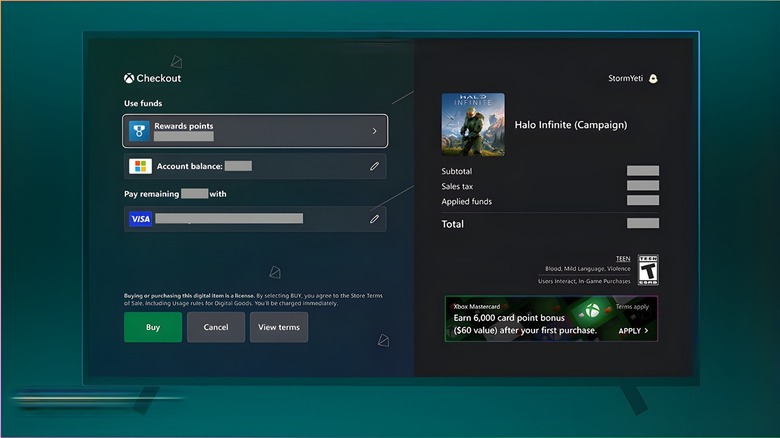
Most people ignore the Microsoft Rewards app, but it's essentially a free way to earn money while playing. By completing quests on the Xbox Series X, such as opening a specific game or earning an achievement, players can rack up points that can be redeemed for gift cards or Xbox Game Pass extensions. By being consistent, players can easily pay for their entire yearly Game Pass subscription using nothing but the points earned while gaming.
A major overhaul in May 2026 will introduce significant changes to how players earn these points. The system is moving towards the Silver and Gold tiers and includes a new Bing STAR Bonus offering up to 2,100 points per month. This new perk awards points for searches, which can be redeemed at the end of each month. You can find these tasks in the Rewards hub within a player's profile menu. Some Quests are daily, while others are monthly challenges that pay out thousands of points. Instead of using real-world money for the next $70 game, players can use accumulated rewards to take a few dollars off the price.