

Here's What The 'Battery Saver' On Your Android Phone Actually Does
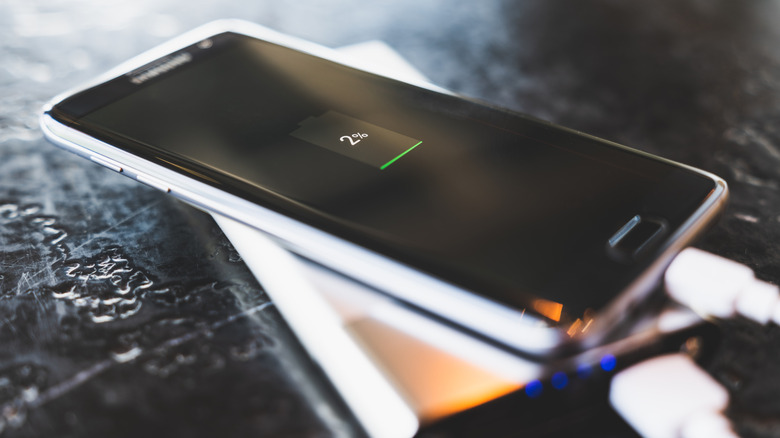
Let's set the scene: you're out and about using your phone, but since you are unaware of the habits that could be draining your phone battery, you're running out of juice really fast. To make matters worse, you're miles away from a charger, and it seems that you'll be stuck with a useless brick if you don't act quickly. As a last-ditch effort, you flip on Battery Saver, and in an instant, the screen becomes dim, the animations slow down, and your flagship starts operating like one of those minimalist phones.
What just happened? In the simplest terms, Battery Saver disables everything that's not the bare essentials. The goal is to make those final droplets of power last as long as possible, so the mode puts background apps on standby and turns down the brightness. The Battery Saver also gives the CPU a chill pill, making it run drastically slower to conserve power — open any of your usual apps and pay attention to how sluggish everything feels and how nerfed your phone's processor really is.
The mode is quite nifty in a pinch, sure. But unless you have an important phone call, it's less than optimal. Poor performance is something that you may be able to accept, but you'll also have to be prepared to miss messages and important alerts. Since apps stop receiving updates, they'll probably not operate normally. That time-critical email you're waiting for? Well, the notification won't come through unless you open the app. Even instant messaging apps get iffy, which can be stress-inducing if the convo is even remotely important.
How the Battery Saver nerfs your phone
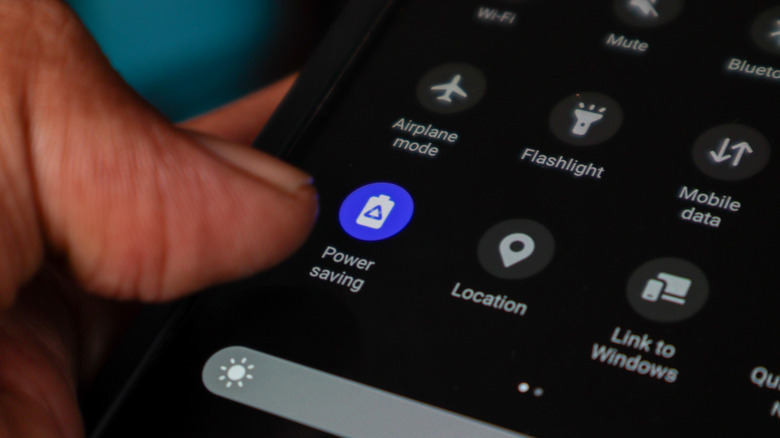
Tap the Battery Saver icon, and your phone instantly starts cleaning the clutter. The most noticeable change is in display brightness. The screen is a notorious energy hog that drains anywhere from 40% to 50% of the battery, so it naturally has to be dialed down. The feature also eliminates many processes, which results in some apps being unable to send notifications as Battery Saver prohibits apps from checking for updates in the background. In other words, any app that requires syncing data and continuous updates could misbehave. Think instant messaging applications, email, navigation apps, pretty much anything useful.
At the same time, the CPU goes into conservation mode, which may drastically slow the device down. Though some phones like the Samsung Galaxy allow you to fine-tune what its Power Saving mode axes (you can actually stop the CPU throttling), it decreases the CPU speed by 30%.
That's the regular battery saver. Most modern devices also have a form of extreme battery saving that dials the savings to 11, cutting everything from Wi-Fi to screen color to stretch out the remaining power as long as possible. Overall, you give up smoothness and brightness for some extra battery life while saying goodbye to any helpful features, which is more than annoying. Instead, it might be more useful to manually play with the settings to extend your device's battery life instead.
Is there a better way to conserve battery?
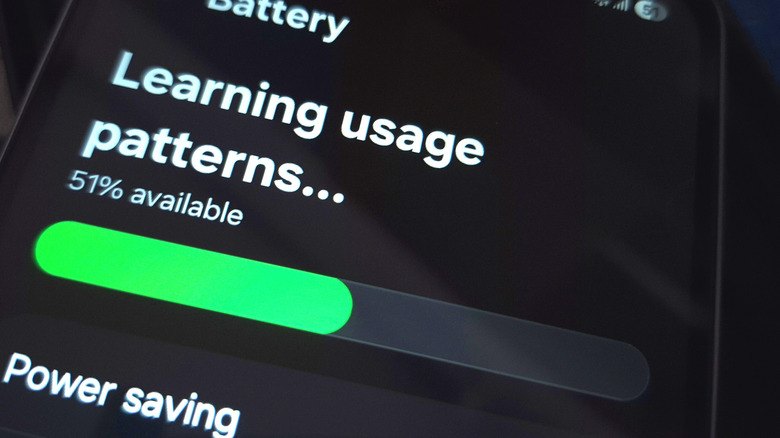
Your Android Battery Saver makes your phone a janky mess, so if you want to hold on to a semblance of normality, it's time to go manual. Just like turning off Bluetooth doesn't make a difference in extending battery life, Battery Saver may not conserve much charge. This is especially apparent on many modern devices where the operating system already manages power by tracking your usage patterns and fine-tuning app activity. In fact, with savings engaged, you may even find yourself refreshing applications like a mad person and actually end up negating any savings.
If you think your device will die on you fast, flip to Dark Mode. On OLED screens, this kills black pixels, so in addition to reducing eye strain, it conserves battery. You can take it a step further by checking the battery settings and shutting down apps wasting too many resources. Another good trick is to change permissions for location services: let them track your locations only when the app is in use.
Generally, doing these things will pay off in the long run as you'll get more mileage out of a single charge. When you minimize the overall battery drain, you run into problems less frequently. That way, there's no need to resort to extreme measures like Battery Saver that only cripple your phone and sacrifice your comfort for savings that are marginal at best.