

3 Disadvantages Of Buying An Apple TV
We may receive a commission on purchases made from links.
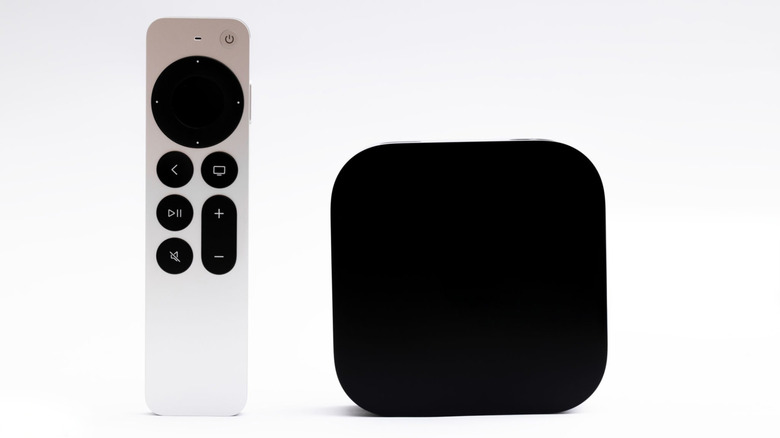
Apple TV 4K is often recommended as one of the best streaming devices, and for good reason. It offers an ad-free, clean, and easy-to-use interface and is one of the most powerful media streamers on the market. You also get apps for major streaming services, official apps for local media servers, and seamless integration with the rest of the Apple ecosystem. Moreover, the Apple streamer is also praised for its better privacy handling in a world where it's becoming increasingly hard to stop smart TVs and streaming devices from spying on user activity and collecting a ton of user data.
However, the Apple TV 4K is not without its drawbacks, particularly when you compare it to other streaming devices, such as Amazon, Roku, and Google's offerings, which don't cost as much and give you a similar feature set. Therefore, it's important to consider these disadvantages before you shell out the big bucks to buy an Apple TV 4K.
It's pretty expensive
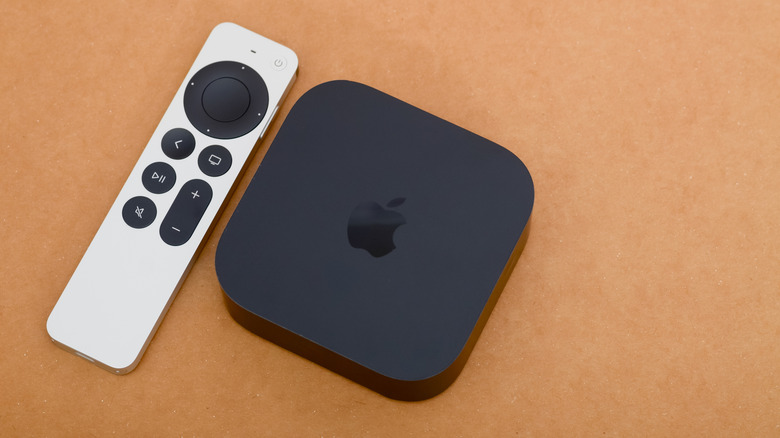
One of the biggest disadvantages of buying an Apple TV 4K is the hole it's going to leave in your wallet. It was already pretty expensive; however, the latest Apple price hike, an unfortunate result of rising component costs, has made it the most expensive media streamer on the market. While the base 64GB variant of the Apple TV 4K matches the $200 price tag of the Nvidia Shield TV Pro, its 128GB model costs $249. At the same price, you can buy two Google TV Streamers or two Roku Ultras and still have money left over for at least a few months of your streaming subscriptions. Amazon's Fire TV 4K Max is significantly more affordable.
Moreover, Apple doesn't supply any HDMI cable to connect the Apple TV 4K to your TV or a USB-C cable to charge the included Siri remote. Both of these will further increase your cost of ownership if you don't already have these cables in your home.
No raw audio passthrough or DTS audio format support
If you have a soundbar or an AV receiver and you want one of these devices to handle the raw audio coming from the content you're playing on Apple TV, you are out of luck. Apple TV 4K doesn't support raw audio passthrough, meaning it processes all the audio data it gets, including Dolby Atmos, converts it to uncompressed LPCM with Dolby MAT metadata (if present), and then sends it to your soundbar or receiver. Therefore, you are essentially dependent on Apple's processing for the audio quality. Apple was expected to add passthrough support with tvOS 26, but that didn't materialize. While not many of the mainstream streaming services use DTS audio right now, you may get DTS audio if you use a local media server for your own ripped discs.
Additionally, Apple TV 4K doesn't support any of the DTS audio formats, meaning when it encounters DTS audio, it falls back to uncompressed multi-channel PCM audio for playback. Many of Apple TV 4K's competitors support Dolby Audio passthrough. However, DTS audio format support and its pass-through are less common.
You need to be in the Apple ecosystem for the best experience
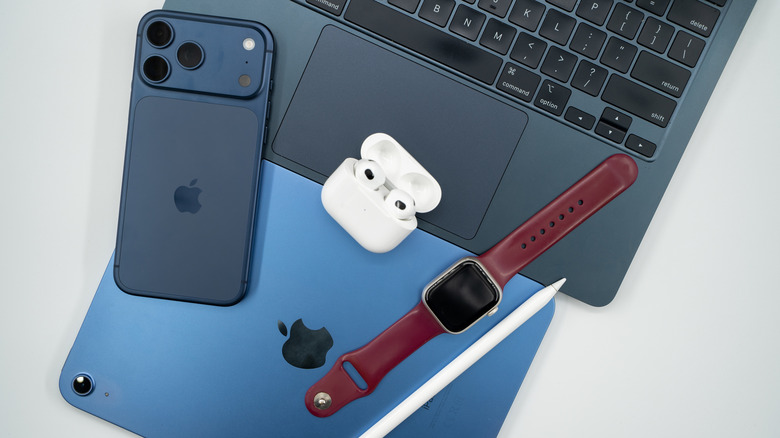
Apple TV 4K has many nifty features and services; however, a lot of these need you to be a part of the company's ecosystem for the best experience. For example, if you don't want to enter a password or username on a login page one character at a time, you need to have an iPhone or iPad to use the built-in remote feature to type anything seamlessly on your Apple TV. There is no app that you can download to your Android phone for this. The streaming media player allows you to calibrate its color output for more accurate visuals, which again requires you to have an iPhone.
Similarly, if you want to enjoy spatial audio or share audio with another person without disturbing everyone else in your household, you need AirPods or Beats headphones. Content casting from your phone is limited to AirPlay, and you can't do that easily from your Android phone.
Access to services like Apple Fitness+, Arcade, and FaceTime also takes you deeply into the company's ecosystem. Moreover, popular cloud gaming services aren't present on the platform, which is a big miss, as pretty much every other major smart TV platform supports one or more cloud gaming services, such as Nvidia GeForce Now, Amazon Luna, or Xbox Cloud Gaming.