

What Does The Flashing Light Mean On An Xbox Controller?
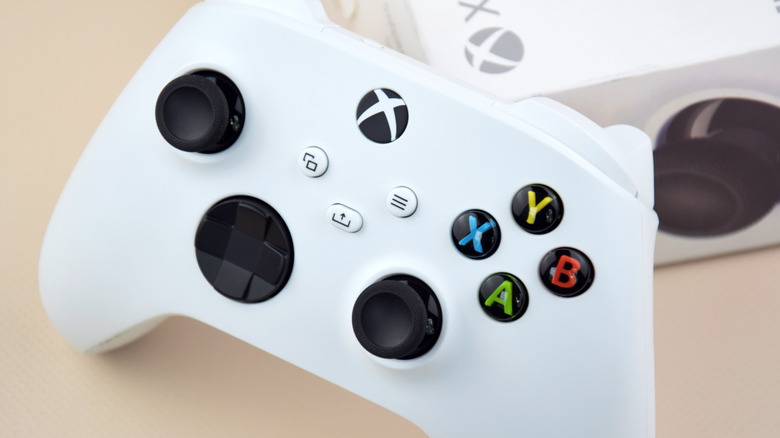
Whether it's a top-shelf or budget model, the backlight behind the Xbox logo button on an Xbox controller, besides being a simple indicator that the controller is powered on, can also alert you to specific procedures or issues with the controller's operation. For example, if the light begins flashing, it can mean one of two things: either your controller is pairing with a Bluetooth source, or it's already paired with one but can't find it.
This particular warning can be rather annoying, as it can signal a spontaneous wireless disconnection, likely while you were in the middle of playing something, or it can't even connect to whatever you were trying to play on in the first place. A wireless controller is useless if it can't maintain a steady connection, so you'll likely need to do a bit of troubleshooting to get it back on track, such as power-cycling the controller, running through the pairing process again, or switching to a wired connection. If all else fails, you may need to submit a request to Xbox Support. Xbox controllers don't last forever, unfortunately, so it may be time to replace it.
Flashing means the controller can't find its connection
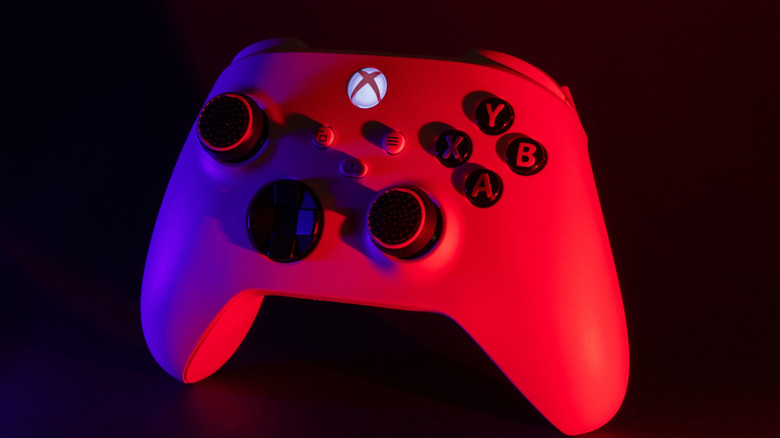
When you first get a wireless Xbox controller, you need to pair it to a source like an Xbox or your PC. When you press the pairing button and put the controller in pairing mode, the light will flash quickly to indicate it's ready to pair with another device. Once the devices are paired, the flashing should stop, and the light should turn solid.
However, if you turn your controller on and the light starts flashing at a slower rate without ever turning solid, it means the controller can't find the device you've paired it with. This can also, on occasion, happen even when the controller is already powered on, switching from a solid light to flashing if the connection suddenly drops out for some reason. An occasional disconnect is annoying, but the controller is supposed to reconnect on its own and, ideally, should be able to do so quickly without any further input from you. It's when the light just keeps flashing forever without ever turning solid again that you officially have a problem.
Power-cycling and re-pairing may help
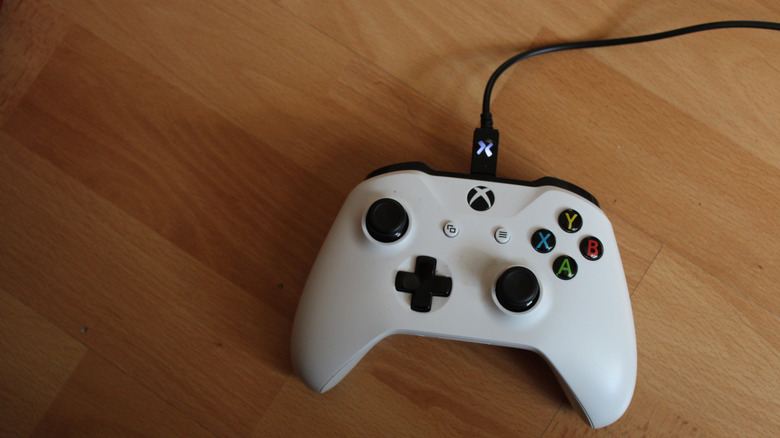
If your controller is stuck in a reconnecting cycle with a constantly flashing light, it might not be able to handle reconnecting to its source device on its own, which means it's time for some troubleshooting.
The first thing you should do is perform a clean power cycle of the controller. Hold the Xbox button for about ten seconds until it powers down, then press the button to power it back up. If your Xbox controller still uses batteries, try swapping them for fresh ones, and if it's rechargeable, make sure it's fully charged.
If the light is still flashing, you may want to try running through the pairing process again. Just press the pair button on your Xbox console or ensure your PC's Bluetooth is turned on, then press the pair button on the controller. The light should start flashing faster until the devices pair. If you can't get the wireless pairing to work, try connecting your controller directly to its source via its USB cable. You can also attempt a factory reset on the controller by holding its pair button for 20 seconds until it vibrates, then run the pair process one more time.
The last thing you can try before contacting Xbox Support is updating your controller's firmware. Connect it to your Xbox console with the USB cable, then open Settings and go to Devices & Connections> Accessories. Select your controller, click the three dots to see its current version, and select Update if one is available. You can also do this on a PC by plugging in the controller, opening the Xbox Accessories app, and selecting Update Firmware.