

Why Is Internet Speed Measured In Megabits Instead Of Megabytes?
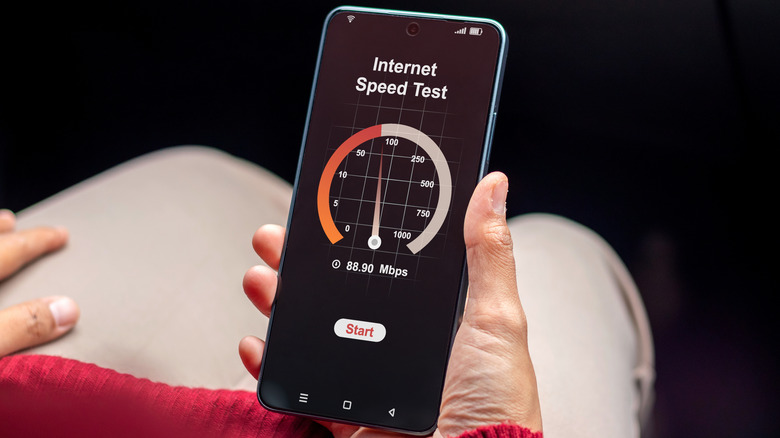
There's a lot of confusion surrounding internet speeds advertised by internet service providers (ISPs) and the actual download speeds you get. If you have ever run an internet speed test, you've probably noticed that the numbers shown in your results are closer to the advertised speed, even though it appears that the actual download speed is much lower. There's nothing wrong here — it just has to do with how internet speed is measured.
Your internet speed is measured in bits, while bytes are the more commonly used measure of storage. At its core, a bit is the smallest unit of digital information and either has a value of 0 or 1. A byte, on the other hand, is relatively larger, comprising eight bits. Since this is what systems care about from a storage standpoint, we measure file sizes in bytes. But for data transfer speeds, the bit has long been the standard since it represents the smallest form of data — and that's how data is delivered over the internet, one bit at a time.
Nowadays, you will almost never find internet speed or file size being measured in simple bits or bytes, respectively. That's because these are extremely small figures by modern standards and we are dealing with much larger files. Instead, megabits or megabytes are more commonly used now, which is essentially 1 million bits or bytes, respectively.
Bits make more sense for network speeds
When we talk about data transfer over a network or the internet, precision matters, and that's why bits or megabits emerge as the more suitable choice. Data transfer over the internet doesn't always happen in an orderly manner, as is the case with local file transfer on a PC. Apart from that, the data could be coming from different sources. So for precise measurements, bits are the better choice since they're the smallest unit of data, and this is what ISPs traditionally advertise.
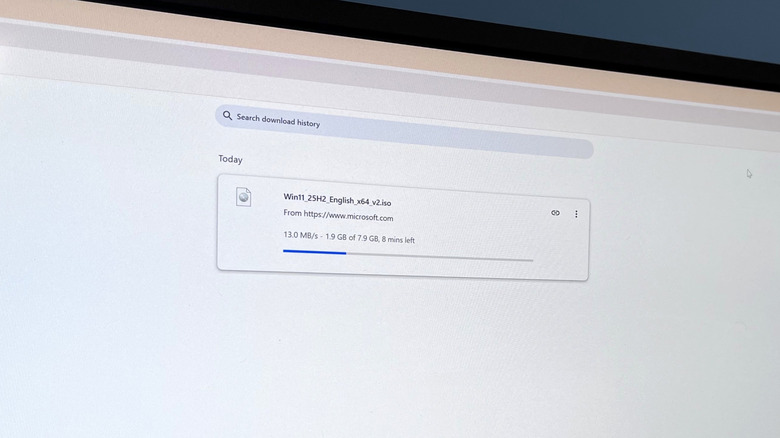
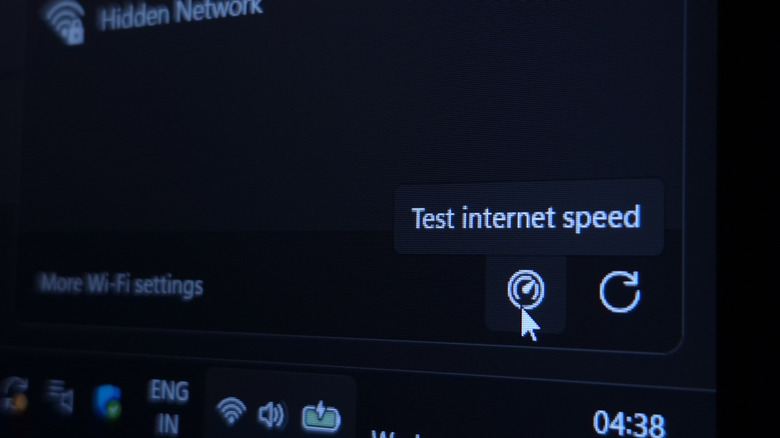
And this is where the confusion begins. When abbreviated, megabits per second (Mbps or Mb/s) and megabytes per second (MBps or MB/s) look very similar. But the thing to remember is that lowercase "b" represents bits, while uppercase "B" represents bytes. Additionally, when you run a speed test, it shows the internet speed in megabits per second, while browsers like Google Chrome typically show it in megabytes per second. For the average user, the two represent the same thing, your internet speed.
As for storage drives, whether they're an HDD or SSD, these store data in the form of bytes, a collection of eight bits, instead of the smallest unit. That's why when we refer to the capacity of the drive or the size of files, it's usually in kilobytes (KB), megabytes (MB), gigabytes (GB), terabytes (TB), petabytes (PB), and so on. As a result, the transfer speeds you see on PCs are also in megabytes per second (MB/s).
Converting megabits into megabytes
If you want to convert Mbps into MBps, just divide the former by eight. Similarly, to convert MB/s to Mb/s, multiply the former by eight.
For instance, if your internet speed is 200 Mbps, the math works out to 25 MBps (200 Mbps / 8). Ignoring overhead and other real-world limits, this means it would take about one second to download a 25 MB file. Of course, the actual download speed is comparatively lower since there are a lot of factors at play, including optimal router placement, wireless interference from other devices, as well as the speed of the download source itself.
So, the next time your ISP tells you the internet speed in Mbps, while your browser shows it in MBps, just remember that they are using different units for the same thing. The former is the adopted standard for measuring data transfer rates, while systems better understand the latter, given how file sizes are measured.