

5 Useful Tools For Cleaning Your Devices Properly
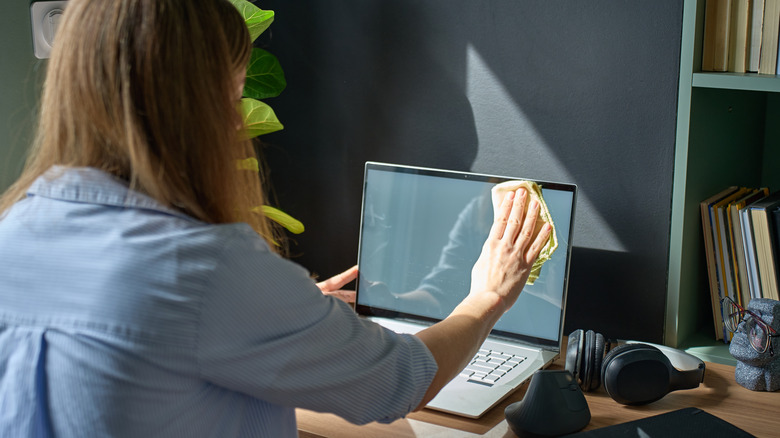
We may receive a commission on purchases made from links.
For as much as electronic devices aid everyone in their daily lives, it's not a one-way street. Those electronics might provide a service, but you have to provide them a service in turn, specifically in the form of regular cleaning and upkeep. While there are some doodads you can find around the house to help in this endeavor, you should also keep a few specialized, multipurpose tools and supplies on hand like microfiber cloths, compressed air, and isopropyl alcohol.
You can't clean an electronic device the same way you would a picture frame on the wall or a rotary fan. Modern devices have many sensitive components and ports, and if they're mistreated, they could malfunction or break entirely, leaving you with an expensive paperweight. By keeping the right tools on hand and knowing how to use them, you can safely service all kinds of devices, including smartphones, earbuds, PCs, game controllers and consoles, and more.
Microfiber cloths
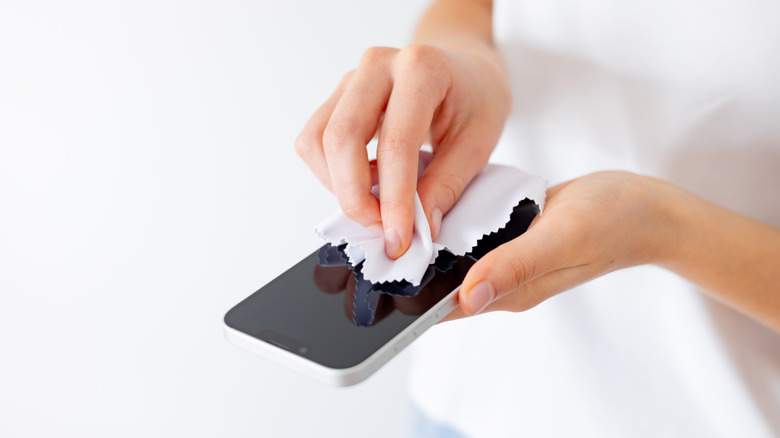
The first and foremost tool for just about any electronics cleaning endeavor is a tall stack of microfiber cloths. As opposed to a regular rag or towel, which may be made with thick, rough fibers that could scratch sensitive components, a microfiber cloth is composed of a series of smaller, softer fibers, which make it much more proficient at capturing fine particulates like dust and crumbs. Just about any device's external surface could benefit from a few quick swipes with a microfiber cloth, and they're also great for cleaning delicate screens like your smartphone screen or PC monitor.
To clarify, there are a few different types of microfiber cloth intended for different cleaning purposes. Larger, thicker cloths are intended more for household or automotive cleaning, while smaller, more delicate cloths are better-suited for detailed electronics work. You can use a thicker cloth for cleaning the exteriors of PCs or game consoles, but they shouldn't be used with screens. Something like MagicFiber Microfiber Cleaning cloths, which are also soft enough to use with eyeglasses, would be better for cleaning screens.
Compressed air and air dusters
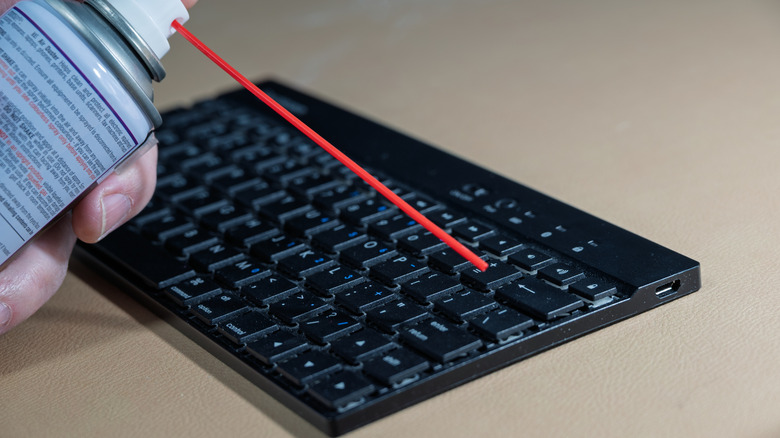
The tricky thing about cleaning electronics is that dust and small particulates have a tendency to accumulate both in places you can't physically reach with your hands or that you shouldn't physically touch. How are you supposed to remove all of that crud if you can't or shouldn't touch something? The answer is surprisingly simple: just use air. Specifically, use compressed air, a simple can that sprays air in a high-pressure stream, perfect for blowing away dust and dislodging stubborn crumbs.
Whether you're cleaning out the internals of your PC, getting the gunk out of your phone's vents, or dislodging particulates from the edges of a monitor or TV, compressed air is an excellent way to remove dust and debris from any electronic in your home. There are a couple of small problems with compressed air cans, though. First, they eventually run out and need to be replaced.
Additionally, their use of aerosol and bittering agents can be problematic from a health and environmental standpoint. To solve both of these problems, you can opt to use an electronic air duster instead. Various devices, such as the O2 Hurricane Airless Duster, generate a comparable stream of air for cleaning with an internal motor. As long as you've got a spot to plug it in, it'll never run out of air to spray, and you don't need to worry about aerosol or bittering agents.
Cleaning putty and gel
Something you might not like to think about is how much of yourself you're leaving on the devices you touch regularly. The human body produces a variety of oils and waxy substances, which have a tendency to accumulate in and on things you touch, like earwax in earbuds, smudges on keyboards, and clumpy accumulations of skin and dust in phone charging ports. Frankly, you should be cleaning your keyboard more than your bathroom for this very reason.
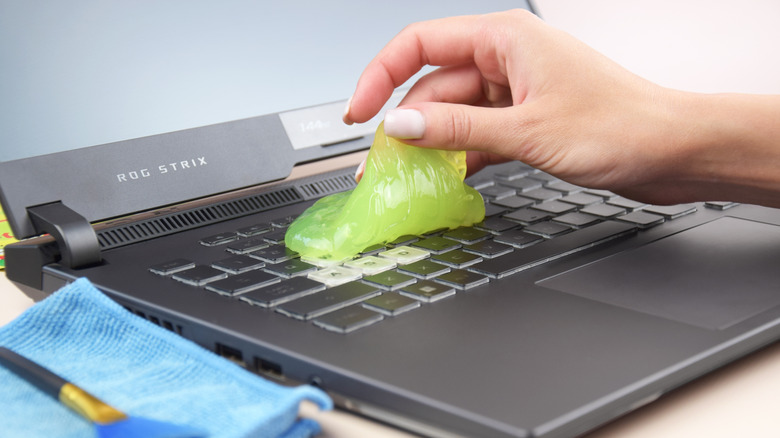
It's not pleasant to think about, but luckily, there is a way to deal with sticky messes in particular. Just use some cleaning putty and fight stickiness with stickiness. Electronic cleaning putty, such as Stikki Electronic Putty or Colorcoral Cleaning Gel, is a sticky substance designed to be pressed into ports and tight spots on and around your devices and capture stuck-on messes.
You can press some into your phone's charging port to grab a big clump of dust, into your earbud speaker to clean out wax, and into the grooves and wedges between your keyboard keys to clean up skin oils and sticky crumbs. These kinds of putties are specially formulated to leave no residue behind and are generally gentle on your devices' ports and speaker grilles. So as long as you press with a gentle touch, you don't need to worry about them damaging anything.
Isopropyl alcohol
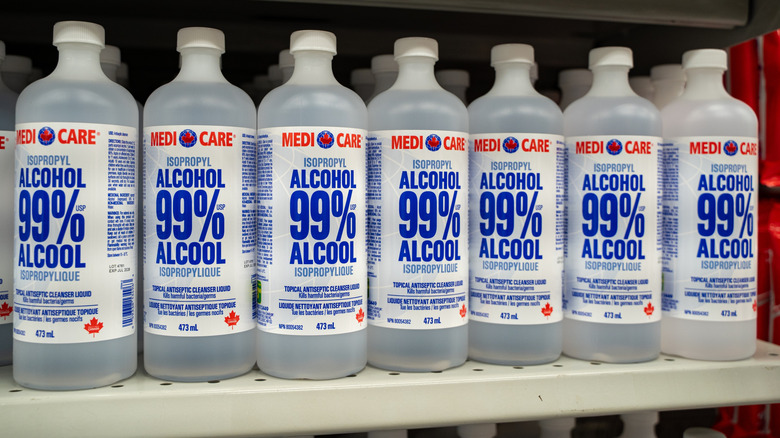
Water and electronics don't mix, full stop. Even a little too much water on just about any kind of device, even just from ambient humidity, could result in dangerous sparks that end up easily and irreparably breaking your computer or other devices. Unfortunately, you sometimes need a little bit of extra cleaning power that you can't get out of a dry microfiber cloth or cotton swab alone. If water's off the table, the next best option is something that can provide that extra cleaning prowess without leaving dangerous wet streaks. Something, perhaps, like isopropyl alcohol.
Isopropyl alcohol (IPA) is possibly one of the only device-cleaning tools you may happen to have already lying around the house. It's a great all-purpose cleaning solution, but what makes it especially valuable for electronics is that it quickly dries on its own and doesn't leave any streaks or residue, as opposed to water, which can hang around and seep into spots you don't want it to be.
You can use IPA to clean stubborn stains off all kinds of devices, including keyboards, phone screens and monitors, game controllers, and laptop and PC exteriors. You can get generic 99% IPA at most supermarkets, or buy it in large quantities on Amazon and load it into a dedicated dispenser. Just remember to wear nitrile gloves while you use it, as it can be a mild skin irritant.
Parts organizer mat
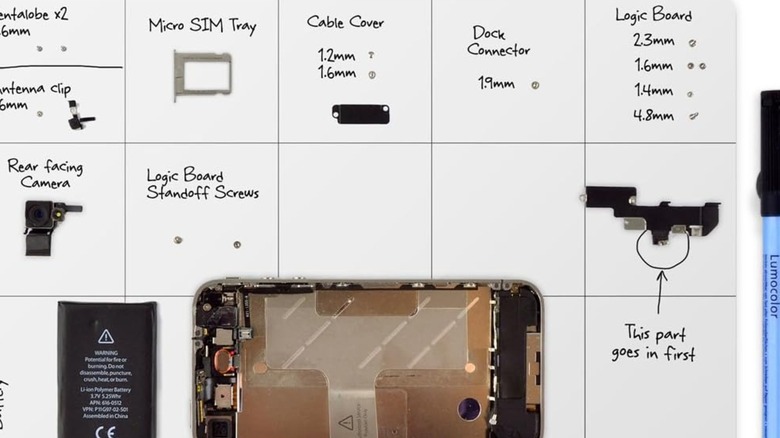
If you have a device that's in particularly severe need of cleaning, you may need to partially or even completely disassemble it so you can really get at the internals with compressed air. Even if you're only removing a couple of components, you can't just drop them on the floor; they could roll and bounce away behind something, or start to accumulate dust and crud, becoming unsafe to reinsert into the device when you're done. If you're planning on performing detail work, you should get a parts organizer mat and carefully place every part you remove on it.
Something like the iFixit Magnetic Project Mat gives you a clean, flat surface to place any parts you remove from your devices during a deep clean, with its magnetized surface preventing anything from rolling away and getting lost. Even if you're not cleaning anything metal, it's still a great tool to have for things like the plastic buttons of your game controller or the plastic casing of your earbuds. Plus, these mats are made with easy-clean materials, so you can just wipe them down after everything's put back together.