

You Can Unlock New Updates For Old Android Phones Using This Loophole
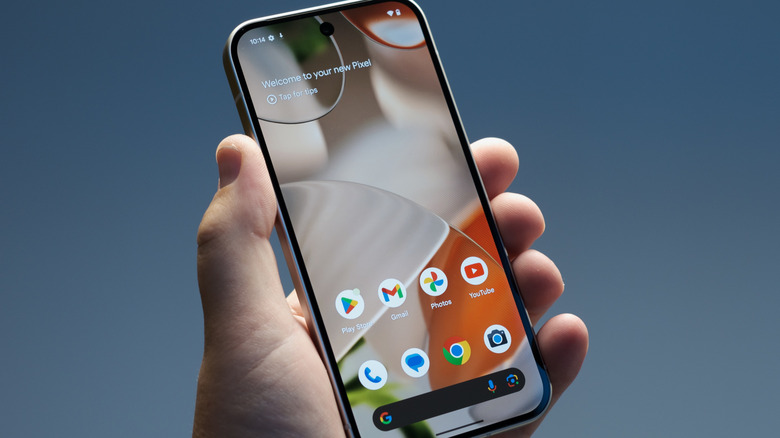
Like it or not, your Android phone has an "end of life" date just like any smartphone. The day your device no longer receives major Android operating system updates and security updates is the day you should consider buying a new device to ensure you have access to the latest software features and security protections that safeguard your digital data. The good news is that the longest software support guarantees for Android smartphones reach seven years for dozens of models. Security updates are also guaranteed up to seven years for these devices. But many Android users may own older devices that will reach that end-of-life point soon. Before deciding which new Android model to buy, users should know there's an unofficial way to extend software support on their old device via a loophole Android vendors will not mention: LineageOS.
Unless you've installed a custom version of Android before, LineageOS won't sound familiar. This unofficial Android operating system has been available for about a decade under the LineageOS name, with roots tracing as far back as 2009 if you count its CyanogenMod history. More tech-savvy Android users who wanted to run an alternative Android version to what's offered by Google and its partners may have installed LineageOS versions in the past. In addition to prolonging software support beyond what a vendor would offer, LineageOS has other benefits, like allowing users to "de-Google" their devices by reducing or eliminating the Google apps that may come preinstalled on Pixel phones, Galaxy S devices, and various other Android handsets.
Similarly, installing LineageOS can eliminate the AI features that come preloaded in modern commercial versions of Android. In turn, phones that can support LineageOS may run a little smoother than before, as the bare-bones Android experience may be more efficient than the default version.
Things to know before installing LineageOS on your Android device
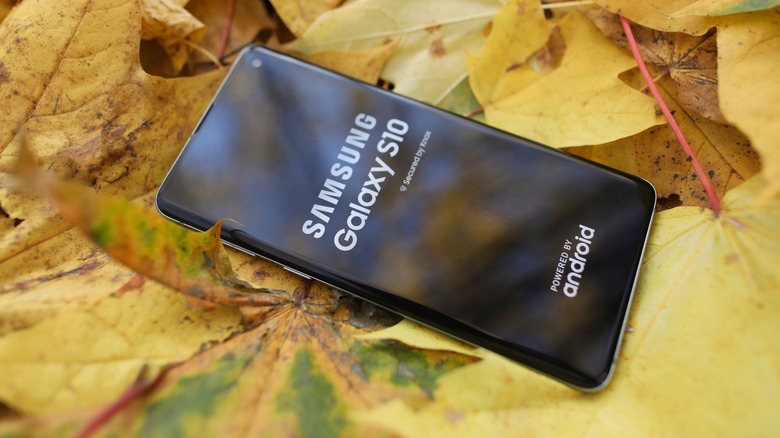
The Android version that runs on Google phones like the Pixel 10 series is made and maintained by Google. The One UI Android version Samsung develops for its handsets is based on Google's Android, but with specific customizations. For example, Samsung creates its own user interface and has its own set of AI features under the Galaxy AI platform. Each vendor follows a similar playbook. LineageOS is also based on the latest version of Android, up to Android 16 as of this writing, but it doesn't come from a smartphone vendor or a company. Instead, it's developed and maintained by a community of Android enthusiasts.
In other words, installing a custom Android alternative instead of the official Android release for a specific device can be tricky and may lead to some temporary issues. For example, mistakes during the installation process may lead to data wipes and temporarily making the handset unusable. Users should consider backing up their data before installing a custom ROM like LineageOS on their old handset. Also, users may skip the step of installing the Google Play Store when first flashing the software. Even after a successful install, the Android phone may run into specific issues with certain apps, including the phone's camera app, which may no longer include proprietary processing features that were part of the original Android release.
Any issues would have to be resolved by the user and the community, rather than the handset vendor. Companies may refuse to service the phone once a custom Android OS is installed, and the warranty may be voided (if it's still applicable). While guides exist online, that may be the only support available.
How to install LineageOS and which phones can run the OS?
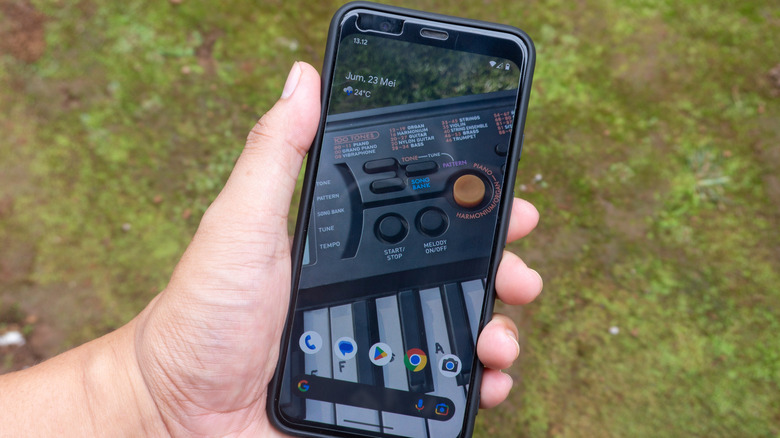
Before worrying about troubleshooting potential issues, users should be concerned with LineageOS compatibility. Each phone model requires a specific LineageOS version, which users will have to download and flash on their devices. Importantly, only those handsets that come with an unlockable bootloader can run Android forks like LineageOS. Devices with locked bootloaders will not be able to install any custom operating system at any point during their lifetime. Once these devices reach their end of life, they won't run LineageOS or other alternatives.
The good news is that users who want to give LineageOS a try have an official website that covers all supported devices. The LineageOS Wiki warns users from the start that they'll have to ensure the exact phone they own can be updated to LineageOS. For example, the Pixel category includes models spanning from the original Pixel to the Pixel 9 series. But Pixel 10 models aren't on the list as of this writing.
Clicking on a specific model will open a page that offers details about the handset, download links, and support links. For example, the 2019 Pixel 4 model, which Google supported from Android 10 through Android 13, can be updated to Android 16 via LineageOS version 23.2. This allows the old Android device to run some of the latest features in Android 16 even though Google doesn't support the model. On the other hand, all Pixel phones launched since the Pixel 8 series will receive seven years of updates, so they won't necessarily require a port to LineageOS anytime soon.