

Why Your Phone Screen Looks Worse In Sunlight (And How To Fix It)
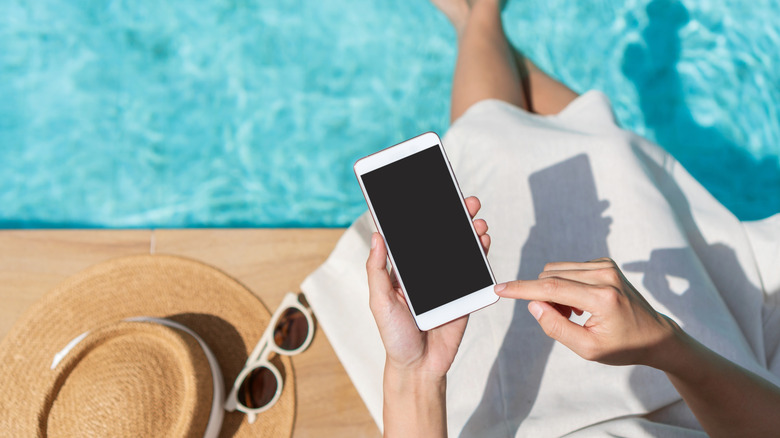
Today's phone screens are incredibly bright and vivid for the most part, with some of the best displays on the market showing up in devices like the Galaxy S26 Ultra and iPhone 17 Pro Max. However, as impressive as those screens are, they don't always perform well in bright environments and there's a chance that your phone's screen will look worse on a sunny day. The Android phone screens that do look great in bright sunlight fix this problem with a high maximum brightness level, anti-glare coatings, and unique technology offerings, like the OnePlus 15's Sun Display feature.
But how can you combat bright sunlight when you're outdoors if you don't have one of the latest and greatest phones? Without making any device or software settings modifications, you can simply move to an area with more shade, put on polarized sunglasses, and tilt your device 90 degrees to improve viewing angles. Perhaps the best way to improve the experience, however, is to install an anti-glare screen protector that works like the integrated coatings applied to flagship models.
Software settings you can change
Before you go with an anti-glare screen protector, there are software settings that may help. Be aware that the reliability of these adjustments depends on the display technology in your device, its maximum brightness settings, and capabilities. You'll also likely see different performance depending on location. For example, if you're outside on a sunny day, but out of the sun's direct path, these fixes will offer better results than, say, sitting on the beach. Living in Florida, I know this all too well.
To adjust, open your phone's settings and turn off the auto-brightness mode. Some will say to keep this on, but turning it off allows you to manually adjust brightness and leave it at an optimal setting. If you see your iPhone's brightness suddenly drop by itself – that's likely the auto-brightness setting. Disabling this feature can also give you access to a higher brightness ceiling, which is the case with a simple trick for increasing brightness on Google Pixel phones.
From there, adjust the brightness slider to maximum. This will drain your battery faster than usual, so keep that in mind. On devices like the Galaxy S25+, you can also activate an extra brightness mode. In other cases, you might find a dark mode that swaps the bright white background on your display for a darker version. System accessibility settings can also work by adjusting color tint options. Ultimately, there is no universal fix, so you'll have to adjust various phone settings to determine which configuration works best for you.