

Why Do Optical Computer Mice Always Use Red Lights?
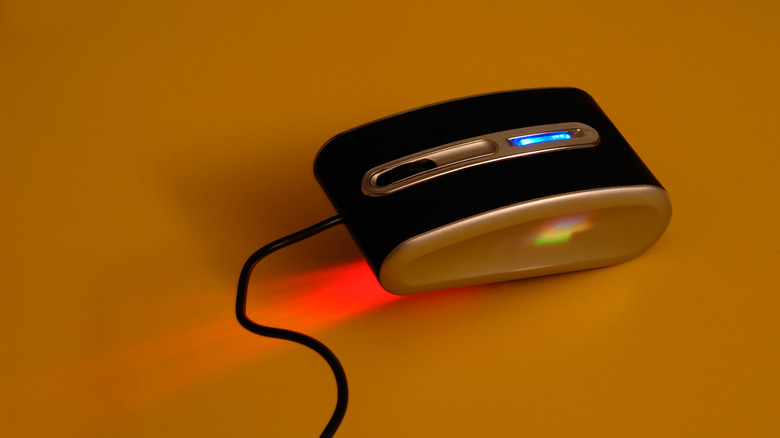
It's crazy to think that the mouse, a gadget synonymous with computers, was invented while The Beatles were still together. The prototype sprang to life in 1968, and just a few iterations later, it became the go-to input method for computer whizzes everywhere. Even today, when you stack up a mouse against a laptop touchpad, the "old reliable" is faster, more precise, and in many cases, simply more comfortable.
Though using one is second nature to so many, there are still a few interesting things you can do with a mouse that you may not be aware of. Still, that's not where the mystery ends. Turn your optical mouse upside down and watch the light flicker. Chances are, that light is red. Is there any particular rhyme or reason behind the choice of color? Why do optical computer mice always seem to use red lights?
Believe it or not, it's down to two things: slightly better operation and cheaper cost. Optical mice use a tiny LED diode to bounce light off the surface they're resting on, then a CMOS sensor, which is usually silicon-based, collects the reflected light. Since red can be easier for silicon sensors to detect than shorter-wavelength colors like blue, it may help the mouse detect tiny movements a bit better. Of course, that doesn't mean different-colored diodes don't work, but red diodes are plentiful and, more importantly, quite cheap. So, in a sense, switching to, say, blue, would be overkill (looking at you, Microsoft).
Are there different-colored lights on computer mice?
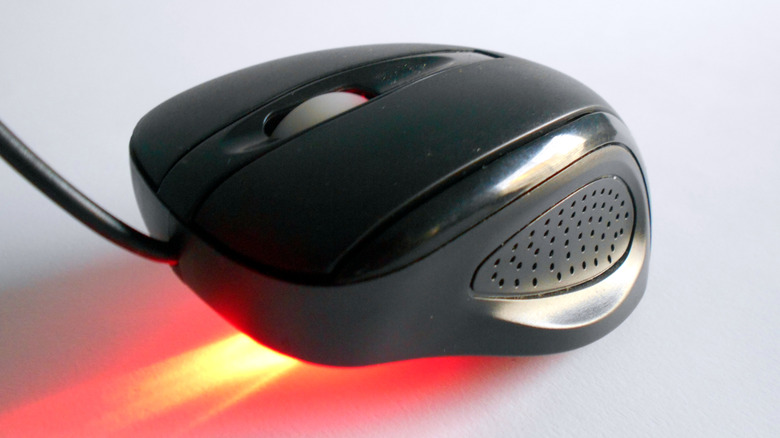
Despite their affordable price, optical mice are actually quite high-tech. Think of a mouse as a primitive camera that takes thousands of images of your desk in a single second. The aforementioned CMOS sensor then sends them into a DSP, which detects if patterns have changed in a sequence of images. It analyzes where and how far the mouse moved, and voilà, your computer translates all this into cursor movements. While the red light is more "reflective," this isn't a rule that can't be broken.
For instance, one Redditor changed the diode in his mouse to blue. A commenter pointed out that the sensor probably won't register movements on orange or yellow mousepads. Yet, the person who started the thread said that it worked fine even on those particular surfaces. And it's not just gamers doing superfluous mods. Even Microsoft experimented with a different-colored diode in its BlueTrack mouse, claiming that a blue light could provide a higher contrast.
At the end of the day, it doesn't make a life-changing impact on how the mouse performs, so it doesn't justify the cost of moving away from what's considered a standard. That's why most optical computer mice are red: If it ain't broke, don't fix it. This is especially true if it's going to make the end product even marginally more expensive to produce in a time when some gadgets are seeing price hikes due to supply shortages.