

What's The Fastest Charging Speed For An iPad?
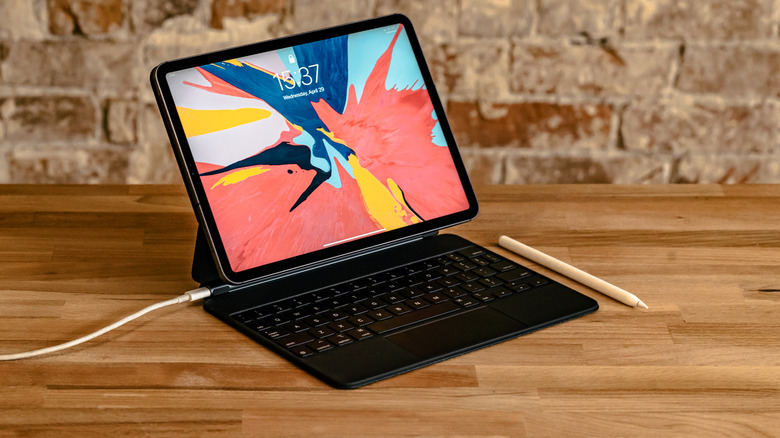
Battery life is a critical part of any device, and the type of charging technology built in can be the difference between a quick juice-up or a slow recharge. Some newer devices, like last year's iPhone 17 series, have fast charging, meaning they can power up to 50% battery life in around 30 minutes. But as of now, the only Apple tablet with that capability is the iPad Pro M5.
In order to fast charge the iPad Pro M5, Apple says users need a power brick rated to at least 60W. The previous model, the iPad Pro M4, supported up to 38W, others, such as the iPad Air M2, supported 30W.
The iPad Mini, and older iPads, might take longer to charge. For example, a regulatory filing revealed that 2024's iPad mini 7 uses a 20W charger, which can take up to two hours to fully recharge the battery.
All these different chargers can get confusing. Even worse, Apple doesn't always include the most capable chargers in the box, opting instead to ship smaller ones like a 20W for the iPad Pro M5. In response, some people purchase much more powerful chargers, effectively replacing the different ones for each device.
Is it okay to use a more powerful charger on the iPad?
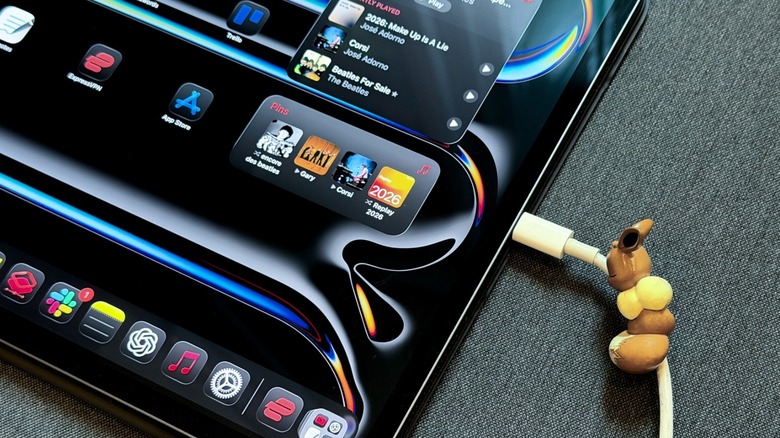
Rest assured, you can use a much more powerful charger on your iPad, even if it doesn't support fast charging capabilities. The tablet, like most devices, is capable of asking for only the amount of power it can handle, even if a charger is rated for 100W. Using more powerful chargers will not affect the iPad's battery life either.
The biggest impact on a battery is how it's used, and the ambient temperature it's in. For example, if you're performing activities like editing a video or playing a game, it could take longer to get to full battery. Similarly, Apple suggests using and recharging an iPad in moderate environments, with temperatures lower than 95 degrees Fahrenheit. The good news though is it's safe to charge your iPad overnight.
The most common rules to protect your device's battery are to never use counterfeit chargers or cables, never leave your device charging on a bed, pillow, or other items designed to keep you warm. Also, avoid leaving it in direct sunlight, especially while charging.
Even though tests suggest that limiting the battery life of your device might not make a lot of difference over the years, some Apple devices will delay charging past 80%, in an effort to preserve the battery's health over multiple cycles.