

What The Flashing Light On Your Google Pixel Means While Charging
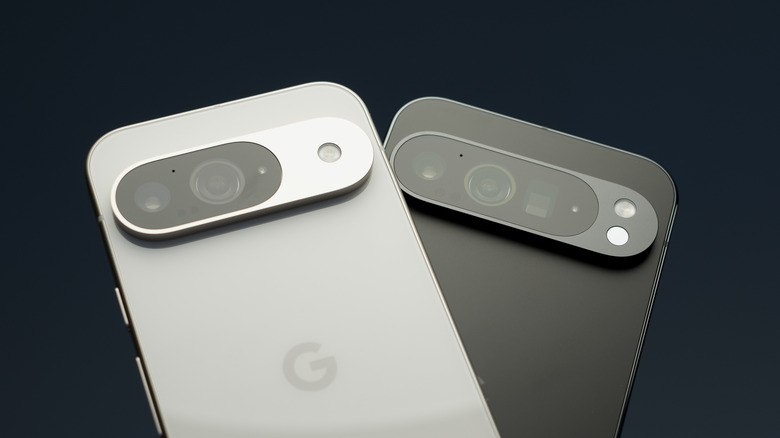
If you're wondering why your Google Pixel is flashing a light, the answer depends heavily on what generation Pixel you own and the type of flashing you're seeing. A screen flashing a certain color while you're connected to a charger can be very different from it flickering and repeatedly waking up. Certain features can also cause the flashlight on the back of your phone to blink, and if you have a first- or second-generation Pixel phone, you might be wondering what the red blinking LED means.
A red blinking light on your Pixel 1 or Pixel 2 means that the phone's battery is completely depleted. This can happen when you haven't used the phone in a long while and shows that it needs to be charged before you can use it again. If the red light stays on even after you leave it charging for a while, it likely means your phone isn't charging. Either there's an issue with the battery, or you're using a faulty charger or cable. Switching to a different charging brick or using a Google-certified cable solves the latter issue, but if it doesn't, you'll likely need to replace your phone's battery.
One method to wake your phone up from this state is to use Fastboot mode. Hold down the power and volume down buttons until the Fastboot menu opens, then reset the phone from there. Alternatively, if it's a system issue, you can perform a factory reset.
Screen blinking can mean a faulty charger or cable
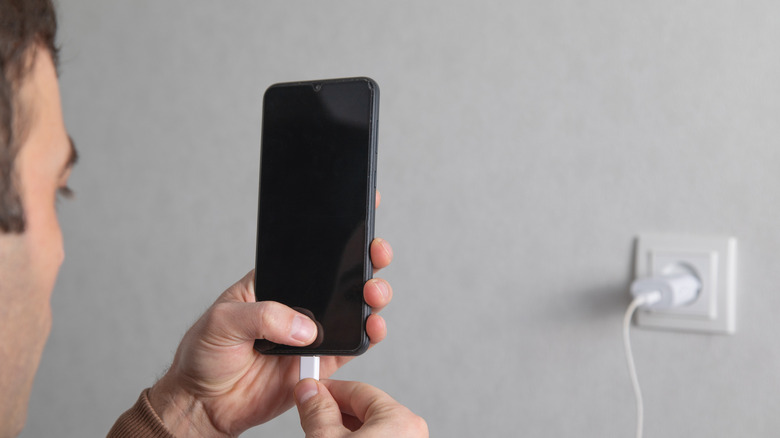
Another thing that can occur while you're charging your Google Pixel phone is the screen blinking and flashing on and off. This is often accompanied by slower charge times or the phone completely refusing to charge, but not always. The reason is that your Pixel repeatedly disconnects from the charger, causing the screen to wake each time it reconnects.
This is incredibly dangerous, as it can cause permanent degradation to your phone's battery. The issue most often occurs with faulty bargain-bin chargers, which is why you should never get cheap charging bricks. Similarly, a bad USB-C cable can be the culprit here, and switching to a different charger and cable can solve the issue.
Even if you're sure you're using a good charger from a reputable brand, it's still a good idea to switch to a different one to ensure the charger isn't at fault, as users online report that some chargers that work fine with other phones cause this issue on Pixels, such as certain ones from Anker. If the issue persists even with different chargers, it's worth cleaning your phone's charging port before you send it off for repair or consider replacing it.
Camera flash and screen flash

Your Google Pixel flashing or blinking isn't always due to an issue; sometimes it's a feature you might've accidentally enabled. There's a chance that your phone flashes to alert you of incoming notifications if you have the Flash notification setting turned on.
There are two separate toggles inside Flash notifications. If it's your Google Pixel's flashlight or camera that's blinking or flashing, then you have Camera flash turned on. This flickers the flashlight on the back of your phone whenever you receive a notification, get a call, or trigger an alarm. Similarly, your Pixel's screen might flash a color — green, yellow, blue, among others — if you receive a notification while charging with Screen flash turned on.
You can disable either feature from the Settings app on your Pixel smartphone. Open the app, scroll down until you find Flash notifications, and then disable whichever one is turned on from here. You can also disable this option in the Accessibility menu in Settings.