

What Does A Flashing Light Mean On A Soundbar?
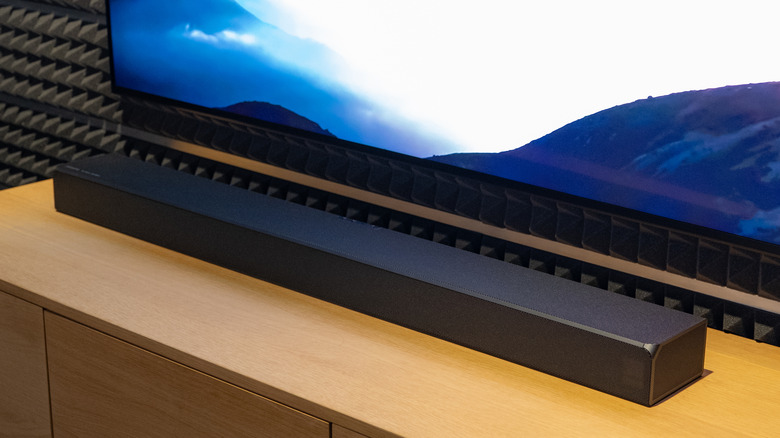
Between soundbars and speakers, the former is the go-to option if you're after simplicity and ease of setup for your TV. They might not be as immersive as surround speakers, but they're usually enough for binge-watching your favorite series or playing casual games. The best part is that soundbars are generally plug-and-play devices, and as soon as you connect one to your TV, you should be good to go.
But that isn't to say they're completely free from quirks. From time to time, you might encounter an unfamiliar behavior that will leave you scratching your head, one of which is a flashing light. Flashing lights on a soundbar can mean many different things. To help you pinpoint the exact meaning, we've rounded up some of the most common reasons behind this behavior.
Just a disclaimer, though, this piece isn't an exhaustive list of all the possibilities why your soundbar LED is flashing. Instead, it's a general guideline on what the blinks could mean across different brands. For simplicity's sake, we separated the reasons into two broad categories: normal operation status lights and error lights.
Normal operation status lights
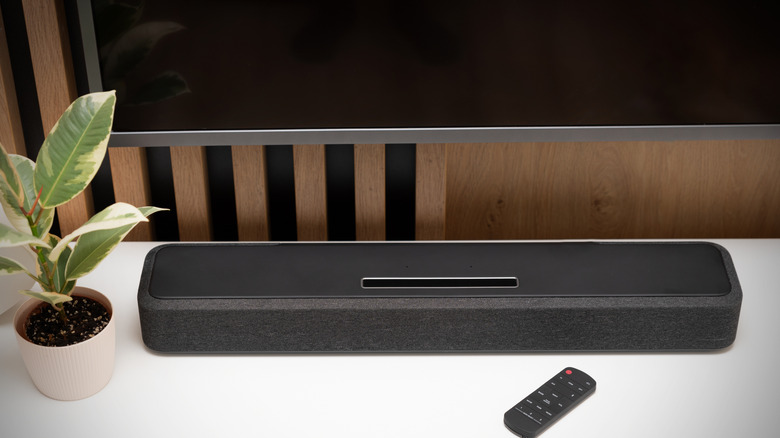
Your soundbar's LED can start blinking during normal operation to indicate the status of the device. For most popular soundbars, this flashing light is often related to Bluetooth. The indicator LED blinks blue on Sonos, Sony, Sennheiser, and LG soundbars, for example, when Bluetooth pairing is active. Meanwhile, some Samsung soundbars flash in different colors while Bluetooth is pairing, then switch to blinking cyan once the connection is successful. On Bose models, a blue light flashes when the device is ready for pairing and a flashing white light while it's connecting to a Bluetooth device.
Besides Bluetooth pairing, there are other potential reasons why your soundbar is flashing:
- Powering on: A flashing LED on your soundbar can simply mean that it's powering on. Sonos and Sony models flash a white light when you turn them on, while LG flashes a red light.
- Software updating: If you updated your soundbar firmware, the device might show a blinking light. On Sonos, the LED alternates between orange and white; Sony switches between blue and white; and Sennheiser just flashes yellow.
- Reset in progress: Resets can also make your soundbar's LED start flashing. On specific Samsung models, you'll see white, cyan, and red blinks. On Sony, it's blue and white flashes, and on Sonos, it's orange and white. Meanwhile, Sennheiser soundbars just blink orange.
- Soundbar muted: Your soundbar sometimes flashes a light when it's muted. That's the case for LG models, which blink yellow, and Sony models, which flash white.
There are several other instances when your soundbar will show a blinking light. A Sonos soundbar, for example, might cycle through a blinking red, white, orange, and green when hardware diagnostic mode is active. The LEDs on Bose soundbars, on the other hand, flash when you have a notification.
Error lights
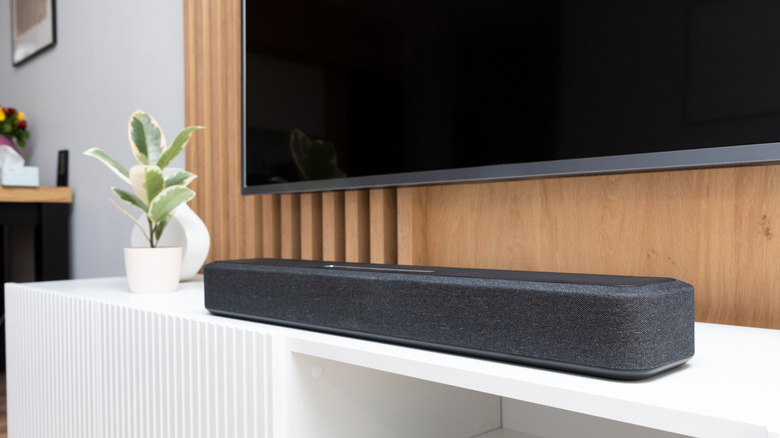
If your soundbar runs into an issue, it will display a flashing LED indicator to notify you. Often, it's related to a problem with either a connected device or the Wi-Fi. On Sony soundbars, an LED will flash when it isn't connected to the subwoofer. Your soundbar might be in the wrong spot, so try moving the two devices closer together or changing to your router's 2.4-gigahertz or 5-gigahertz band to establish a better connection. Bose soundbars will flash amber when there's a source error. Check your Bose app for more information. Similarly, on TCL soundbars, the indicator starts blinking when it can't detect a signal from the current input. Switch inputs and verify that your connected device is powered on and is sending audio.
Meanwhile, Bose and Sennheiser soundbars have a flashing light whenever they're disconnected from Wi-Fi. You'll notice red blinks on Bose and yellow blinks on Sennheiser. To fix this, reboot your soundbar and router and check that your internet is working before trying to connect the device to the Wi-Fi again.
A failed software update can also trigger your soundbar's LED indicator to flash. On Sonos, a flashing red and white light will appear. A quick fix for this is to restart the soundbar and try again. On Samsung, the soundbar will blink red three times if it can't find an update file. It will also flash cyan three times if the update file isn't a higher version than what's already installed. In these cases, re-download the update file from Samsung and try again. Unknown errors can also cause your soundbar's LED to flash. You'll see a blinking red light on your Sony soundbar and a flashing orange and white light on your Sonos soundbars. For this, it's best to contact customer support.