

What 'OLED Flickering' Actually Is (And How To Fix It)
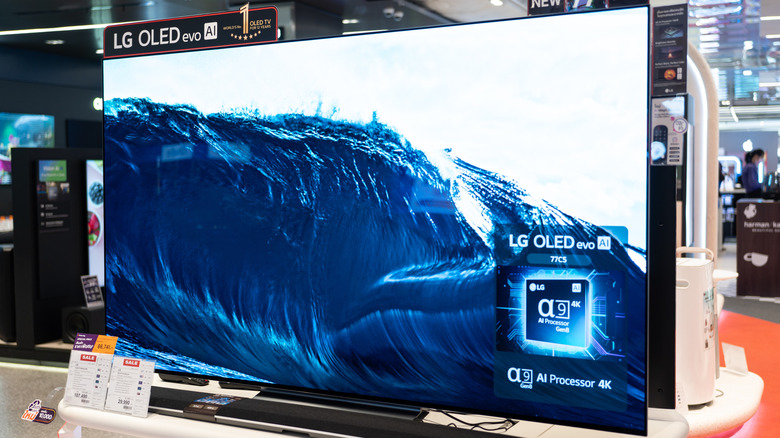
If you've invested (likely a fair chunk) of your hard-earned money in an OLED monitor or TV, you may have noticed one of the panel technology's most annoying features, especially while gaming: flickering, especially in darker areas of the screen. This type of flickering, not unique to OLED panels, is called variable refresh rate (VRR) flicker, and is caused by large fluctuations in frame rate, the speed at which frames are rendered by your display.
This flicker is most evident in gaming because games are subject to large, sudden jumps in frame rate. It's one of the many pros and cons of OLED panels for gaming, and one of the major disadvantages of OLED technology overall. VRR is designed to accommodate these sudden swings by forcing a display to match its refresh rate to your graphics card's output, which reduces visual glitches like artifacts and tearing. However, on some panels, notably OLED and VA, changing the refresh interval can also shift the how voltage, gamma, and near‑black levels are driven, which can result in rapid pulsing or flickering. Bigger frame-time swings can then lead to more noticeable, distracting flickering.
How to fix VRR flickering
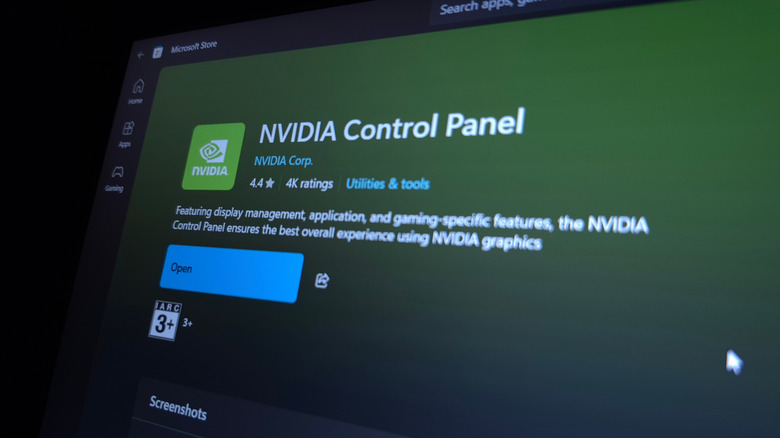
While there's no comprehensive fix available for VRR flicker, there are a number of steps you can take to help mitigate it. Some manufacturers, like Asus, have attempted to address the issue directly with anti-flicker technology built directly into hardware. However, if you don't own a panel that includes one of these solutions, a software fix may be your best bet.
One such solution is to implement an artificial frame rate cap to help cut down on massive, rapid variations. You can achieve this either in game (many games include a maximum frame-rate setting in their graphics or video settings menus), or externally with a utility like Nvidia's Control Panel. In Control Panel, under Manage 3D settings, you'll find an option called Max Frame Rate. Toggle it on and you'll enable a slider that will allow you to set a system-wide maximum frame rate. Experiment with values just below your monitor's maximum and gauge the effect on flicker.
The other solution is hardware based. While more costly, improving your hardware can ensure consistently high frame rates and effectively eliminate flicker. If you've got an older GPU, start there, though improving your CPU, RAM capacity, or moving your games onto faster, solid state storage can also have a dramatic effect on frame rate. It's also a good idea to ensure that the firmware in your OLED display itself is up to date, one of several good tips for taking care of an OLED display.