

What A Flashing Green Light Means On Your Blink Camera
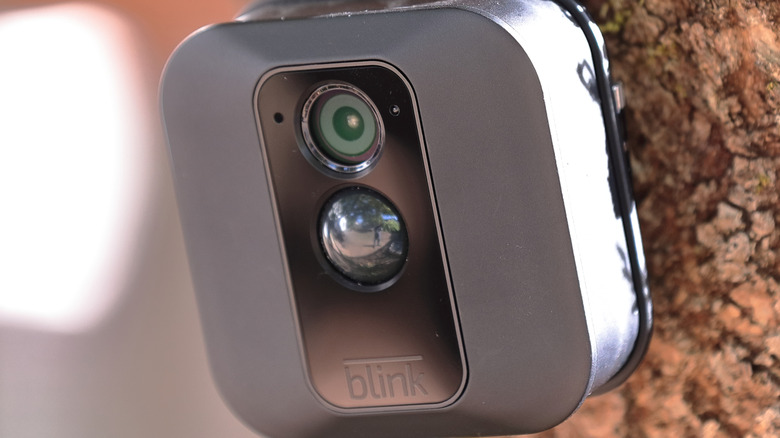
Blink, which makes some of the best outdoor security cameras, is known for its value-for-money home security gadgets. Its security cameras are typically easy to install and use. However, like any other smart home gadget, you can occasionally have issues with Blink cameras that you may find hard to diagnose or fix. One of these problems is a flashing green light on your Blink camera. It might seem like a tricky problem; fortunately, there is often a clear cause behind the blinking green light that you can identify and resolve.
One of the primary reasons for a flashing green light on a Blink camera is the loss of internet connectivity. When the camera loses its existing network connection, it attempts to connect to a previously known network and will show a blinking green light during the process. However, if you have a Blink video doorbell and you are seeing a blinking green button LED, that means the doorbell is powering up and will soon be ready to use. While the flashing green LED on the doorbell camera is normal functioning, you can easily fix the blinking green LED on your Blink security camera.
How to resolve the flashing green light on your Blink camera
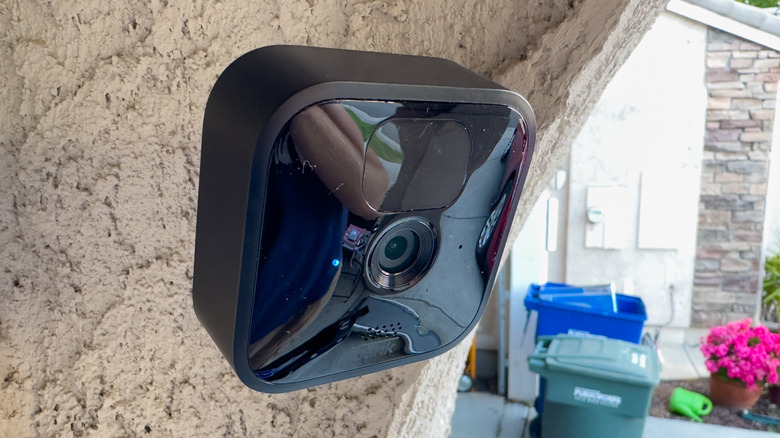
Most of the time, when you see a flashing green light on your Blink camera, it'll fix itself on its own, as your internet connection is likely facing an outage or has temporary niggles. Once the network is back up, the Blink camera will be able to connect to its servers, and the flashing green LED will disappear. However, if the Wi-Fi network credentials that you've supplied to the camera no longer work because you switched to a different network, you'll need to change the network in your camera settings. Simply open the Blink app and tap on the Change Wi-Fi button, and follow the on-screen instructions. Once you have set up the new network and it's working, the flashing green light will disappear.
In cases when your camera has the correct Wi-Fi credentials and your internet is up, it's possible that your 2.4GHz Wi-Fi band is having issues or is down. Start by rebooting your router, and if that doesn't solve the problem, check whether the 2.4GHz band is working properly, as that's the Wi-Fi used by most Blink cameras, using another device, and if there is a problem, fix it in your router settings to resolve the camera issue. If you still face issues, you can reach out to Blink support for resolution.
Flashing green light on other Blink devices
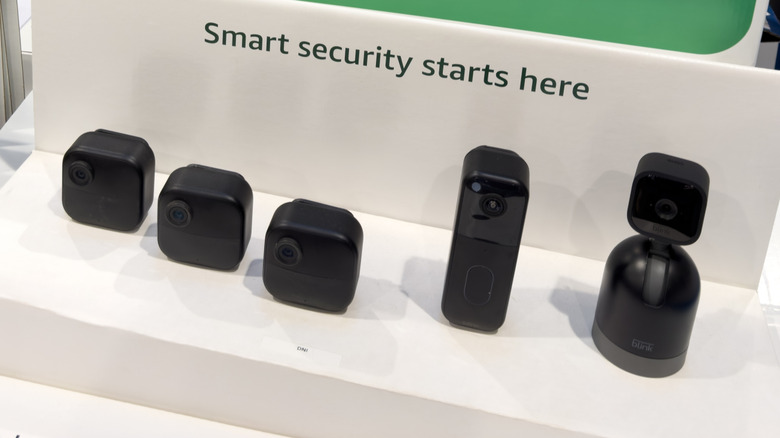
Besides a Blink camera, you can come across a flashing green light on other devices from the company. For example, if you use a Blink Sync Module for local camera storage, a flashing green light means loss of connectivity, the same as a Blink camera. You will have to make sure your internet is working and that you have the right Wi-Fi credentials added to the module to fix the issue.
A Blink Chime can also show a flashing green light; however, it's not a sign of a problem. Instead, it shows the Chime is ready for setup. Moreover, as mentioned, the Blink Doorbell cameras can show a blinking green light, and like on a Chime, it's not a cause for concern. It typically means that your doorbell camera is powering up. Once it's completely powered up, the blinking green light will disappear.