

5 Easy Ways To Protect Your Tech From Power Outages
Two of the many mortal enemies of consumer electronics, especially PCs, are power surges and power outages. Putting aside the obvious frustration of suddenly losing power and not being able to use any of your stuff, hard crashes induced by sudden power outages are very rough on a device's internal components, and a severe surge could cause lasting damage. This is why you should take some measures to protect your tech, from common-sense moves like unplugging before a storm to tangible upgrades like an uninterruptible power supply.
Protecting your tech from power outages is about protecting both the devices themselves and the data stored within them. If you have a PC full of important personal data plugged right into the wall and a severe surge or outage runs through, you could end up losing that data. The same goes for devices like smart TVs or routers, and even simpler appliances like kitchen gadgets could be physically damaged. An ounce of prevention is worth a pound of cure, as the old wisdom goes, and you'll be glad you took some preventative measures when lightning starts striking the neighborhood.
Power down and unplug before a storm
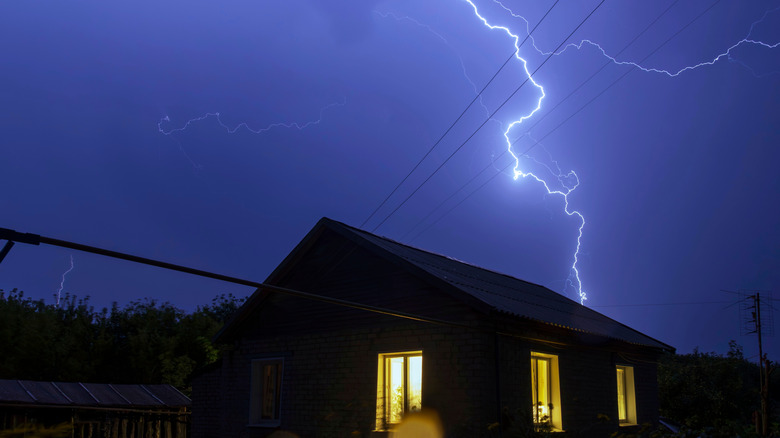
Before we consider any tangible upgrades or elaborate safety measures, let's start with some baseline common sense. Say that you receive a weather alert that a major storm is right around the corner, with black clouds in the sky and the rumbling of thunder in the distance. If you already know there's going to be a potential outage-causing event on the horizon, the smartest and simplest thing you can do is simply unplug your devices before the lightning strikes.
Power down your PC entirely, making sure to flick off any physical power switches, and unplug it from any wall outlets. For any simpler devices like TVs or alarm clocks, just unplug them. After you unplug your devices, move them away from their outlets just to be safe. Your tech can't be hurt by outages or power surges if it's not plugged into the wall at all. Of course, you can't use it either, but you can just wait until the storm passes and plug it back in afterward.
Back up your data
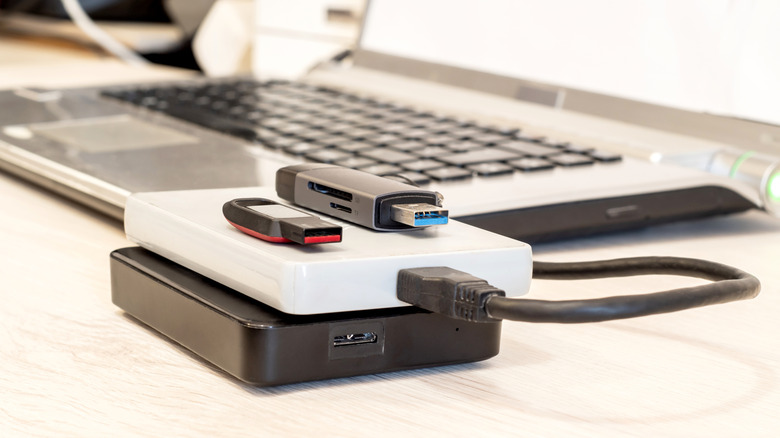
To quote some more old wisdom, it's never a bad idea to keep your vital files backed up. In the specific case of PCs, or anything else that stores data, like game consoles, a sudden power outage could cost you progress on work documents and games in the best-case scenario, or erase them entirely in the worst. This is why, if there's a potential storm on the way, forgetting to back up your files could be a critical mistake that costs you all of them.
If you have any cloud data services available, such as automatic save-file sync on a game console or cloud storage like Google Drive for your PC, you should ensure anything you can't afford to lose is safely copied over. Additionally, if you have any physical storage options like a thumb drive or external SSD, it wouldn't hurt to copy essential files there as well. Using physical storage is an especially good idea in the event of severe weather phenomena, as local internet service could end up getting knocked out in addition to power, preventing you from accessing your cloud storage.
Plug into a surge protector
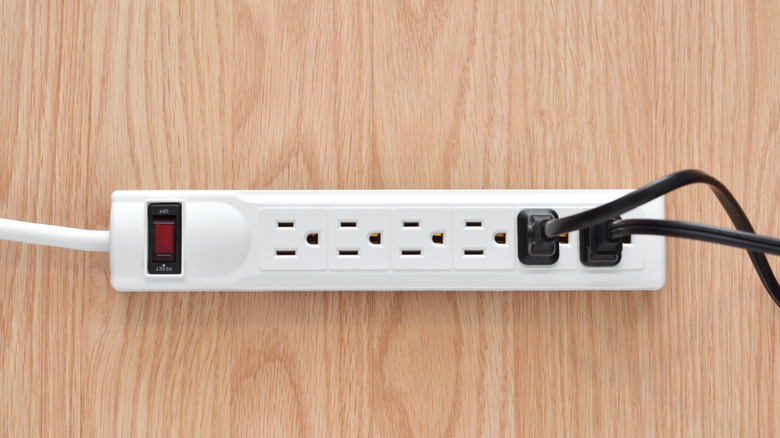
If, for whatever reason, unplugging your devices from power isn't an option even when a potential outage is looming, the next best step is to shore them up with protective hardware. The simplest avenue of defense is the classic surge protector, a power strip shored up with protective technology that will defend against power surges. To clarify, a surge protector and a power strip aren't necessarily the same thing. While both devices turn one outlet into several, that's the only thing a power strip does. A surge protector, meanwhile, uses several additional components to safely intercept and divert excess electrical charge away from connected devices, sparing them from the worst of sudden surges and outages.
Surge protectors are readily available and generally very affordable. You can find them at most major electronics retailers, online on storefronts like Amazon, or even at your local supermarket. Just make sure that it actually is a surge protector rather than just a power strip, usually indicated by a surge protection status light or a distinctive reset button. Additionally, if you can, try to get a protector with protection against at least 2,000 joules of electricity, just in case you experience multiple surges back to back.
Upgrade to a UPS
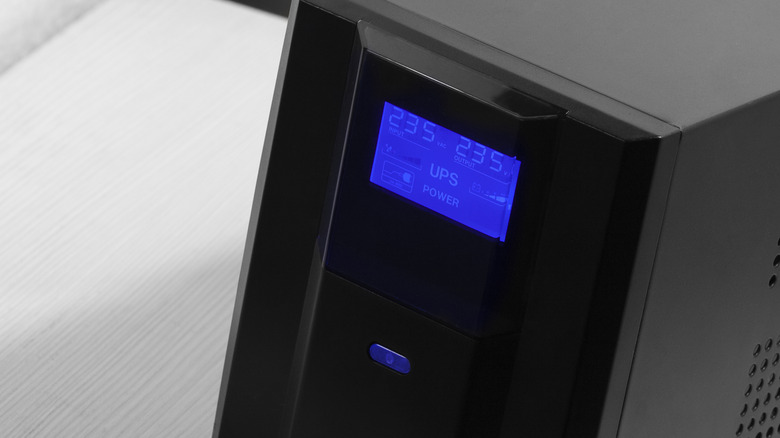
While a surge protector will guard your devices against the worst effects of a power outage or surge, it won't keep your devices powered on. This can still be frustrating for important tech like your PC or internet router, as you can still lose unsaved files and data, and hard-crashing still isn't good for those internal components. Luckily, there is a next level up from a surge protector: the uninterruptible power supply, or UPS for short.
In addition to surge-protected outlets, a UPS contains its own dedicated battery pack, which passively charges while it's plugged in. When a power outage occurs, the UPS automatically detects it and flips from drawing power from the outlet to its own battery, keeping any connected devices from suddenly shutting down. The battery's uptime can vary from a few minutes to a couple of hours, but that's more than enough time to save your files and shut down properly. Larger UPS models can also be used to keep you online or power important devices like security systems a little longer. A UPS is generally more expensive than a surge protector — as much as several hundred dollars for higher-end models — but it can be invaluable for protecting important, potentially more expensive devices.
Use multiple protectors for major devices
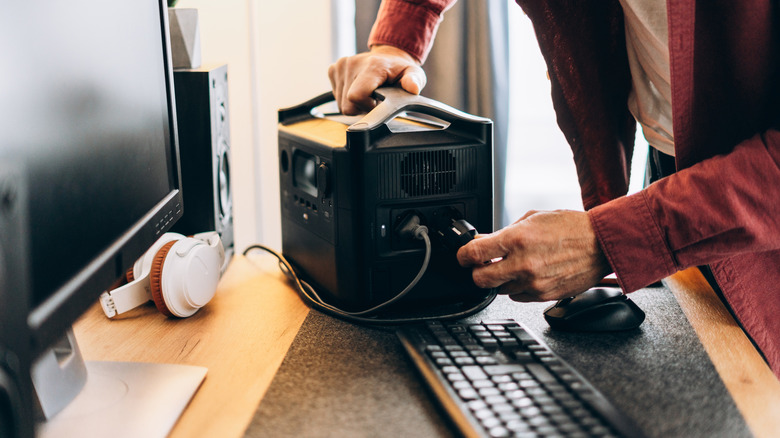
Generally, a UPS only has two major weaknesses. First, its battery can only support so many devices at once, with an overload forcing it to shut down in the event of a power outage. Second, UPS batteries do degrade over time and may not be able to support everything in your setup indefinitely. If you have multiple critical devices in your home that you want to protect with a UPS, plugging all of them into the same UPS isn't a great idea.
Instead, consider investing in a couple of different UPS units and plugging your most important devices into them separately, such as your PC, internet router, security systems, and so forth. Not only will this increase the available load on each individual UPS, but in the event one of them fails or its battery wears out, you won't lose access to all of your important tech simultaneously. As with surge protectors, different UPS models have different price points and capabilities. If you've got the cash to spare, get a larger, higher-end model for your PC, and something smaller and simpler for less power-hungry devices like routers.