

How To Find Your Reviews On Google Maps
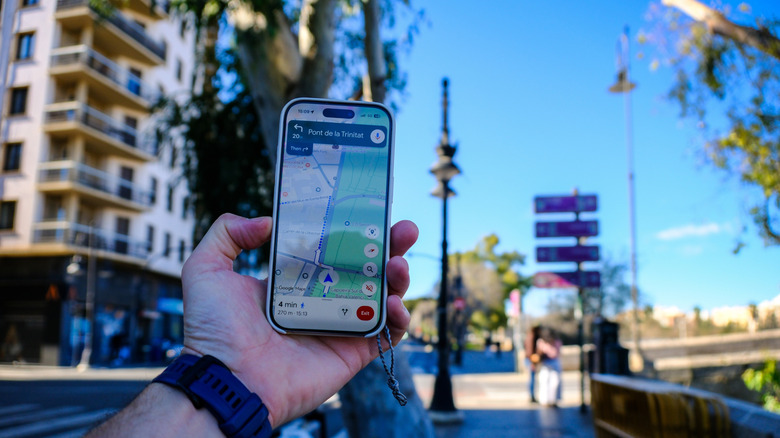
So, you just came across a quaint restaurant in the city you're visiting and wanted to see if it was worth trying out. Before going, you likely head over to Instagram, YouTube, and TikTok first to hear what others have to say about the establishment. But beyond social media, another quick and reliable way to check previous customers' experiences is through Google Maps reviews.
Reviews are easily one of the most helpful Google Maps features and among the biggest differences between Google Maps and Apple Maps. You see, unlike Apple Maps, which usually relies on reviews on third-party platforms, Google Maps lets users directly share their ratings and comments for the places they've visited. That means you get firsthand insights on businesses you haven't been to before.
You've probably already posted some reviews on Google Maps yourself — maybe for your favorite spa or your not-so-favorite beach resort. It's very easy to do: simply search for the place and go to the Review tab to leave a review. But once that's done, where exactly do all your reviews on Google Maps go? They're actually saved to your account, and you can readily access them again right from your Google Maps mobile app or via the website.
Where to read your Google Maps reviews
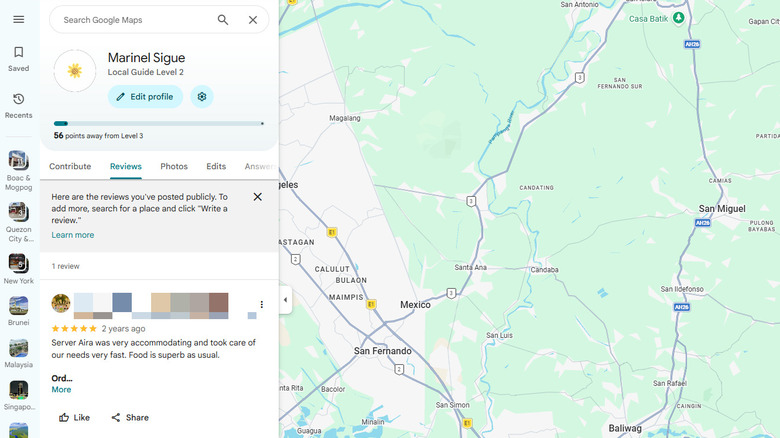
The easiest way to check your reviews on Google Maps is from the app itself. All you have to do is open Google Maps and select the Contribute tab. Then, tap on your name at the top. If you don't have your phone with you, you can also find your Google Maps reviews from your computer. Here's how:
- Type google.com/maps in the address bar.
- Log in to your Google account if you haven't already.
- Click the hamburger icon in the upper left corner.
- Select Your contributions.
- Go to the Reviews tab.
From here, you should now see all the reviews you left for the places you visited. If you need to change or remove a specific review, select the three dots next to it and go to Edit review or Delete review.
If, however, you can't find a review for an establishment that you know you previously wrote, it might have been deleted by Google due to a violation of the content policy. This usually includes reviews that look like spam, have hate speech, or are repetitive. Once Google removes a review that violates content policy, it's permanently deleted from Google Maps. The company does this to prevent review-bombing on Google Maps. Reviews for places that no longer appear on the map also might not show up in your list of reviews.