

How To Get The Best Charging Speed On Your Android Phone
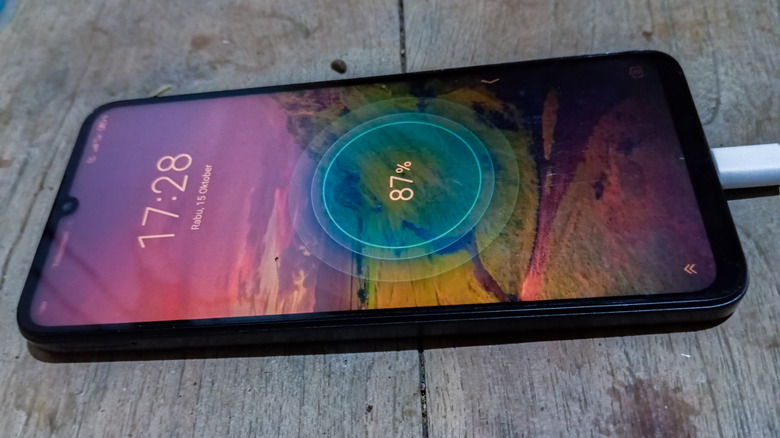
Everyone wants their Android phone to charge as quickly as possible, whether just for its own sake or because you've got places to be and don't have all day to leave it plugged in. It's one thing if your phone battery is charging slower than usual, but even if there's nothing actually wrong and the device is charging just fine, it's not unreasonable to want a little more pep in its proverbial step. While we're still a ways off from instant charging, there are ways to help your Android to pick up the pace, including using optimal cables and leaving it unused while charging.
There are a lot of different ways to charge an Android phone, from wireless pads to plugging into your PC. But if you just plug your phone in anywhere with a random charging cable, it won't draw the maximum amount of energy in the fastest possible manner. Plugging directly into a wall outlet with the proper charger, as well as refraining from using your phone and its various features while doing so, will help put all the focus on juicing up faster.
Use a fast-charging cable
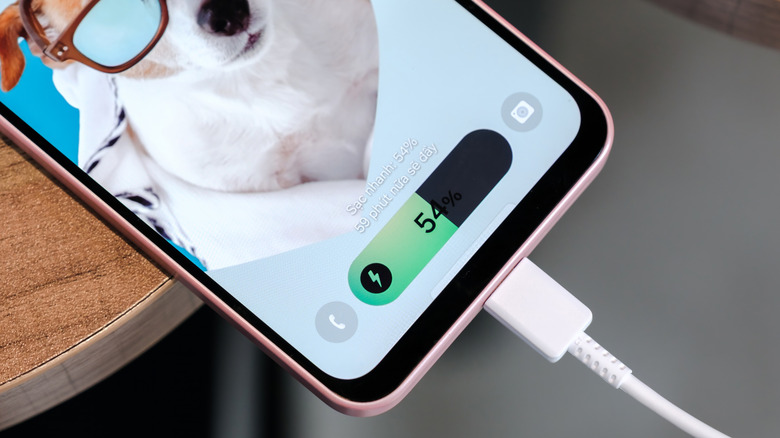
The first order of business is to use an optimal charging setup. Recharging your Android with a wireless pad or via your PC may be convenient, but it's not the most efficient method. To get the best charging speed on your Android phone, use a certified fast-charger and cable plugged directly into a wall outlet. The setup that came with your phone should work in this regard, but if you aren't sure, plug it in and check the battery menu in your settings to see if it's fast-charging.
While your Android is charging, close all the apps and don't use it. Tapping, scrolling, or typing during charging will siphon power away, slowing down the overall charging process. Even turning the screen on can affect the battery, so just plug it in and leave it alone until the charge cycle is complete. You may even consider turning on airplane mode, as active wireless and Bluetooth connections draw away a little bit of power.
Finally, make sure your Android is charging in a temperature-neutral area, neither too hot nor too cold, as either can affect charging efficacy. AndroidOS does have features to prevent overheating in the battery during charging, but it certainly wouldn't hurt to keep your phone away from excessively hot spots like windowsills.