

Here's How Google Maps Is Different On iOS
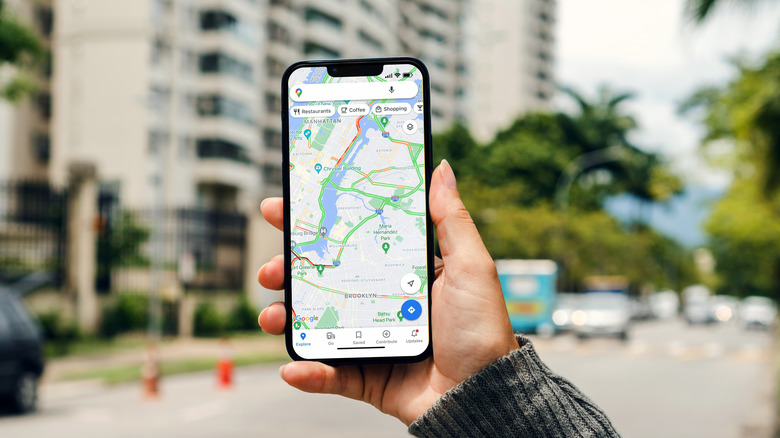
Google Maps is often the first app for most folks while looking for places and directions, whether they are on Android or iOS. It has tons of helpful elements, including several Google Maps hidden features. Additionally, Google keeps adding more every year — only in 2026, Google Maps got four incredible features. While the core experience of using Google Maps is largely the same on both mobile platforms, there are a few differences that you'll notice if you're moving from one platform to the other. Many of these differences are a result of Apple's platform restrictions and the seamless integration of underrated Google apps on Android.
One of the most visible differences you'll notice becomes obvious when you are using turn-by-turn navigation on both platforms. If you get out of the app on Android, you get a picture-in-picture (PiP) view that gives you a lot of visible details. However, on iOS, you are pretty much limited to a navigation icon in the notification shade or dynamic island, depending on the iPhone you're using. There is no PiP view on iOS, and you also don't get the full dynamic island integration –which, needless to say, could have been a good replacement for the PiP view.
Another significant change between the two platforms regards how many contextual information layers you can select at a time in the Google Maps app. Android allows you to choose up to two "Map details" layers, such as "Traffic" and "Raised Buildings" together. Google Maps on iOS only supports selecting one contextual layer at a time.
Apple Maps is the default mapping app on iOS
Beyond the limitations in contextual layer selection and lack of PiP view on iOS, Google Maps on iOS has several subtle differences, which can add friction points if you're someone who prefers Google Maps over Apple Maps. For example, shared address links and navigation commands via voice assistant automatically open in Google Maps for Android –unless, of course, you have changed the defaults for different actions. On iOS, Apple Maps is the default for all mapping-related actions, and there is no easy way to change the default to Google Maps. Moreover, when you are interacting with Siri for any mapping-related commands, Apple Maps will open, unless you specifically ask it to do the task via Google Maps, something that you don't have to worry about on Android.
Additionally, if you use a smartwatch with your Android phone or iPhone, the Google Maps experience can be pretty different depending on whether you have an Apple Watch or a Wear OS watch. Wear OS gets an interactive version of Google Maps, including support for offline maps. The Apple Watch version is pretty limited and only provides basic text lists for directions and ETAs, nothing else.
All in all, Google Maps on Android is more seamlessly integrated into the operating system; however, its inability to do so on iOS impacts some of the features. That said, for a majority of features, you're going to get a pretty similar experience, as long as you are okay manually opening Google Maps on iOS and then doing everything you want in the app.