

Can Emergency Override Charging Permanently Damage Your iPhone?
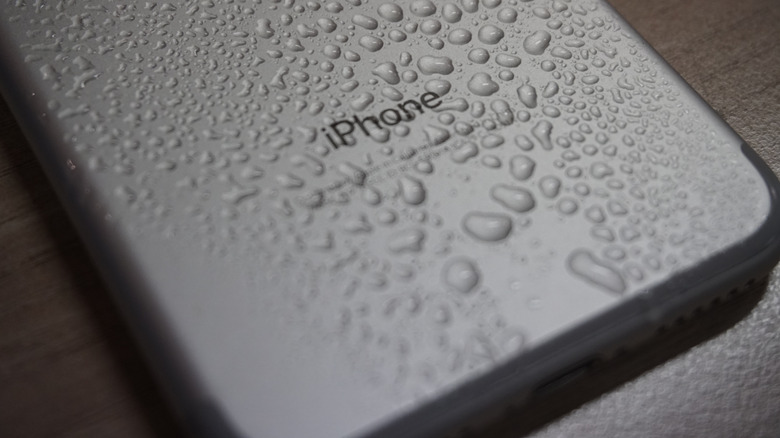
When your iPhone's charging port is wet, you may see a warning that says, "Liquid has been detected." Maybe it fell in water, you accidentally spilled a drink on it, or you plugged in a charging cable with a wet connector. Your iPhone will refuse to charge, saying "Charging Not Available" until it's satisfied that the port is dry. If you disconnect the cable and plug it in again, you will see an Emergency Override option to continue charging regardless. However, there's a chance that this can damage your phone.
Your iPhone is called a smartphone for a reason. It's "smart" enough to know when something is wrong and do whatever it takes to protect itself from permanent damage. When it detects liquid on the charging port, it stops charging to prevent the charging pins from corroding. Once the pins corrode, the charging port can stop working, or you can experience connection issues. It also does this to prevent the port from short-circuiting, which can damage components on your iPhone's motherboard.
Apple includes this option because you might sometimes need to charge your iPhone in case of an emergency. So only use it when you really need to use the iPhone's emergency features, knowing full well the consequences. Sometimes the warning can even show up due to a bug. So if you are reasonably sure no liquid has touched the charging port, go ahead and do the override.
What to do and not do
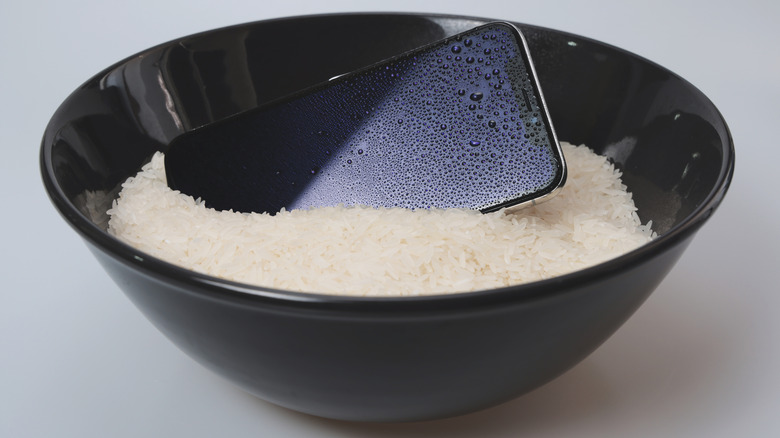
If you've confirmed that a liquid is causing the warning to appear, disconnect the charger immediately. Hold your phone upright and gently tap it against your hand to let some of the liquid out of the port. If it was just a tiny splash, let the port dry for 30 minutes in a room with plenty of ventilation before trying again. If your iPhone was completely submerged, wipe as much water as you can using a towel and leave it for at least two to five hours. If you just want to be safe, leave it for 12 hours. During this time, don't attempt to dry it in rice. Not only does it not work, but the small rice particles can also damage your iPhone.
If you want to speed up the drying process, you can use a fan. Just be sure the fan is blowing cool air at an angle and that the phone is at a distance to avoid pushing moisture into the iPhone. Do not use anything that generates heat like a blow dryer or heater, as that can damage the phone's delicate internal components. You can still charge your phone using a wireless charger, but be aware that this will generate a little more heat than wired charging because wireless charging is inefficient. Luckily, it won't affect the long-term health of your iPhone's battery if you do it occasionally like this.