

5 Reasons Why Some Users Dislike Waze
When Waze first appeared on the scene, it was considered a revelation, thanks to its unique crowdsourcing. Real-time traffic reports were finally in the hands that matter: us, the drivers, and Waze provided the ability to not only warn others of delays, but also to receive police alerts. This presented a problem to Google, leading the mammoth company to buy its competitor in order to scrape its best features and push them to Maps (like real-time reports that were added two months after the sale completed). While there are plenty of reasons why Waze is better than Google Maps, Waze is relegated to more of a testbed for new features these days; thus, user complaints have been piling up. If you've noticed a growing list of aggravations when using Waze, rest assured you're not alone.
One of the more prominent complaints from users across social media and the Play Store centers on Waze's aggressive shortcutting, which often doesn't wind up being a shortcut at all but an annoying time-waster through busy streets and intersections. But that's not all, some users aren't happy with the app's excessive voice alerts, while others find the crowdsourced data is out of date or misleading. The limited offline functionality doesn't help when you're lost without a data signal, and it's made even worse if you're rerouting to avoid toll roads, which might not avoid tolls at all.
In other words, Waze is feeling pretty lackluster for many users, thanks to inconsistencies that stray too far from the app's purpose: getting you somewhere quickly with as little aggravation as possible. Sadly, it would appear that Waze has totally forgotten about that second bit, and the cracks are really starting to show.
Aggressive shortcuts
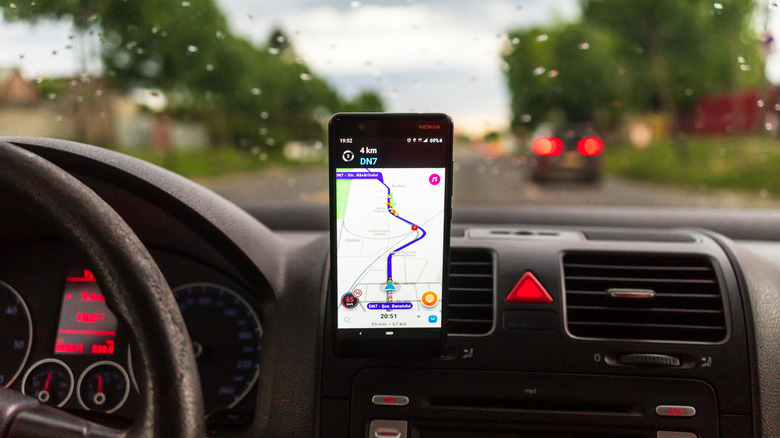
One of the best things about Waze is its live rerouting, but that can be overly aggressive. Sure, forcing a driver to cross a major four-lane road from a side street may be technically faster than taking a main artery to cross at a light. But it's also more nerve-wracking and can even slow a driver down because the app didn't take into account the reality of crossing a busy street at an inopportune intersection. Thus, what should've been a comfortable and easy drive helped by routing software turns into an absolute headache. Worse, this live routing is based on crowdsourced data, where you can be constantly rerouted as reports roll in during high traffic hours, even routing people through sleepy neighborhoods where traffic doesn't belong, known as the "Waze Effect."
In essence, prioritizing driving time over everything else has people questioning the usefulness of the app. Thankfully, a recent update has added Personalized Navigation. As the name would suggest, this is a feature well-suited to addressing the current issue of pushing the fastest routes on users rather than the ones that would be more familiar, by taking into account the routes your driving history shows you prefer. Ideally this new setting will keep you on roads that are easier to drive without the headache of dealing with excessive shortcuts that could end up wasting time.
However, whether or not Personalized Navigation truly addresses the app's aggressive rerouting in practice remains to be seen. At least you can test the feature for yourself to see if things are improved, which is opt-in for the time being, found in the app's settings under Personalization.
Distractingly frequent alerts
When you're using routing software, it's likely you're driving somewhere unfamiliar, or at the very least, busy, and so exact directions to your destination are helpful. What isn't helpful is how frequently talkative Waze can be with its alerts, which can be distracting as you're concentrating on the road. The app's crowdsourced road hazard announcements, as well as those that report police activity or speed cameras, can be annoying when they're dispersed between your driving directions. And that's when the navigation phrases aren't repeating a little too much themselves.
You're not alone if you find Waze's default alerts distracting; plenty of users have aired their grievances on Reddit, and in Play Store user reviews. It's a known problem, and thankfully there are settings you can toggle to help cut down on the app's more distracting alerts. Waze is aware it can be a little too verbose, and here's how you can fix things.
One of the first things to change is a new setting called Less Chatty, which is located under Settings > Voice and sound > Voice Guidance. Toggle it on, and now your voiced driving directions will use shorter phrases, less frequently, all while cutting down on alerts and low-priority info, like how often you're warned about upcoming turns. This is basically a catch-all for cutting down on the app's excessive alerts, but you can also turn off certain features piecemeal to your preference, like hazard alerts that can be turned off under Alerts & reports. So even though Waze may have some bothersome default alerts, you're at least provided with settings to change them.
Crowdsourcing isn't all it's cracked up to be
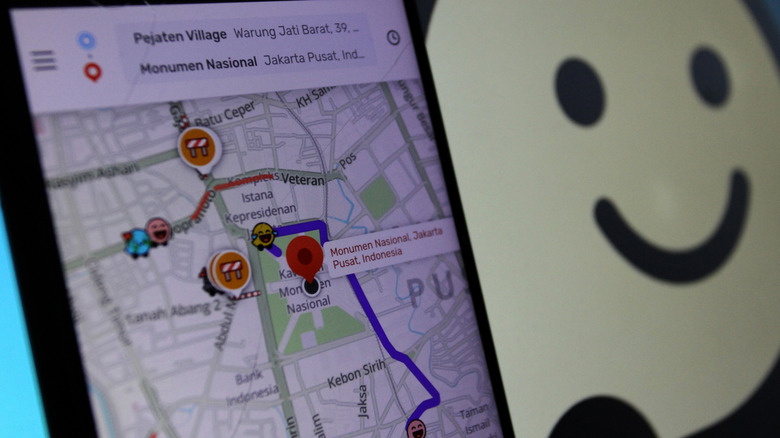
On the surface level, real-time user reports is a great idea, allowing users to warn others of upcoming traffic issues, cops, roadblocks, what have you. But things start to fall apart at scale. If you have enough drivers in a city using your app during rush hour, this can create phantom pop-up traffic jams when too many Waze users are routed to a less-congested area that's now packed with cars, all thanks to the app and its popularity. After all, there are only so many roads built to handle high traffic. By using an app to avoid traffic, you just got unknowingly routed into it, which can be highly annoying, not to mention easily make you late to important appointments, defeating the purpose of a navigation app.
Worse, if you live in a low-density area, say the countryside, you may not have enough Waze users around to generate the app's oh-so useful user alerts. At this point, you may as well use Google Maps, which offers a similar user-report feature and a larger user base to create them, which is why we've found it's the better app for older drivers. At the end of the day, there's no fix for this short of holding a town meeting to convince everyone to switch to Waze, or switching to Maps.
You can also find plenty of complaints about both these issues across social media, especially on Reddit, and even the Play Store is rife with complaints about shoddy rural directions and odd rerouting, where a single erroneous report of a closed bridge can wreak havoc on directions
Offline functionality is limited
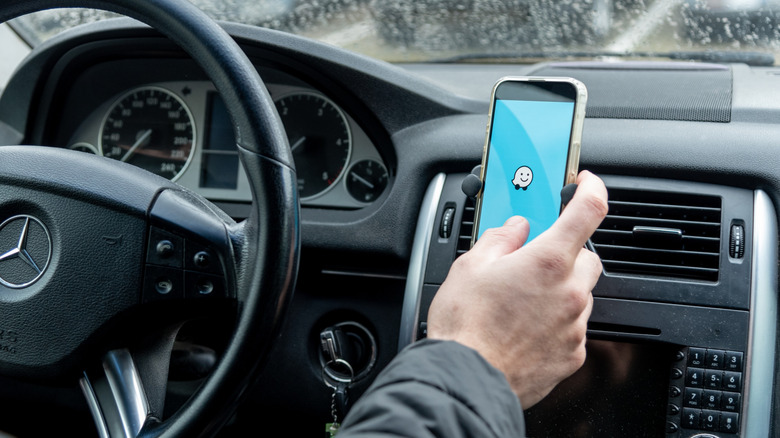
While Google Maps offers offline functionality with downloadable maps and computes directions locally on your phone using those maps, Waze simply lacks this capability. All of its route planning requires an active internet connection, as it computes its routes in the cloud, rather than on your phone. This means if you live in an area with a poor mobile signal, should you lose that signal and leave your planned route, a new route can't be added. And even if Waze can connect around your home itself, perhaps the surrounding area has so many dead spots that driving with Waze is still limited by its inability to reroute without an internet connection.
A lack of reliable data connectivity also makes it easy to get lost in the most remote places, where there are no cellular towers. Once you lose your connection, Waze can only remember its planned route. So if you have to deviate, and this coincides with no data connection, the cached route won't contain the data needed to reroute, or even show any of the map outside what was originally cached. This can leave you stuck until you find an internet connection to update your route. And GPS isn't enough to save you here; you need a full data connection for Waze's route planning to work.
Plus, even if you remain on the planned route but simply have no data connection, Waze loses its ability to offer new alerts, since they're reported in real time. So you won't receive warnings about upcoming accidents and traffic jams. Plenty of users take issue with this setup across social media and in user reviews on the Play Store; limited offline functionality remains a known problem that's still unaddressed.
Toll rerouting isn't always optimal
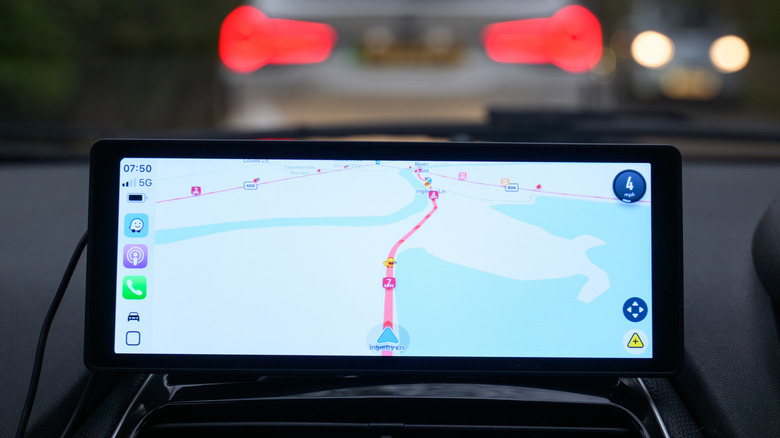
There's no way to completely avoid toll roads in Waze, as the app is built to provide the quickest route. Should avoiding a toll take you an hour out of your way, Waze will just route you to the toll road to get you to your destination quickly. While that makes some sense, Google Maps can, in fact, avoid all toll roads when you tell it to, one of a handful of disadvantages of using Waze over Google Maps. Then there's how often Waze may recalculate a route, which can be frequent as traffic patterns change during busy hours.
At the very least, if you do frequent toll roads and perhaps own a pass or two for your preferred routes, you can input these tags into the app so it knows which toll roads you prefer. Your routes will at least prefer the roads you own passes for, a feature Reddit users have noted lets you view the time difference of taking those toll roads over local roads, with more users noting how helpful this is in busy city corridors.
You can also take matters into your own hands and research your routes rather than choosing the first Waze tosses your way. This way, you not only learn the roads around your path, but can also find a backup route and compare toll prices so you know for sure how much you should be spending before you even step in the car. This way, if you get redirected mid-route, you can compare the new cost to your planned route and your researched backup, staying one step ahead of new fees you didn't plan for.