

Airplane Mode Vs. Turning Off Cellular Data: Which Is Better For Saving Battery?
There are several modes on your phone that make it more efficient and less likely to drain its battery quickly, such as Airplane mode (which is more than just a useful feature when you are traveling on a plane). The same is true for turning off your cellular data. Both are versatile features for smartphones that may help it hold a charge longer, meaning you get more use out of it.
Airplane mode is a function that shuts off mobile data, Wi-Fi, and Bluetooth features when activated. You can turn on Wi-Fi and Bluetooth once Airplane mode is on, but you are unable to use cellular data that may interfere with certain radio frequencies. Turning off just cell data allows you to use a Wi-Fi connection instead of data. If there isn't Wi-Fi around and your data is off, you won't be able to access the internet. Turning both off has been shown to conserve battery life as both shut down services and features on your phone.
However, Airplane mode may be the better choice for conserving battery. It works on all types of smartphones, including iPhone. With the functions turned off, your phone isn't getting texts, calls, or connected to a cell tower, thus reducing the strain put on it and therefore the battery. There is also the Do Not Disturb feature, which, if turned on, can conserve battery as well.
Airplane mode versus turning off cellular data
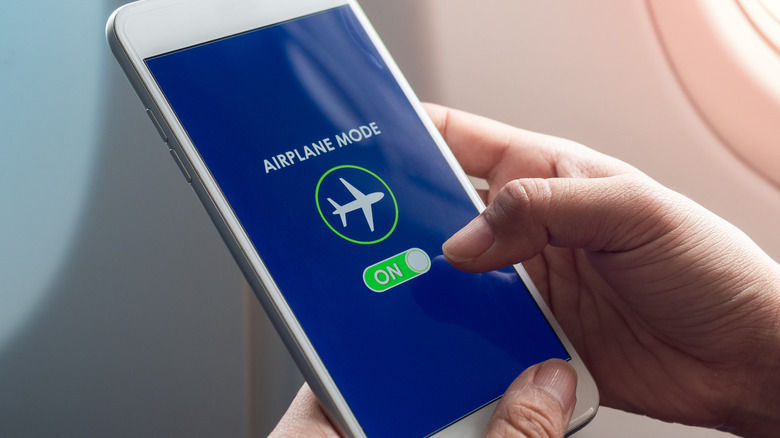
Putting your smartphone in Airplane mode is a great way to not only ensure you aren't connected to your mobile data, but also to get more juice out of the battery. With the phone in flight mode, it loses access to Wi-Fi and mobile data that can drain the battery as it is connected to multiple devices and services. It isn't searching for radio towers to connect to or using anything that may eat up data.
There are different ways to turn on Airplane mode on your phone (and many clever uses for your phone in Airplane mode), but it depends on what phone you have. Samsung phones can access Airplane mode by swiping down on the screen to bring up the quick panel; Airplane mode can be activated by selecting the airplane symbol. On an iPhone, go to the control center and select the plane icon. You can also go into your phone's settings to turn it on and off as well.
Turning off cell phone data can be done so in settings as well. It can be done the same way as Airplane mode, but the icon is different. Instead of a plane, look for two arrows facing up and down on Android. On an iPhone, go to Settings, then Cellular, then turn Cellular Data on or off. You can tell you are no longer using cell data if the icon is not showing at the top of your phone screen.
Other ways to save your battery

Switching on Airplane mode and turning off mobile data are just a few ways you can get just a bit more power from your phone's battery. If you do not want to lose connection to your cellular service or Wi-Fi, there are additional ways to reduce the amount of battery your phone uses.
There are actually a few built-in features of smartphones that give you some control over its battery power. If you go into settings, there should be an option for battery. Selecting it can bring up options such as power-saving mode, which can automate features like Always On Display, limiting the speed of the CPU, and decreasing brightness. Also, charging your phone to full each time can reduce the battery's lifespan. Many phones, such as Android, have a protect battery mode that limits its maximum charge percentage.
If you need a phone with a good, strong battery, there are smartphones with the best battery life available, such as the OnePlus 15. Even just lowering the brightness on the phone screen can impact the battery on smartphones. Other options to save battery are to reduce screen time, turn off the screen when not using the phone, and use apps that don't use a lot of battery.