

5 Cheap Ways Homeowners Upgrade Their Household Tech

We may receive a commission on purchases made from links.
"Household tech" and "cheap" don't usually go together in the same sentence. After all, when you think of tech for your home, your first thoughts are probably the big appliances — your fridge, oven, dishwasher, and washing machine. Beyond these essentials, there is other everyday household tech that is not only affordable — like vibration sensors and touchless soap dispensers — but that can make your daily routine quicker and more convenient.
Yes, even today, you can easily find a range of household devices that won't set you back thousands of dollars. For instance, Ikea offers some cheap smart home devices for under $10. Brands like Tapo and Etekcity also feature a lineup of household tech upgrades like a security camera and kitchen scale that won't break the bank. Upgrading your home with modern tech doesn't necessarily require deep pockets. If you're planning to go this route, here are five ways homeowners have upgraded their space with handy devices while sticking to a budget of $100 and under.
Receiving dryer notifications using a vibration sensor
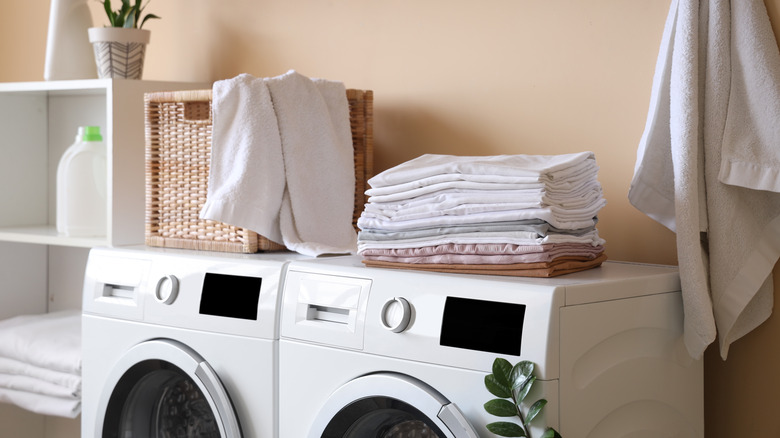
If you hate wrinkly clothes, it's a must to take them out as soon as they're done drying. But that could mean checking the dryer every now and then, or waiting for a loud alert signal. For convenience's sake, one Reddit user had the idea of using a vibration sensor like the $20 ThirdReality Smart Vibration Sensor for their dryer. It simply goes on top of the machine, uses vibrations to determine when the cycle is complete, and then sends an alert to your phone.
Some models also support audio announcements via smart speakers when configured with Home Assistant, so you can get the message even if you're not using your mobile. To prevent false positives — like the sensor picking up vibrations if you bump into the dryer — users suggest adding a condition that only triggers an alert if it detects vibrations for a few minutes. When choosing a sensor, find a model with adjustable sensitivity. This way, if it can't detect your dryer's vibrations with the default setting, you can tweak it to your liking.
Controlling smart home devices with a smart switch
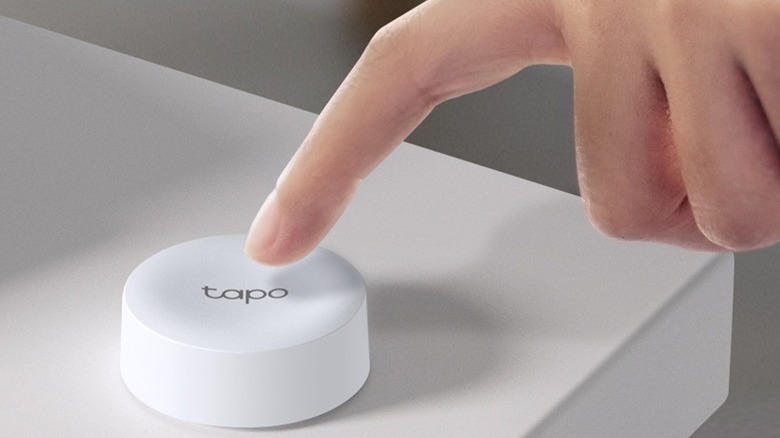
Several homeowners on Reddit agree that a smart switch is easily one of the cheapest but most essential smart home gadgets you should be using. Typically $20 or less, they work like a remote control for smart home devices, allowing you to activate frequently used devices with a single button. It's a good alternative for those who don't want to use an app whenever they need to interact with their smart home devices.
While the single-button design seems simple, smart switches often support multiple actions — single press, double press, and long press — each of which can perform a dedicated action. Common applications include using smart switches with smart lights — press once to turn all the lights on, press twice to turn them off, and hold down to enable party mode.
Smart switches like the ThirdReality ZigBee Smart Button, costing $20, also support group control for managing two or more devices with one press of the button. This can come in handy for the morning routine, where you might want to turn off your bedside lamp, open the smart blinds, and switch off the plug connected to your phone charger at the same time.
Activating lights with a motion sensor
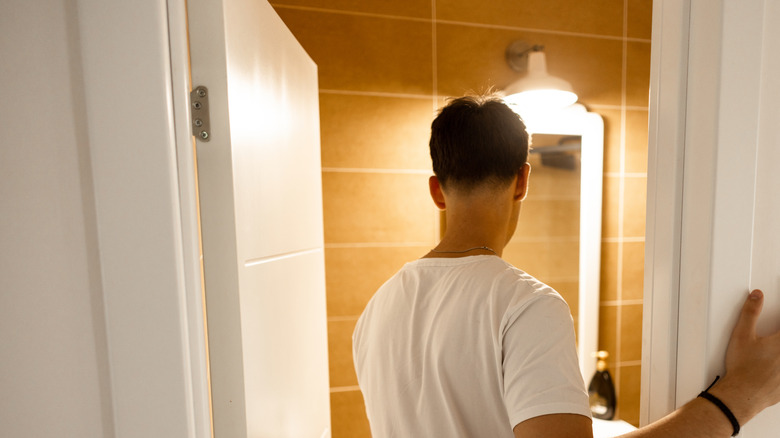
There's nothing more convenient than walking into a room and having the space automatically light up. YouTuber Smart Home Solver has this exact setup in his kitchen. Every time someone enters the kitchen, the lights come on. To achieve this, he uses the $40 HomeSeer Z-Wave Sensor. It watches for movement within a range of 12 feet (90-degree coverage), and once you enter that zone, the sensor triggers the lights.
The HomeSeer Z-Wave Sensor isn't battery-operated like other motion sensors in the market. Instead, it plugs into a wall outlet just like a regular appliance. That means you won't need to worry about dead batteries and replacements. But you do have to plan where to install it since it requires an outlet. Beyond detecting motion, the HomeSeer Z-Wave doubles as a visual indicator. Its built-in RGB indicator light is programmable to show a certain color to indicate the status of your smart home devices.
For instance, you could have it glow red when the door sensor detects that you left the front door open, or yellow when the air quality monitor senses poor air quality. To configure your own motion-activated smart lights, it's usually required to get a hub to enable communication between the bulb and the motion sensor.
Using smart bulbs as wake-up lights
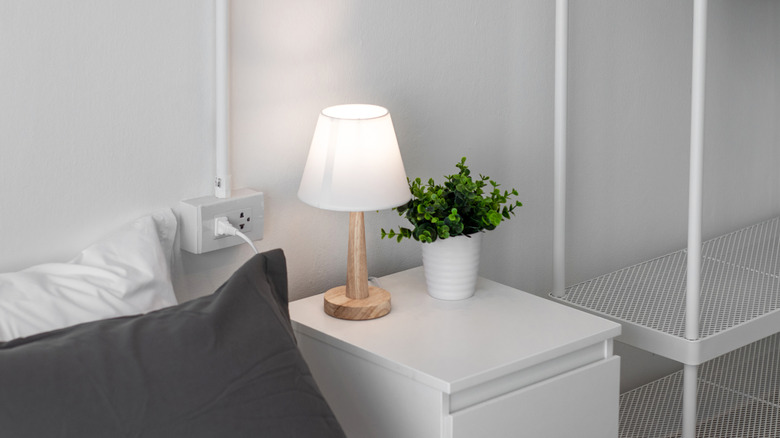
Smart bulbs are often recommended as one of the cheapest ways to turn your house into a smart home. Beyond typical home lighting, homeowners report using smart bulbs as wake-up lights. Similar to sunrise alarms, this lighting is designed to make it look like the sun is rising in your room. It starts with a dim light, which gradually grows brighter as your set wake time gets closer. This method is often cited as being a more pleasant way of waking up in the morning, versus a blaring alarm.
Philips Hue lights (priced at $90 for a two-pack) are a good option, as they come complete with a Wake Up automation to achieve this effect. It requires the Hue app, and when setting it up, make sure to choose a start time at least 20 minutes before you want to wake up. With it, your smart bulb turns on with a warm amber tone at low brightness and gradually transitions to a cool daylight glow at 50% or full brightness (depending on your preference). Other popular smart bulb brands that support a wake-up function include Lifx and Nanoleaf.
Adding touchless soap dispensers around the house
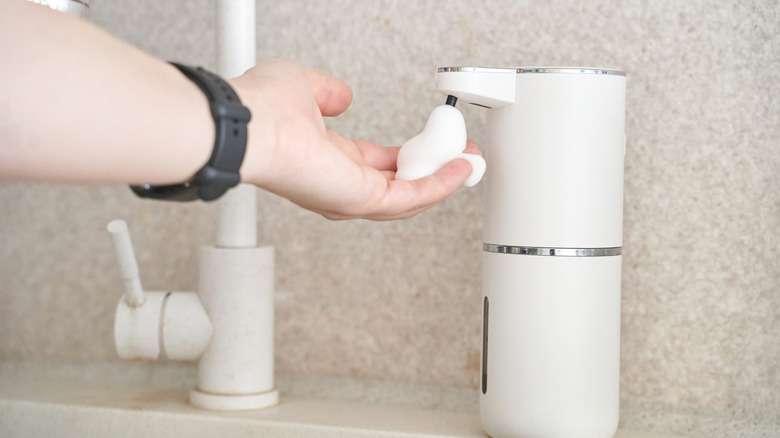
Sinks are probably the last place you'd think to add home tech, but that's actually what YouTuber JB did. Instead of soap bars or manual dispensers, he uses an automatic soap dispenser. It looks simple, but can make a world of difference in your everyday routine. What sets touch-free dispensers apart from their "dumb" counterparts is a hygienic design.
Instead of repeatedly touching and transferring germs to the top of the dispenser, just place your hand under the spout. A sensor detects your hand and pumps out a set amount of soap automatically. Some models offer multiple volume options to choose from. As for YouTuber JB's setup, he went with the dispenser from Simplehuman. It's on the pricier side, costing $70, but thankfully, there are other budget-friendly brands out there like Mooas, EKO, and Secura usually priced at just $30 or so.
Methodology

There are dozens of considerably cheap home tech products out there, but we went with products that are usually priced at $100 and under. They're also from reputable and generally popular brands, so you'll get your money's worth.