

The 3 Best Waze Features For EV Owners

Electric vehicles (EVs) have transformed from rare novelties into common staples of everyday driving. As more drivers ditch the gas pump for a charging plug, the way people navigate their road trips and daily errands needs to be able to shift with them. And while the future of driving will undeniably involve even more electric vehicles, public charging infrastructure is still experiencing some growing pains. Range anxiety is one of the biggest concerns for brand new and potential EV owners. And even for seasoned EV owners, pulling up to a charging station only to find out it's broken, occupied, or incompatible with your specific car always causes stress.
Fortunately, navigation apps are adapting to these unique modern challenges. Waze, long beloved by drivers everywhere for its real-time traffic updates and speed trap alerts, has become one of the most powerful apps you can have in your EV's infotainment system. Why? Because it is leaning into its huge community of daily users and adding in smart, EV-specific tools, taking the guesswork out of battery management on the go. Now, instead of having to constantly toggle between your GPS and a dedicated charging app, Waze lets you handle everything in one place. If you want good odds for keeping your next EV road trip smooth and stress-free, these are the Waze features every EV owner should consider using, starting right now.
Filter chargers by your exact EV model and plug type
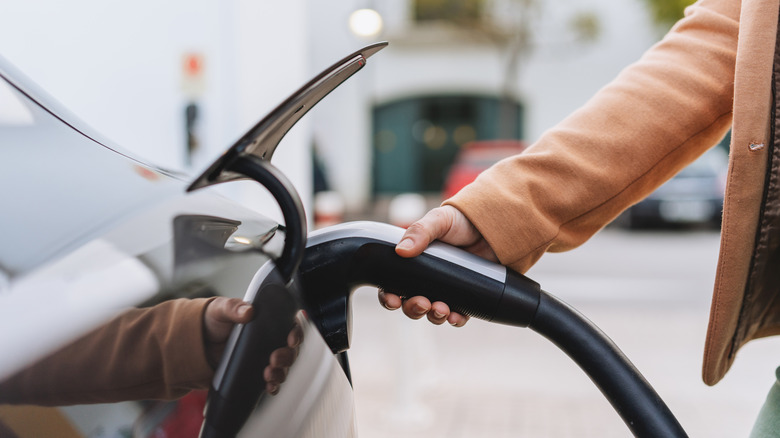
One of the most frustrating experiences for any EV owner desperately needing a charge is following a map to a nearby station only to then realize the plugs don't match your car. Unlike gas stations, which offer up the same types of fuel everywhere and work in every gas-powered car, electric vehicle chargers come in a variety of shapes and standards. Whether your vehicle requires a CCS setup or a Tesla-standard NACS plug (and here's what every EV charger type means), pulling up to the wrong charging hardware is an incredibly annoying waste of time, energy, and especially the precious mileage left in your battery.
Waze elegantly solves this exact problem by allowing you to customize your vehicle profile within the app's settings. All you have to do here is enter your specific electric vehicle make and model, as well as your preferred plug type, then Waze will instantly filter its huge EV charging station database to just those that meet your criteria. Once you get that set up, you won't have to spend any more time squinting at station details or cross-referencing third-party apps just to confirm if you can actually plug in when you arrive. It's a set-it-and-forget-it feature that saves you from unnecessary detours and ensures any charging station you see on your map going forward is a viable option for your battery. How's that for peace of mind?
Find chargers for your EV anywhere along your active route
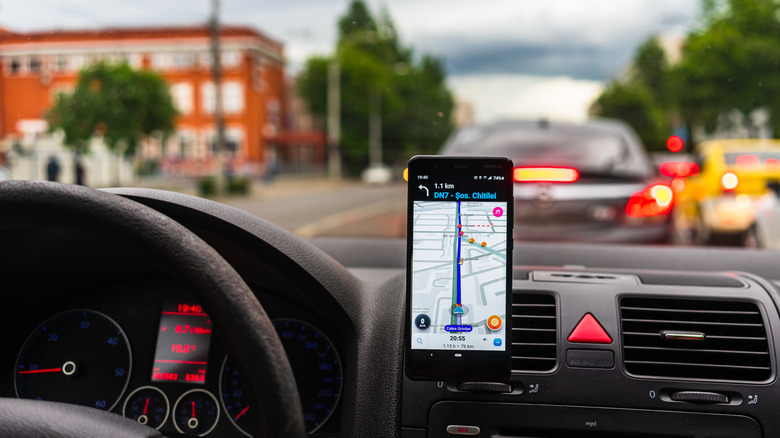
When you're driving a regular old gas car, pulling over to fuel up only takes a few minutes. With an EV, however, charging sometimes takes a little bit of strategic planning. No matter how you look at it, veering miles off your intended route just to find a reliable fast charger is flat-out inefficient, even if you know a bunch of ways to extend your electric vehicle's range. Fortunately, Waze recognizes this challenge and allows EV drivers to seamlessly search for and view public charging stations that are right along your active navigation route.
Now, instead of forcing you to cancel your current trip just to look for a charger, Waze lets you just add on a charging stop as a waypoint. So when you need to stop and juice your battery on the way to visit Mom and Dad, the app looks at your path and then highlights the most convenient charging locations that'll require the least amount of route deviation along the way. And beyond that, if you'd rather charge up while you're out running errands or grabbing a bite to eat, you can also easily search for charging stations located right next to wherever you're going to end up, like a strip mall, the movies, etc. This smarter and more useful routing helps ensure that you're spending more time making progress toward your destination and less time wandering around unfamiliar areas desperately searching for a place to plug in your EV.
Stay in the know with crowdsourced charger updates
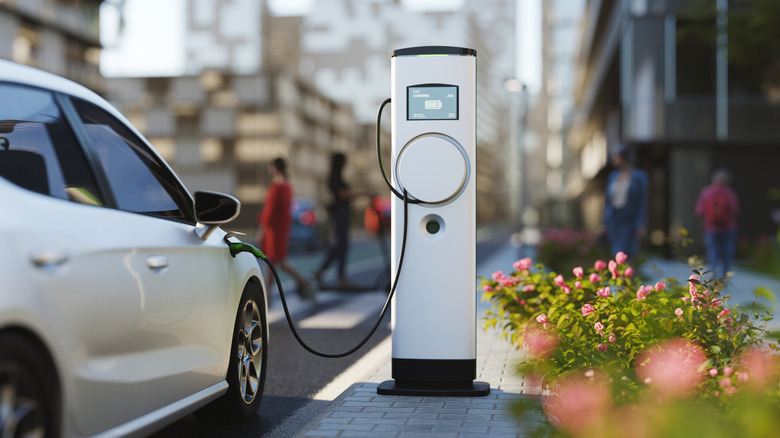
Even with perfect route planning and compatible plug filters, there is still one unpredictable variable that plagues every electric vehicle owner: broken chargers. Hands down, there's nothing more frustrating than pulling up to a compatible station on a nearly-empty battery only to discover the hardware is out of order or that every single other charging stall is occupied by other people charging their cars. This is where Waze's biggest historical advantage (its active, vocal community of users) becomes a total game-changer for EV charging.
Waze utilizes real-time, crowdsourced data to keep its charging maps as accurate as possible. Just as users tell the app about traffic jams and speed traps, EV drivers are able to report the real-time status of charging stations. So if a specific charging stall is down for maintenance, or if the overall station is currently experiencing a long line of waiting cars, the Waze community will post updates about the location's status on the map. And it's this live feedback loop that helps you make a far more informed decision about where to charge before you commit to a specific charging stop. Now, instead of rolling the dice on a potentially dead charger, Waze lets you rely on the collective knowledge of thousands of other drivers so you can find a station that's open, working properly, and ready to use. That's peace of mind, even if you do have the longest-range electric vehicle you can buy.