

How To Get The Best Sound From Your Anker Soundcore Earbuds
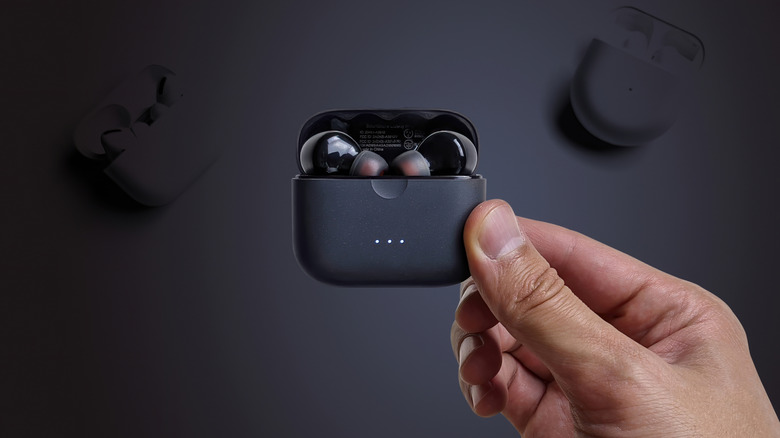
Yes, ditching earbuds for heavy-duty headphones will get you a better sound. Yet, you can't really beat the former for blasting jams on the go, and if you're rocking some of the best wireless earbuds, like the Anker Soundcore, chances are you'll be happy with the sound reproduction. Problem is: sound quality is often subjective and what works for the majority may not work for you. Taking it a step further, the base EQ on the earbuds may also not do justice to the genre you're listening to (heavy low-end doesn't make sense for jazz, for instance, but is amazing for styles like hip hop and funk). So, how do you get the best sound possible from your Anker Soundcore earbuds?
Well, going by recommendation from Anker itself, it has nothing to do with EQ settings. The company suggests checking if you're wearing the earbuds properly. Makes sense: the closer they are to your ear canal, the louder and clearer the sound will be. If you've got Anker's earbuds that come with multiple tips, try swapping the existing ones for others that may fit your ear canal better. Switching to a better Bluetooth codec like LDAC (Anker actually recommends it) is also worth trying.
Songs still sound bad? Then, open the Soundcore app and fire up HearID. This feature tests your hearing and creates a sound profile with a custom EQ curve that should (at least in theory) work perfectly for your ears. The "in theory" part is there for a reason. While many users have had their minds blown by the feature and swear they could hear new details, others went as far as to dub HearID nothing more than snake oil.
Tweaking the EQ settings
If your experience with HearID left you wondering if Soundcore Anker earbuds are even good, don't give up just yet, as you still have a bunch of fun EQ settings to explore. The saving grace of many modern audio products is that you're not stuck with their default sound profile. So, if Anker's "Signature" preset out of the box isn't doing it for you, then you've got 22 other EQ presets at your disposal: everything from one that makes the buds less harsh to one that boosts the heavy bass. If these still sound "meh", feel free to use them as a starting point for further adjustment. The frequency response is fully customizable with a nice 8-band parametric EQ.
Unfortunately, you may have to account for the physical limitations of earbuds (i.e., their small size), which can affect sound quality. Some hear it as hollow-sounding, but a more precise description is "boxy". You can actually cut that out with the EQ by lowering the gain of the second and third bands (200Hz to 400Hz) or even the fourth one (800Hz) if the boxiness is more pronounced with your particular buds.
Still not satisfied? In one Reddit thread, the top commenter may have cracked the EQ puzzle. According to them, you should "Try +5, +3, -1, -3, +3, -1, +2, -1/0." These figures correspond to the eight bands on the parametric EQ, and you can plug them into the app to get the best sound from the Anker Soundcore earbuds — at least, those who responded to the Redditor hear it that way.