

Moving Your OLED TV Can Be A Tricky Problem - Here's Why
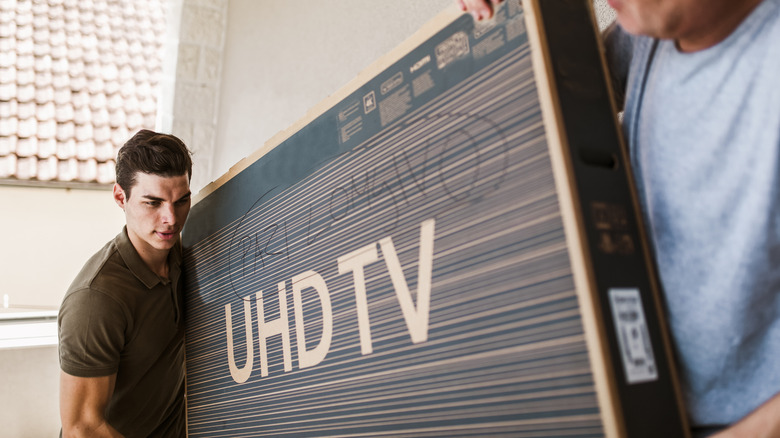
Unlike regular TVs, moving an OLED TV can be a much riskier task than it seems, even inside your own home. That is because they have a reduced thickness, and although this is attractive when you are watching these screens, it leaves a huge area on the device without any safe point to hold. Since any movement can flex the chassis, you can damage the panel or even drop the TV on the floor.
Although OLED screen models are extremely thin, they remain heavy, which can make transport even harder. A 65-inch Samsung OLED, for example, weighs almost 42 pounds and has only 1 centimeter depth. With no safe places to hold by hand and the need to share that weight with another person, moving a TV can become tricky.
This difficulty in moving one of these screens is one of the biggest disadvantages of an OLED TV, since a small mistake can cause damage that the warranty does not cover. In addition, paying for repairs can usually cost a lot, and many times buying a new OLED display for your home makes more sense than trying to repair it.
How to move an OLED TV without damaging it
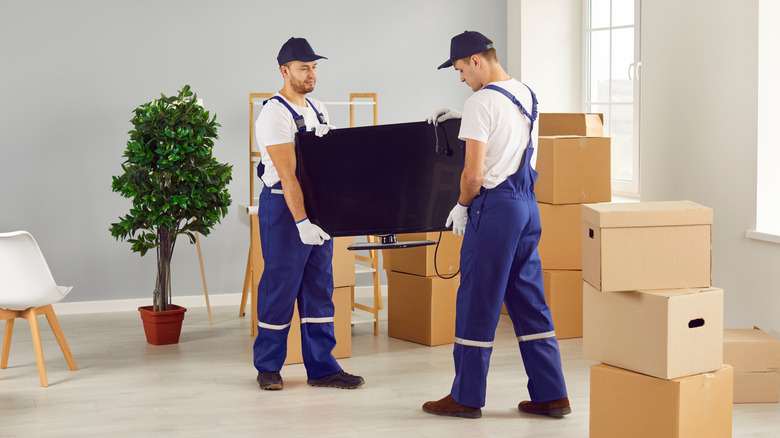
An OLED TV screen is thinner because it does not use the backlighting you find in LED displays, so the chassis becomes narrower, but this makes it vulnerable to pressure from your hands. So, if one person lifts the device before the other, opposing forces can twist the structure, and even pressing the panel too hard can damage the screen, as LG points out.
If you need to move your TV, the important thing is to make sure the weight stays well distributed throughout the whole route. You need to support it by the chassis, without putting direct pressure on the panel, while the people involved in transport need to coordinate the movement to avoid sudden twists. It is also important to avoid narrow hallways, corners, or height changes, since this increases the risk of damage.
The original box and custom foam inserts still offer the best protection, so keeping the boxes your electronics came in can be worth it for fragile and expensive devices. Without it, the better option is to use a rigid box for an OLED TV, protect the corners, and keep the device upright, with no objects resting on the screen.
Your warranty may not cover moving damage

Depending on what model you choose, even the TV brands with the best warranties may not offer free repair for damage caused during transport, even when the device still has its original warranty. That is because they usually cover manufacturing defects, not problems caused by handling or user error. So, the vast majority leaves this responsibility to the user.
There are some exceptions, especially if you subscribed to an extended warranty plan, but the conditions vary a lot. Sony Protection Plus has coverage against accidental damage during handling, offering the user broader protection than the standard warranty. Still, everything depends on where the plan was bought and how the damage happened.
For that reason, before handling an OLED TV, it is important to look in the contract for terms such as accidental damage, improper handling, transportation, and relocation to understand what the warranty covers in these cases. In addition, reading the device manual to see the manufacturer's own handling instructions is another important point.