

5 Of The Most Common Issues With Starlink Internet (And How To Fix Them)

Starlink is a genuine lifeline for anyone stuck on slow rural broadband or with no wired broadband at all. For people in areas where a wired connection isn't a possibility or is way behind the times, the satellite service has largely made the argument that Starlink is a better home internet option than the competition. Speeds that rival copper and fiber connections, a setup that mostly takes care of itself, and coverage that spans nearly the entire planet have made it easy to recommend.
That doesn't mean it's flawless. Starlink is still a relatively new technology that depends on a constellation of satellites orbiting Earth, and that dependency shows up in everyday use. Real-world monitoring across thousands of dishes has found that Starlink connections are unreachable for an average of 33 minutes per day, a figure that works out to about 2.3% of connected time. Some of that is expected, given how the network hands traffic between satellites, but a lot of it comes down to issues users can actually solve themselves.
The most common problems with Starlink tend to fall into a handful of predictable categories: total signal loss, frustratingly slow speeds during busy hours, Wi-Fi that stops showing up, obstructions blocking the dish's view of the sky, and weather or wider outages. The good news is that most of these have straightforward fixes that don't require a technician or a replacement dish.
A completely offline dish is usually a cable, power, or software problem
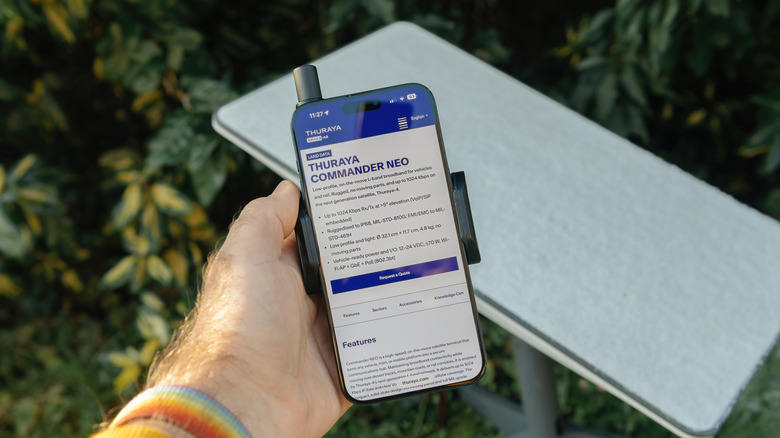
A partly unseated dish cable is one of the most frequent reasons a connection drops, and it can still work while loose without looking disconnected. A bit of movement can wiggle the cable free, so it's worth unplugging and reseating both the dish base and the router first. Power issues are just as common, so check that the router is receiving power.
If the hardware checks out, a simple reboot often clears the problem. Unplugging the power supply, waiting about 30 seconds, and plugging it back in allows the dish a few minutes to reacquire satellites and reorient itself. Users can also trigger a reboot inside the Starlink app, and a stow and unstow cycle acts as a harder reset. An outdated firmware build can cause connection quirks. Restarting the router usually prompts any pending update to install.
A red light on the router indicates it can't communicate with the dish, which points to a damaged cable or a hardware fault. Faulty cables may qualify for a free replacement from Starlink, and the company's support team is reachable through the app rather than by phone. It's also worth ruling out a wider outage first, since the app names the reason a dish is offline, such as no signal received, obstructed, or a stated outage. If the app reports a service outage affecting many users, the problem is on Starlink's side, and the fix is simply to wait it out.
Speeds that crawl during peak hours usually come down to oversubscription
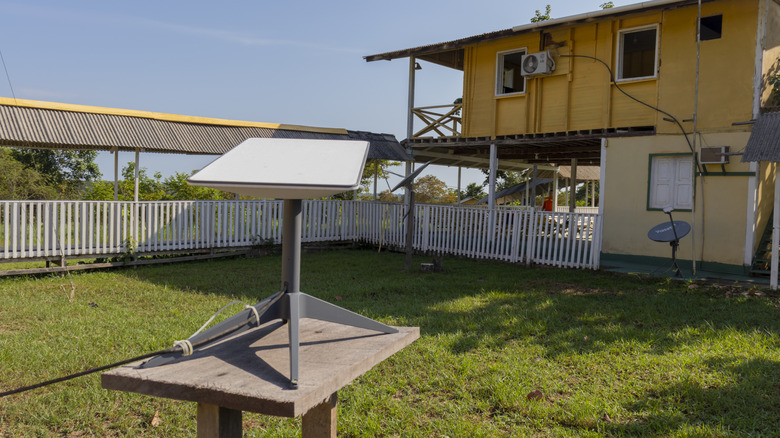
Starlink speeds can drop dramatically during busy periods, and the root cause is usually oversubscription. That means there are too many users in one area sharing the same network capacity. The Starlink app's built-in speed test can confirm this, since it typically flags traffic congestion when slowdowns happen during peak usage and no other problems show up. Looking at how many Starlink satellites actually orbit Earth puts into perspective that the network capacity in any given region is finite.
Upgrading from the Residential plan to the Business tier removes some deprioritization, though it comes at a significant monthly cost and becomes less of a competitive service when put up against standard gigabit fiber plans. Roam users can activate priority data on demand, but it adds up quickly on a per-gigabyte basis. Before spending more, it's worth confirming congestion is genuinely the issue, because a different plan may not help if the real issue is a firmware glitch or hardware fault.
Users trying to find better day-to-day performance should try restarting the dish and router to help clear transient slowdowns. If the problem persists outside peak hours, it's time to contact Starlink support since faulty hardware or a temporary network issue could be behind the drop. As a rule of thumb, the biggest factor in perceived Starlink speed is simply when the connection is being used, and the heaviest users may also see intentional deprioritization regardless of their plan.
A Wi-Fi network that won't appear is almost always a router problem
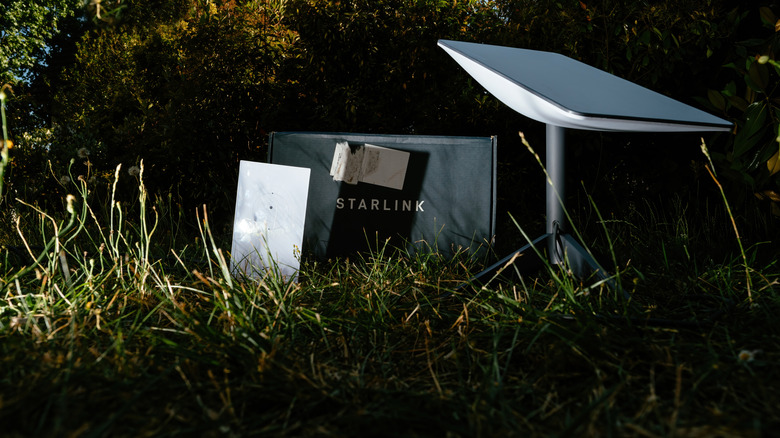
When devices can't detect a Starlink Wi-Fi connection, the dish usually isn't the issue; the router is. The first step is confirming the router has power, which on the official Starlink router means turning it over and looking for a small white light. If there's no light, checking that the cables are seated and the outlet is working are no-brainers. Try a different outlet to determine whether the problem is electrical or with the router.
If the router has power but isn't broadcasting, simply restart it. Users can reboot the router from the Starlink app's settings page, and that simple step usually brings the Wi-Fi network back. Persistent issues may be down to a damaged cable or router failure, so contact customer service as a replacement router might be needed. For users who can't wait for a new router, older Starlink routers support Ethernet with an included cable or adapter to allow wired connections, a reliable way to get online for desktop and laptop users. Testing on a wired connection is also a solid diagnostic check, confirming if the issue is down to Wi-Fi or internet connection.
Obstructions that block the dish's view of the sky cause constant dropouts

Starlink dishes need a clear view of the sky to work. Anything that gets in the way, such as trees, buildings, and poles, can result in brief but repeated dropouts. It's one of the most common issues for users in wooded areas, making connections feel unreliable even when the service itself is fine. The dish needs to maintain a line of sight to satellites as they move overhead, so a partially blocked view can be enough to interrupt the signal.
The Starlink app includes an obstruction map that shows where the view is blocked, with a 3D representation of the dish's sky view. Blue areas are clear while red areas represent obstructions, making it easy to spot the problem. There's also a manual check that uses the phone's camera to scan the sky and identify potential issues. For a dish that's already mounted, repositioning it to a spot with a clearer view, or higher up, is usually the fix.
Some users will find the Starlink Mini worthwhile due to its portability, making it easier to find an unobstructed spot on the go. But even the best-positioned dish will struggle if its view is obstructed. Using the Starlink obstruction map is really useful in these situations, but seasonal changes matter too, with wooded areas getting better signal in autumn and winter thanks to tree leaves falling, for example.
Weather and wider outages are the final common headache
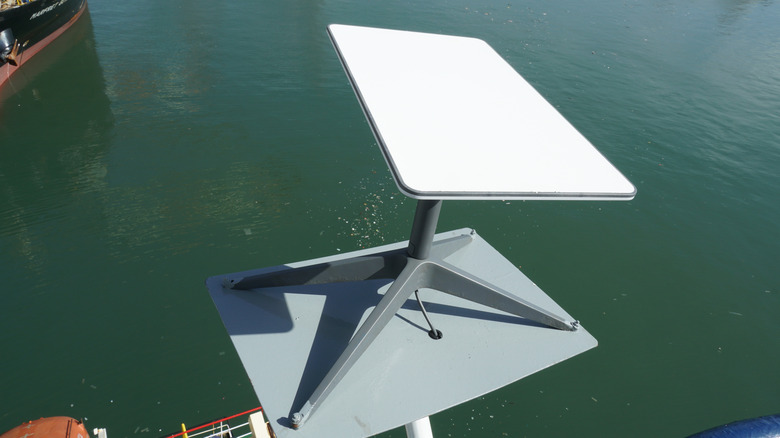
Starlink handles rain and mist well, but heavy rain can disrupt the signal, and snow can be a real problem. The dish has a built-in heater designed to clear snow, but extreme cold can overwhelm it, allowing snow to accumulate and interfere with the connection. For snow that's sitting on the dish, gently brushing it off can temporarily restore service, but heavy rain is just a case of waiting it out.
Wider outages are the other unavoidable factor. Because Starlink depends on its satellite constellation, a service outage will take a connection down regardless of how well the dish is installed. Checking the Starlink app should be the first step with any connection issue, since it shows the status of the connection.
If an outage is affecting thousands of users at once, it will likely be a system outage that users can't fix. For those who rely solely on Starlink for internet access, it's wise to have an unlimited data plan with their cell phone provider for hotspotting as a backup if there are any issues with Starlink's service. Checking a network coverage map before taking out a new cell contract is a wise move.