

Is It Safe To Charge A Laptop With A Battery Pack?
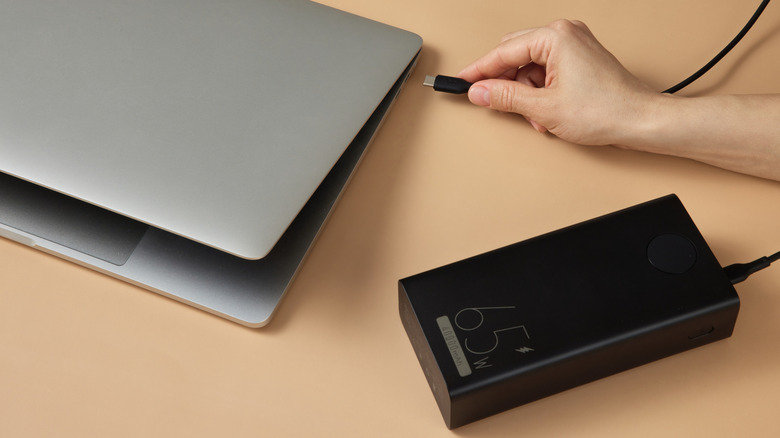
Until the day engineers are able to harness battery technology that can fit days of charge safely into a slab the size of a chocolate bar, most laptop warriors will probably stay near an outlet. For the braver ones out there, though, there is always the option of plugging into a power bank instead. Yes, you can use the same portable cell to charge your laptop like you already do your phone, your earbuds, and all those smaller gadgets and accessories riding in your pockets or backpack.
That said, there are a few catches you'll need to look for before you plug your computer into that tiny USB-C port in your 20,000mAh battery pack. You'll need to make sure your laptop supports the USB Power Delivery revision 3.1 protocol, that your power bank can output on USB PD to the wattage your machine expects, and that the cable you're using is rated for high-wattage delivery. We'll detail the numbers you'll need to watch for, define the jargon that makes all this possible, and even throw in an oversimplified physics lesson to boot.
What do I need to charge my laptop from a power bank?
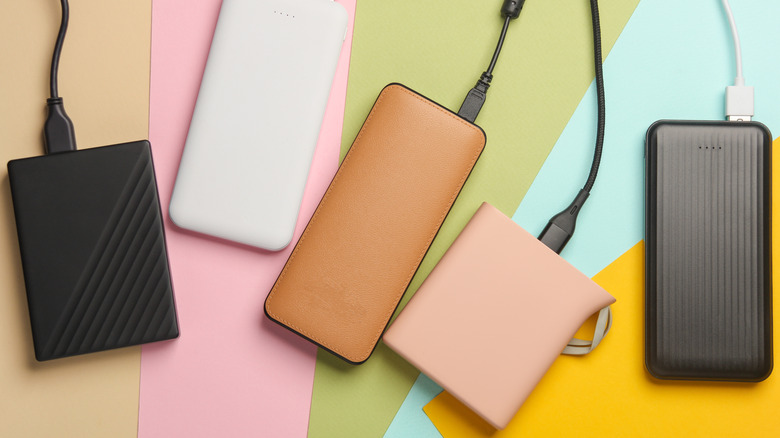
To start, you need to know how much power your laptop takes in when it's plugged in through its wall adapter. A 13-inch MacBook Air with an Apple M5 chip, for example, comes with an adapter that passes up to 60 watts at peak usage. You should also check the spec sheet to see if your laptop supports USB Power Delivery.
Make a note on which ports support USB PD: USB-C ports are a safe bet, but not every port supports Power Delivery charging. Ideally, your laptop should specify PD revision 3.1, as that covers charging levels required by most modern laptops. Machines released after the 2021 model year should generally support this standard, though it's still worth checking just in case.
Next, you'll need to find a power bank that also supports USB PD 3.1 and can supply enough wattage through a single USB Type-C port. As of this writing, we see maximums of 140 watts across top-tier batteries from different brands. You'll also need to procure a certified USB Type-C cable, as accessory makers target cable designs rated for 60W, 100W, 140W, or the maximum of 240W. You'll see official USB branding on packaging and sales pages that specifically endorses those power rates.
Can I charge my gaming laptop with a battery pack?
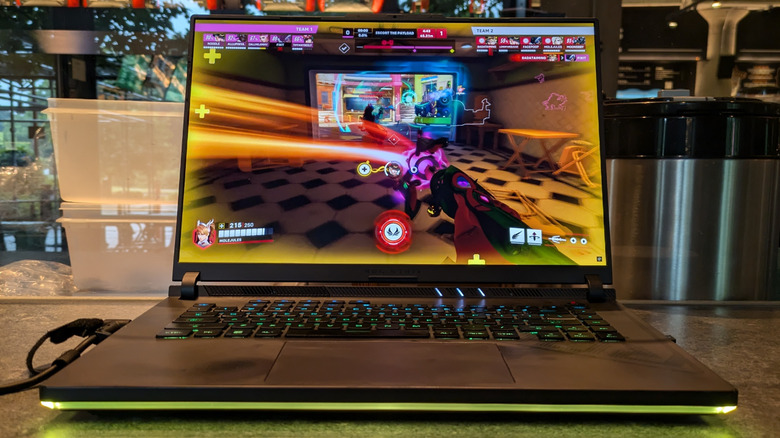
That 240-watt figure might be especially appealing to you if you own one of a number of gaming laptops that come with a lower-rating adapter. Don't get too excited: There's a reason why your beast of a Windows laptop comes with a bulky AC brick that uses a more insulated connector.
As you deal with more energy, you also deal with a greater risk of electrical leakage that can build up or explode into an outright hazard. Take it from me, someone who's used a higher-wattage USB-C wall adapter than the one my laptop was supplied with — luckily, I wasn't injured, but the fans in my heatsink system did exhibit a loud buzzing when they spun up. That was likely a symptom of the larger harms I was doing to my computer.
While it's not often published, many laptops will limit USB PD power connections to 100W. You might see chatter on the rare Reddit or forum thread with some random owner asking about why they can't use their USB-C power bank to effectively charge their device. HP does actually call out that limit on the product pages for its more capable models, albeit in a small footnote at the bottom. In short, you should be able to plug your laptop into a power bank and charge it on lighter usage. Expect your laptop to begin discharging under heavier loads. Certain features contingent on charge status, such as discrete GPU activation, may also not behave as you would normally expect.