

Is It Safe To Use An Old iPad That No Longer Gets Software Support?
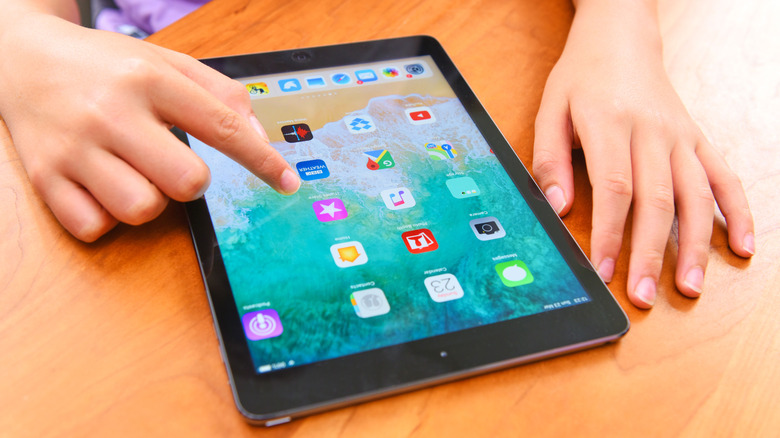
If you recently found an old iPad lost around the house and decided it could be repurposed, then you need to be a little careful. iPads that no longer get software updates or security patches are not safe for online activity, handling sensitive financial data, or accessing other private accounts. Among the issues, these tablets most likely haven't received proper updates to protect against sophisticated attacks, and it's possible that your tablet could become a security risk.
Besides that, older devices run on legacy hardware that could be more prone to vulnerabilities. That's because an iPad with the A9 chip, for example, has been around for so long that hackers might have exploited some of its hardware vulnerabilities. As a result, some of these loopholes can't even be patched by a software update, as the flaws are in the hardware. Still, it doesn't mean you should throw your iPad away. The best tip is to use your old tablet as an offline device, meaning you should only take advantage of it as a single-purpose device, such as an e-reader, a digital photo frame, or as a digital clock.
Real threats your old iPad could face

Apple is often generous with its software support even for older devices. For the iPhone, Apple says the iPhone 11, which was released in 2019, will still get iOS 27 updates. With iPadOS 27, tablets released around 2020 and 2021 will still be able to update to this upcoming software. In addition, the company usually updates some older versions of iOS/iPadOS so more models can have the latest security checks.
Still, the tablets that don't get these security improvements can be easier targets for attacks. With iOS 26.5.2, Apple fixed several security threats focused on WebKit, which is the engine that runs not only Safari, but all iOS browsers like Google Chrome, Firefox, Microsoft Edge, and more. Basically, the company discovered several flaws that AI-assisted attacks could use to infiltrate your device. However, these were only the latest flaws, and previous updates might have fixed issues that may or may not have been exploited.
That said, a compromised website, a malicious link someone sends you, or anything similar to that could easily grant access to a flaw on your device. A malicious actor could get control of the kernel of your tablet, meaning that attackers could, with little to no effort, have access to all your data stored on the iPad, including passwords, files, photos, and more.
How to securely use your old iPad

To keep using the old iPad without worrying about security, the main strategy is to treat it like a single-purpose gadget rather than a computer. This is why the best thing to do is to give it a full factory reset to clear out legacy data. With that, you shouldn't log in with your primary Apple Account, install banking apps, or password managers. Besides that, if your iPad is really old, some developers prevent you from downloading older, compatible versions also due to security reasons, but if you need to download an app, make sure not to enroll any credit card information.
Since network isolation is your best friend here, you should treat your iPad as an offline device; download your favorite songs, books, movies, and take it offline. If you want to go a step further, creating a segregated guest Wi-Fi network can be a great idea so it can't communicate with your iPhone or Mac. Still, avoid casual web browsing like checking social media platforms.
That said, using an outdated iPad can be a good idea if you use it for simple, low-risk jobs like a wall-mounted clock, a kitchen recipe reader, or a digital photo frame. You should just keep an eye on the battery, especially if the iPad stays plugged in overnight or 24/7, as old batteries don't handle prolonged charging well and may degrade over time.