

5 Devices That Don't Need A Screen Protector
We may receive a commission on purchases made from links.
Using a screen protector can be the best way to protect tech gear from accidents that could become something bigger. For this reason, many people put a screen protector on their new smartphone the moment they buy one. However, there are products like laptops, e-readers, and foldable phones that simply don't need the extra protection — not necessarily because the display can't break, but because the projected experience doesn't allow a screen protector to actually fit in.
There are many (expensive) devices that you may want to add extra protection to, like the Apple Vision Pro, but it's impossible to protect the inner displays with a second screen, and the outer one can't properly adhere to the high curvature of virtual reality or mixed reality handsets. In cases like this, the best way to protect your tech device is by adding proper protection when carrying it, as the displays can sustain damage by bumping into other items and make them feel more worn out than they should have been.
That said, these are some devices that don't need a screen protector, why they don't need it — as sometimes this alleged extra protection can do more harm than good — and what you can do to mitigate possible issues with the products' displays and more.
Laptops
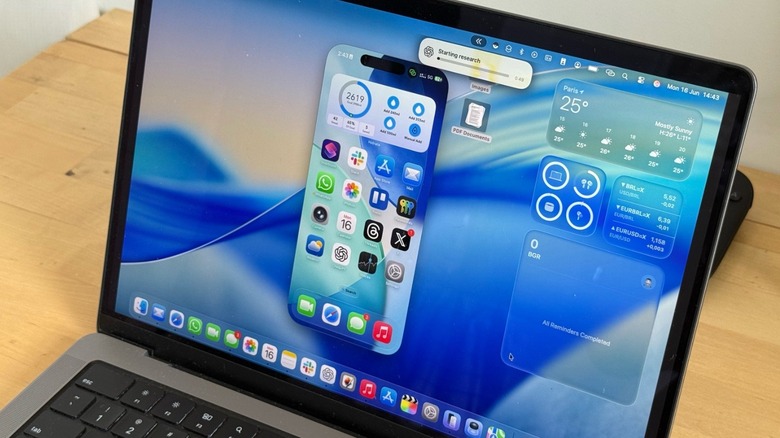
Modern laptops are built with almost no space for anything between the display and keyboard when they're closed. While manufacturers like Apple highlight in support documents that customers shouldn't use webcam covers, screen protectors, or even stickers, you can also take a look at your laptop's size to see how they were perfectly engineered to have zero to almost no gap between the screen and the keyboard. With that in mind, if you put something in between, you could damage the computer's hinge or even the display.
When an accident like that happens, repairing a MacBook costs a lot, so to actually protect your laptop, you're actually better off without this extra display "protection." Since laptops can be expensive, the best ways to protect them are by using a carrying sleeve with a microfiber-like protection from the inside and always using a dry or somewhat damp cloth to clean the display, – as well as the rest of the computer. Newer MacBooks have the MagSafe charging cable, so if something happens (like if you stumble into the cable), the MagSafe will disconnect, and your laptop won't free-fall to the ground.
e-readers
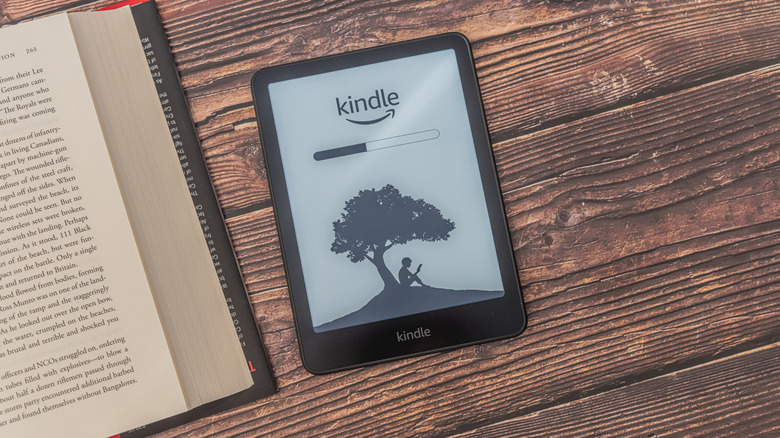
Unlike iPads and tablets, e-readers have an entirely different selling point, which is non-reflective, paper-like displays designed for effortless reading, no matter where or when. Specifically regarding the Kindle, Amazon adds a specially textured, matte display surface that diffuses light. So adding a traditional screen protector would add ambient reflections, which could create harsh glares under sunlight and defeat the primary reason to use an e-reader over a tablet. After all, those e-ink displays were made for those scenarios.
Since e-ink screens rely on ambient light bouncing off physical micro-capsules beneath the display, adding this extra layer of plastic adhesive degrades optical clarity, muting text contrast and making the display look foggy. Similar to a laptop, the best way to protect your Kindle against everyday issues is to use a small microfiber carrying sleeve, or Amazon's folio case. After all, the e-ink display can get damaged if you just throw it in your tote bag with other tech gadgets and items.
More importantly, e-readers are such chill devices — you actually use them in bed, commuting, traveling, or resting — that adding an extra protection like a screen protector feels redundant, as it's less likely that you're going to drop a Kindle the same number of times people usually drop their phones.
Apple Watch
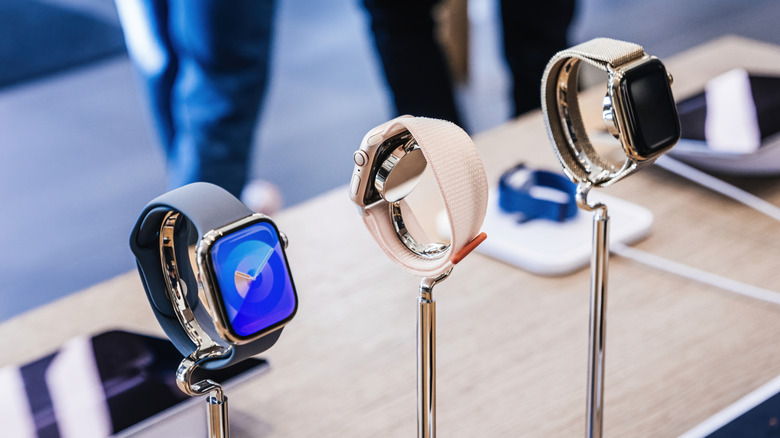
There's nothing wrong with putting a screen protector on an Apple Watch, but there's simply no reason for it. While a regular model is more prone to getting scratches and little abrasions, premium models like the stainless steel or titanium models have sapphire crystal glass, which scores 8.5 to 9 on the Mohs hardness scale, making everyday items like metal keys, coins, and other devices incapable of scratching the display.
Besides that, regular Apple Watch models have 3D curved edges, which regular screen protectors struggle to adhere to, so your watch might not be fully protected, or it could lead to ugly halos. Using a screen protector would mean losing out on an improved viewing angle. Every other generation, Apple improves the brightness of the display and how much of it you can see from an angle, because if you don't need to raise your wrist to see the time, or if you can glimpse at your health metrics while cycling, you can get a far more seamless experience with your smartwatch.
Apple built the Apple Watch Ultra to take on this "wilder," more rugged lifestyle that includes running, climbing, swimming, and more. So even people who might accidentally hit their watches against rough surfaces more frequently can rest assured that the watch will stay in good shape.
Digital Cameras
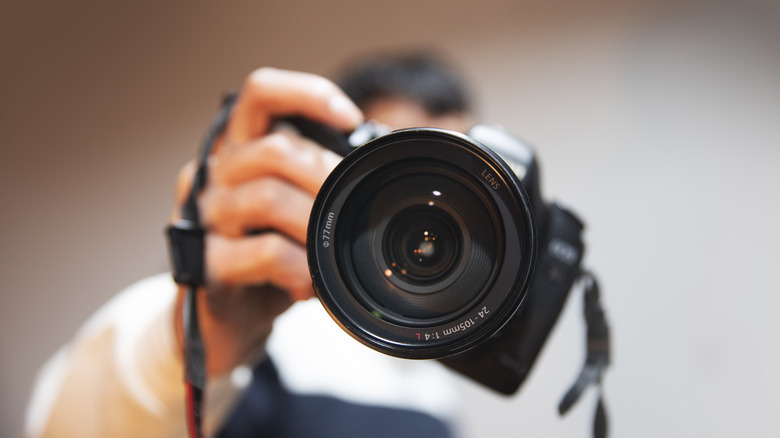
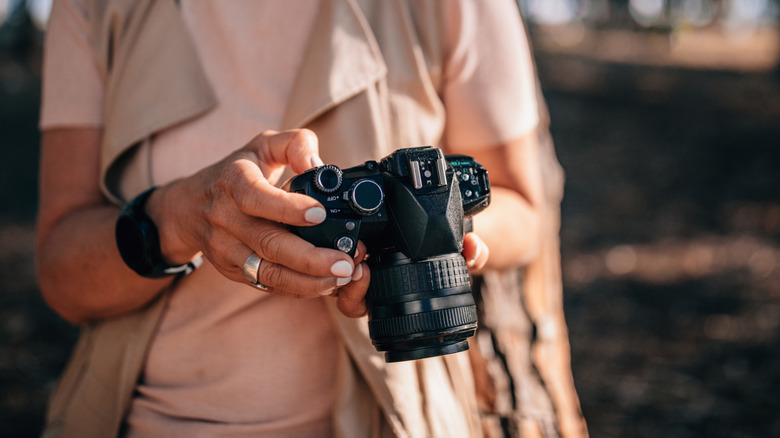
Dedicated mirrorless and DSLR camera screens are built for reviewing exposure, focus, and exact color profile outdoors. Photographers rely on the rear LCD to judge white balance, shadows, and highlights. While you could be wondering if it's worth having a DSLR camera in 2026, you also don't need to make the experience harder. After all, third-party screen protectors might add tint shifts, glare, and internal light refraction, leading to misjudging exposures in the field.
Additionally, since many modern cameras feature fully articulating flip-out screens, customers could damage this mechanism with an extra layer on the display, as its housing is designed to fold inward flush against the camera body to protect the screen when packed in a bag or just hanging from a lanyard while taking pictures. Besides, most of these cameras already offer display protection, so adding another layer could just do more harm than good. Another thing to consider is that the best way to protect a digital camera is to add a proper carrying case. If you think the official ones are too expensive, there's a sea of third-party options that can include space to store extra batteries, SD cards, cables, and more.
Foldable phones
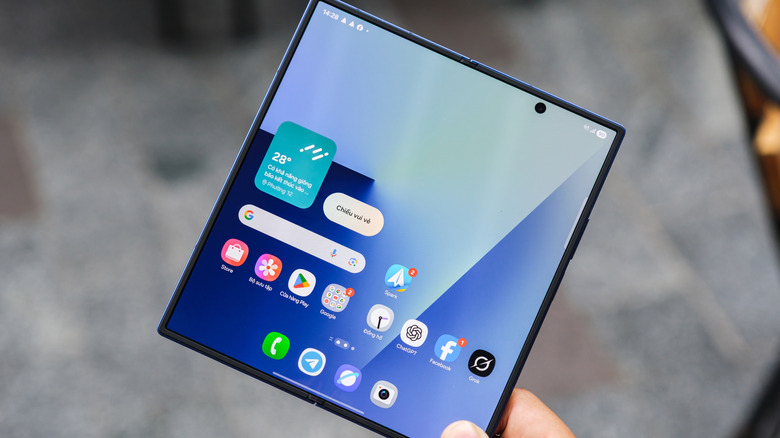
One category of products you should avoid adding a screen protector to is foldable phones. Devices like Samsung's Galaxy Z series and its recently released Galaxy Z Fold 8 series leave the factory with a specialized, micro-engineered protective layer pre-installed over their Ultra Thin Glass — Samsung even warns users not to peel it out. Since the crease areas of these phones experience continuous folding, stretching, and compression, there's simply no reason why someone should add a screen protector to them.
Adding extra thickness to a specifically crafted product can add more tension, which could eventually shorten its lifespan and break its inner display, but also help it delaminate, get bubbles, or develop fracture stress lines down the hinge center. Since manufacturers explicitly warn against adding third-party adhesives or peeling off the factory-applied inner layer yourself, you could lose the warranty of your very expensive foldable, making the repair a costly solution. That said, the best way to protect a foldable phone is with an outer case — even though it feels like foldable phone users know their devices are a lot more fragile than regular smartphones due to their very complex construction and materials.