

Waze Vs. Google Maps: Which App Is Best For Road Trips?
A well-planned road trip has a road-ready vehicle, lots of snacks, emergency supplies, and a trusted navigation app. The latter is arguably just as important as the rest of your checklist. After all, the last thing you want is to get lost in an unfamiliar location. Google Maps is a popular navigation apps for both Android and iOS users, but Wase is one of free Google Maps alternatives that users swear by.
Both are owned by Google, but they're completely different from each other. Waze has features that are better than Google Maps. Thanks to its crowdsourced data, it's effective at rerouting you during heavy traffic and alerting you about live hazards, police, and speed traps. Google Maps comes with tools that are better than Waze, such as saved places, lists, and a cleaner interface.
When going on a road trip, though, there's a clear winner between the two: Google Maps. This is largely because of its multi-stop route planning and offline maps, two of the top concerns for road trip navigation. On top of that, Waze's strength is that it relies on crowdsourced data, so if you're planning a road trip through rural areas, the real-time traffic and hazard reports might not be as accurate as users expect since there are fewer Wazers in that area to report data.
Why Google Maps is the better navigation app for road trips
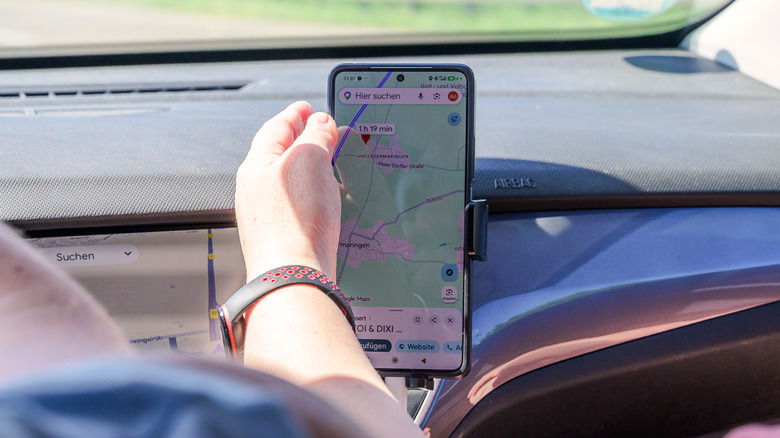
The main feature that makes Google Maps better at road trips is its route planning. You can plan eight stops on Google Maps between your origin and destination, which means you won't have to repeatedly start a new navigation every time you reach a stop. You simply follow one route until you get to where you want to be. On the other hand, Waze supports just a single stop. You can't plot your entire multi-stop road trip on Waze in one go unlike on Google Maps. Meanwhile, Google Maps even lets you rearrange the stops as you see fit. It also conveniently tells you the total trip duration based on the order of the stops and updates it whenever you change the sequence.
Another nifty advantage of Google Maps over Waze is its offline maps. Waze generally won't work without an internet, which could easily be a problem when you're driving in the middle of nowhere with no cell service. For your peace of mind, go with Google Maps and download an offline map of the area before you start your road trip. To do so, open Maps, click on your profile, and go to Offline maps. Tap on Select your own map and choose the area you'll be driving in. Hit Download to save it. Keep in mind that the larger the area, the bigger the download size will be, so make sure you have enough free space.