

Can You Use Two Different Brands In A Dual Monitor Setup?
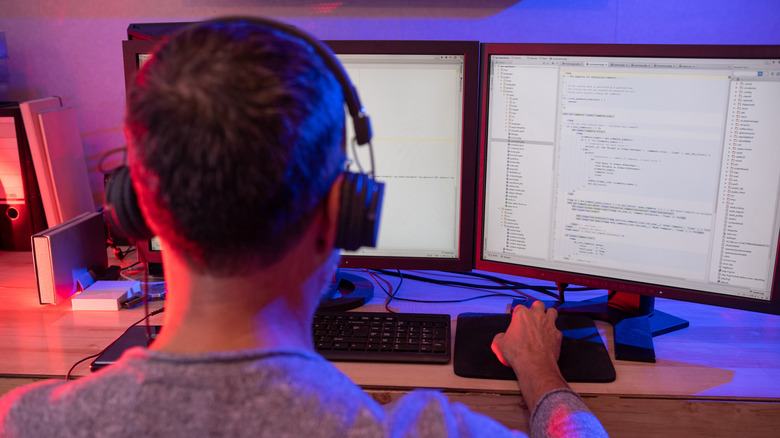
If you're in the midst of setting up your ideal productivity battlestation, odds are you've considered a multi-monitor paradigm, in which case you've probably run into a common question: is it ok to diversify brands when using multiple monitors?
Let me put your fears at rest: as someone who's currently using a desktop PC outputting to a 65-inch 4K TV and a 28-inch Dell Omen monitor, it is absolutely possible to mix and match displays to your heart's content. As my setup proves, they not only don't need to share a brand; they don't even need to be the same display type (or even both, if you're looking to expand beyond a pair of displays).
That said, there are some advantages to matching displays that are of similar size, type, or brand, particularly if you're extending your desktop rather than mirroring it. But the bottom line is that nearly any display that works with your GPU/outputs should pair fine with any other; just keep these tips in mind when choosing a monitor for any scenario.
How to find the perfect monitor pairing
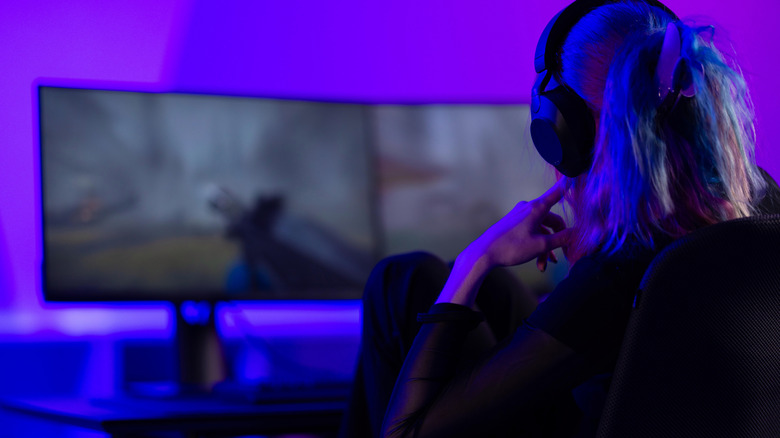
Finding the perfect monitor pairing for your PC setup is less about buying the most expensive displays and more about matching your screens to how you actually work and play. For many, an ideal dual-monitor setup will feel seamless, with both screens sharing a similar height, resolution class and panel quality so your eyes aren't constantly adjusting as you move from one to the other. The alternative is a setup like mine, where you have one primary display doing most of the grunt work, while a secondary display mainly holds supporting docs/information or runs videos and background entertainment. Choosing one of the best vertical monitors is a great option for that second display.
For most people, the safest starting point is a 27-inch primary monitor paired with a second display of the same size and resolution. If gaming is your priority, put your fastest, highest-refresh-rate panel front and center, then use the secondary screen for Discord, streaming controls or browser windows. If you spend more time writing, editing or multitasking, a 4K monitor or ultrawide can make a huge difference by giving you more workspace without overwhelming your desk (though there are also some monitor features you don't need to waste money on).
Connectivity matters, too. Before you buy, make sure your PC has the right HDMI, DisplayPort or USB-C outputs to drive both monitors at their native resolution and refresh rate. You should also think about ergonomics: adjustable stands, proper spacing and a layout that keeps your main screen centered can make long sessions much more comfortable.