

Why Do Some Anker Chargers Have Bluetooth?
We may receive a commission on purchases made from links.
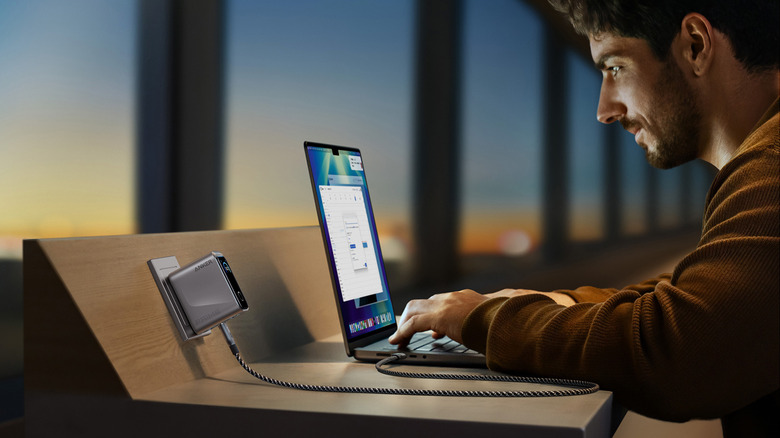
When it comes to chargers, Anker is among the best-known brands in the world, often appearing near the top of "best of" lists. The company offers a wide variety of options, from single- or multi-outlet charging bricks for use in AC outlets at home to portable chargers for use on the go that can charge everything from smartphones to laptops with the higher-powered options. They all have the typical features, including at least one port for plugging in a device. Some have built-in cables, LED lights to show power, maybe even tiny screens to provide charging status and other useful information. But one feature you might also see, albeit less commonly, is built-in Bluetooth.
Wait, Bluetooth? Why would you want or need Bluetooth in a charger? The simple answer is that chargers with this feature include it to sync with a mobile app to show you useful information about the connection between the charger and the device it's charging. You can also adjust charging power and modes, get firmware updates, and more. It's limited to more premium models among the best Anker gadgets you can buy, usually ones with more power for charging products like a laptop. But for the most advanced charging experience, it's a nice-to-have feature.
How Bluetooth works in Anker chargers
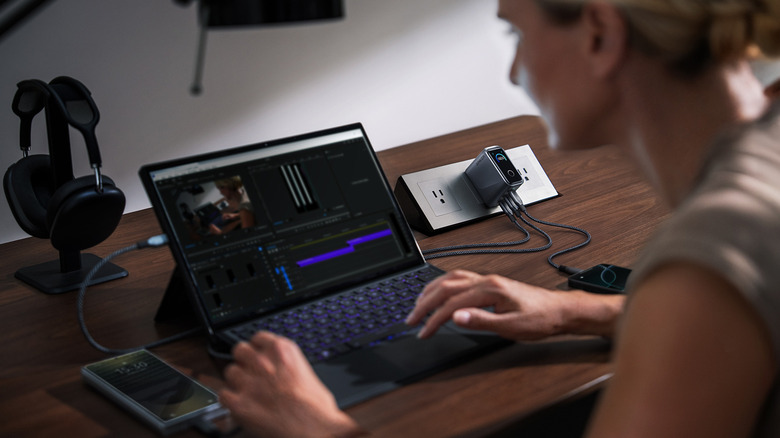
With Anker chargers that have Bluetooth, you can pair them with your phone and the app using a typical pairing process. Once paired, you can see the real-time charging speed of the connected device and adjust output behavior, like choosing a port shutdown countdown timer or having the charger stop output immediately. The app may also show (and allow you to adjust) cable and protocol information and charging modes, like the charging priority assigned to each port. You can also use the app and the Bluetooth connection to find a misplaced power station, like if you left it in your old backpack or purse, and update firmware for new features. Some may also let you adjust settings for the device's own display, like screen brightness, timeout, rotation, and language.
You should keep in mind that powering Bluetooth itself requires consumption, which means the charger will deplete faster. It's a good idea to turn Bluetooth off when you don't need it to conserve standby battery life. Bluetooth is likely on by default, so when you use it for the first time, verify this and turn it off to maximize power.
When Bluetooth comes in handy with a charger

Bluetooth technology is available in a number of Anker products, like the 20,000-milliampere-hour (mAh), 220W Anker Prime Power Bank that's ideal for recharging a laptop on the go, the 160-watt Anker Prime charger, which has three ports and a built-in smart display, and the Anker Prime Power Bank 27,650 mAh model, which ranks among the best portable chargers, according to Consumer Reports. The technology isn't something that everyone would use, but it's good for businesspersons charging multiple high-powered devices on the go who want to be able to adjust charging priority, monitor charging speed, check output, and more. With a high-value charger, being able to play a tone to locate it is a good peace-of-mind feature if you use it in different locations — home, office, and on the go.
You might want to switch to specialized charging modes like low-current power if you are fine with a low and slow continuous charge, or need to adjust cooling configurations. The addition of Bluetooth and app control is a unique option for some higher-powered, premium Anker chargers, and one you might find useful for greater control and customizability.