

Are Overclocked Nvidia GPUs Worth Paying Extra For?
We may receive a commission on purchases made from links.
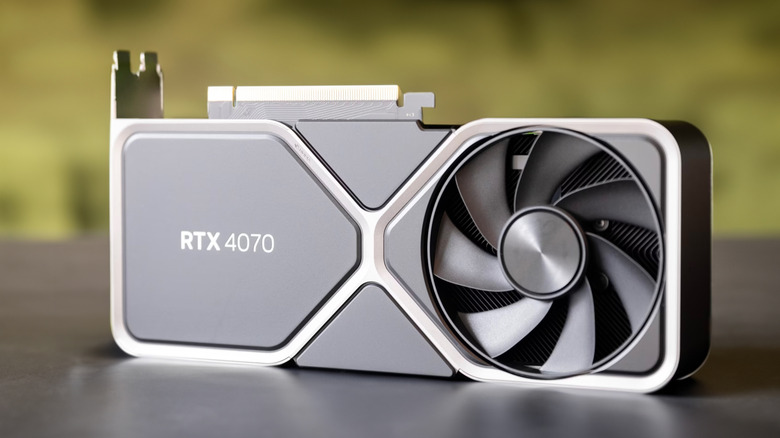
Buying a new graphics card is exciting. That is, until you do a quick search and the sheer number of choices paralyzes you, sending you on a wild GPU goose chase. Say you settled on an Nvidia card with a particular chipset. Chances are, you'll run into a slightly more expensive version of the card, advertised as OC. This abbreviation stands for "overclocked" and refers to GPUs that already have a factory-boosted clock speed. But is an overclocked GPU really enough of an improvement to justify the extra cost?
Ask pretty much any gamer or PC builder, and they'll tell you that it isn't worth the cost. To start with, you can overclock or undervolt a graphics card on your own, granting better performance at no extra cost. Simply install the free MSI Afterburner app and you can enter the world of juiced-up graphics cards without wasting extra money. In most cases, a factory-overclocked GPU could help you squeeze out an extra frame or two, but may run hotter out of the box. To compensate for the extra heat, the manufacturer may add a larger cooler.
OC cards are, more or less, a marketing tool. Look up a particular graphics card on Amazon, like the GeForce RTX 5070, and you'll probably see a bunch of third-party manufacturers producing this type of GPU. For example, Asus, Gigabyte, MSI, and other brands produce graphics cards based on Nvidia's chipsets. To boost their profit margins, companies may offer OC versions of the same cards at a higher price. Unfortunately, non-OC cards are hard to find, as manufacturers seem to default to OC versions. However, a lower-end MSI GeForce RTX 3060 Ventus is priced at $377 on Amazon, while the OC variant is slightly more expensive at $388.
How much boost does an OC Nvidia graphics card give you?
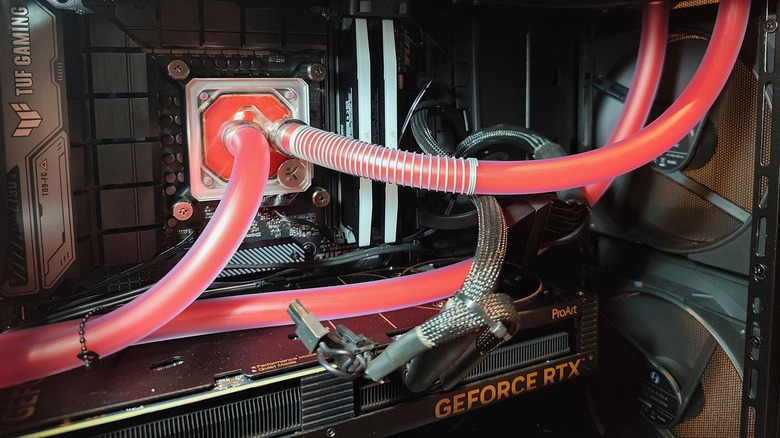
Graphics cards come with a factory clock speed. Overclocking simply bumps up the clock speeds beyond what the manufacturer set. In other words, the GPU will be able to compute more data faster, giving the graphics card an extra boost in performance. The side effect is that this will also lead to a noticeable increase in power consumption, and more power also comes with more heat. So, before you dive deeper into the world of overclocking, make sure that your power supply and cooling system can take it.
With OC cards, they're just not what their manufacturers hype them up to be, as the improvement is marginal at best. The team from Linus Tech Tips stacked up a regular card against three different factory-overclocked versions. The results? Two overclocked cards logged 2 extra frames per second, with one yielding an improvement of 4 FPS. Things have marginally improved in recent times, as tests of stock GPUs with equivalent OC cards can help squeeze about 7 FPS on average.
In the end, overclocking may have lost its shine in the modern era. Plenty of people regret doing it to their cards exactly because it made them run louder and hotter. Nowadays, there are better ways to gain extra FPS. Newer Nvidia cards have DLSS, which can make your games run smoother, and you can take that a step further by tweaking Nvidia DLSS settings with a free app to make it work even better. So, if you wouldn't overclock a card yourself, why pay Gigabyte or MSI to do it for you?