

How To Protect Your Screen Without A Screen Protector
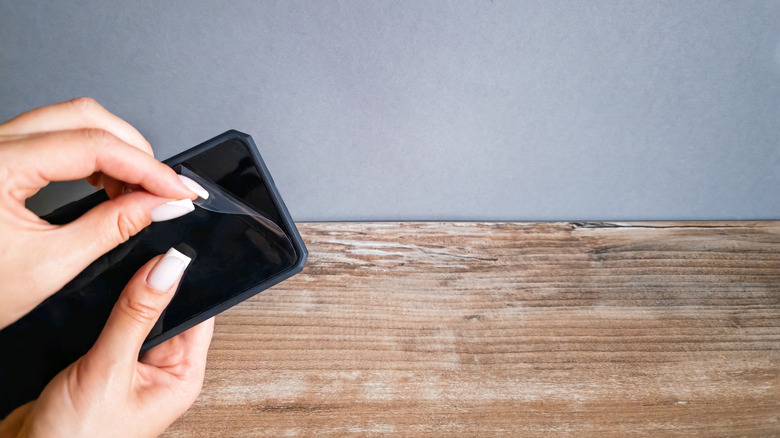
If you have a recent flagship phone, there's a good chance you don't need a screen protector anymore. For instance, the Samsung Galaxy S26 has Corning Gorilla Victus 2 applied on the front. In the Knoop scratch test, where the glass is tested against a pyramid-shaped diamond indenter, Corning Gorilla Victus 2 started to show signs of scratching and cracking at 7 to 10 Newtons of force. This is the same scratch resistance offered by the original Corning Gorilla Victus, but it can now survive drops of up to one meter on concrete. So, the screens of modern phones are built to withstand a lot. That being said, even Gorilla Glass can still get scratched by everyday materials.
When we put a screen protector on these phones, it's just for an added layer of protection instead of it being an essential accessory. The screen protector will crack if you drop it from a high enough distance and it hits the ground with a lot of force, just like Corning Gorilla Victus 2. Handling your phone with care is essential to ensuring that you avoid an expensive screen replacement down the line.
No screen protector, no problem
If you've had your screen protector for a while, you might notice that it has scratches. It can get them from all the times you carelessly place your phone screen-down on a hard surface, or put it in your pocket with items like keys, coins, or even pocket knives. Even though these screens are highly scratch-resistant, they aren't scratch-proof. So avoid subjecting it to anything that can scratch it, especially if it's harder than the glass itself.
Sand and dust are common examples of materials that can be abrasive against your phone's screen, leading to scratches. Regularly cleaning your screen can make sure your screen is free of fine dust that can be hard to spot. To clean your screen, make a cleaning liquid by mixing equal parts water and isopropyl alcohol (this kills germs that have accumulated on the surface), and gently wipe the surface with a microfiber cloth. Avoid using more than 70% isopropyl alcohol or harsh chemicals, as those can damage the coatings on the screen.
Do you still need blue light and privacy screen protectors?
Blue light can keep you awake at night, leading to manufacturers claiming that using a blue light screen protector does more than just protect your screen — it helps you sleep better. Blue light filtering screen protectors typically filter out between 30% and 60% of your phone's blue light emissions. However, using your phone's built-in blue light filter feature is often more effective, and best of all, free. Furthermore, a software-based solution is better because you can schedule it to turn on in the evening and turn off in the morning. You don't need a specially coated screen protector that gives your phone's display a perpetual yellowish tint that can throw off your color accuracy.
As for privacy screen protectors, it depends. These appear clear when looking straight at your phone, preventing anyone looking at them from the side from seeing anything. If you're someone who normally uses their phone at home or in private areas, a privacy screen protector is likely overkill. A privacy screen protector has disadvantages, including making it hard to show people next to you what's on your phone's screen (you have to hand them the phone) or see notifications when your phone is beside you. It can even make your display look grainy or pixelated and may make your phone's screen darker — requiring you to increase the brightness, which drains battery more quickly.