

What Does The Globe Symbol Mean On Your Router?
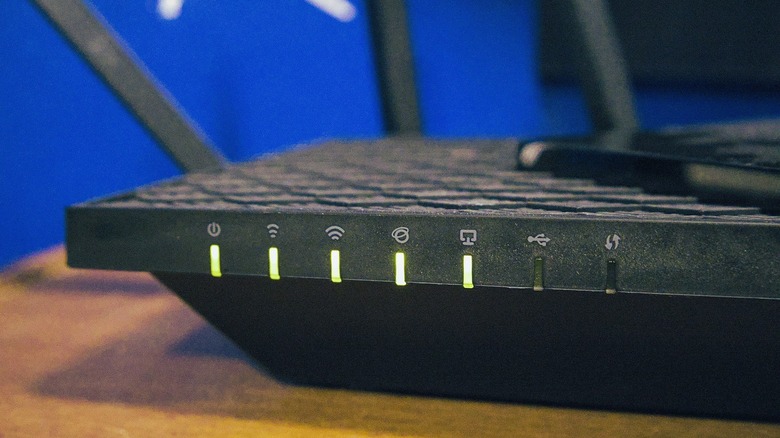
The globe symbol on a router is the key to understanding your core connection to your internet service provider and the internet as a whole. When that light is blinking, or solid green, your router has an active connection to the internet through the modem. Red, yellow, or orange lights often mean no connection or that something is wrong, though the blinking pattern of those lights and colors can also mean different things.
Your router's green light probably keeps blinking to tell you there's an active connection and it's currently being used by a device on the network. Slow and steady blinking, yellow or red, usually happens when the router is first establishing a connection. Most routers will blink slowly until the internet is available, then the light will turn a solid color, typically green. It's important to understand that, while green is a common and universal color chosen for "ready to go" or an "okay," status, it's not always the color or indicator used.
Every router manufacturer handles this differently
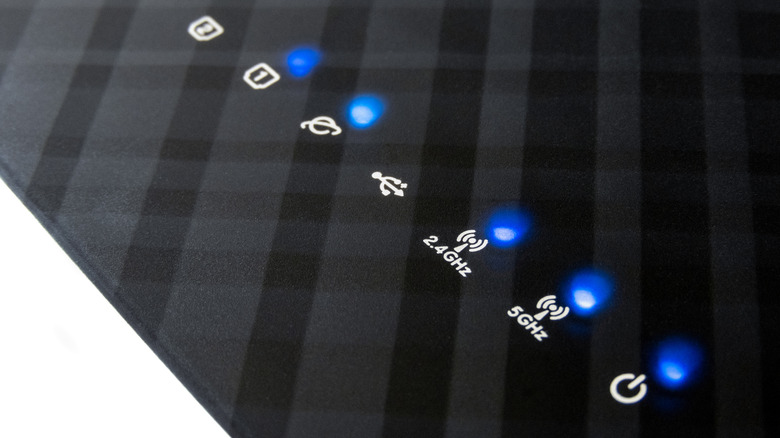
Each manufacturer may handle the intuitive indicators differently, and routers may use varying hues like blue, green, orange, and so on. In addition, some routers may use the same exact color for all indicators, meaning green or orange for everything with no color changes. If you look up what the yellow light on a Verizon-provided router means, you may discover it indicates something different than a TP-Link or Netgear router, for instance. It's best to refer to your router's user manual and the manufacturer's documentation if you're confused on what those colors or indicators mean.
You may also see a host of additional icons on your router, as well. Up or down arrows indicate upstream and downstream connections, while multi-network icons can tell you if a 2.4GHz, 5GHz, or 6GHz network band are active. Additionally, Ethernet or LAN, wired links, and even some shortcuts like WPS may have their own icons and indicators. Your modem also has similar icons or symbols, and you'll want to familiarize yourself with the differences between a modem and router so you can more easily troubleshoot problems when they arise.
What to do when the globe or internet indicator isn't connecting
If you have your router plugged in and connected to your modem and it's taking a very long time to show an active internet connection, or the light is simply staying red or orange, it likely means there's something wrong. Troubleshooting is the quickest way to get things up and running, so you can get back to browsing or streaming.
The first thing you should always do is reboot both your router and modem; you can perform a power cycle by turning them off for about 30 seconds or simply unplugging them from an outlet. A reboot will almost always fix a small problem, as long as the internet connection is available. However, if that doesn't work, you'll want to reference your internet service provider's outage information to find out if the internet is down at the source. You can use your phone with mobile network access to check this online when you don't have a home connection. The modem also usually has an internet or outside communication indicator , and it should show an active connection first. If you notice your modem is also having trouble connecting, it's likely an outside issue.
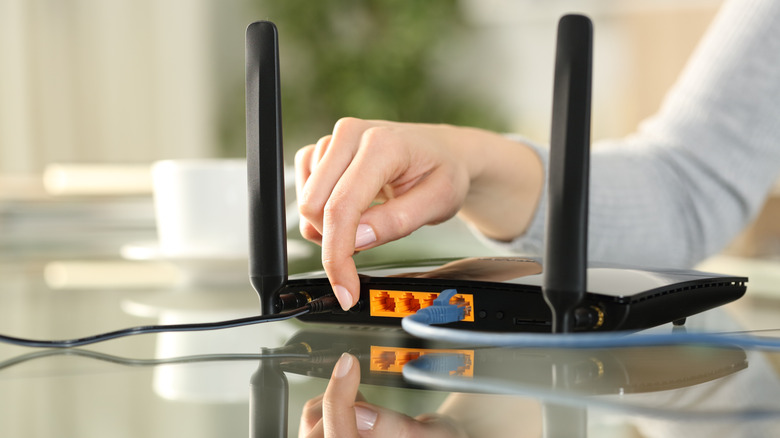
Alternatively, check the LAN or Ethernet cable between your router and modem to make sure it didn't come unplugged. You might also swap the cable to see if you're dealing with faulty wiring. Beyond that, a factory reset of your router could help, but that also means reverting all administrative settings to default and setting up your Wi-Fi networks again. Use that option as a last resort. If you still can't access the internet or restore connections, you may need to contact your ISP directly.