

What Is The 2.5G Ethernet Port On A Router Used For?
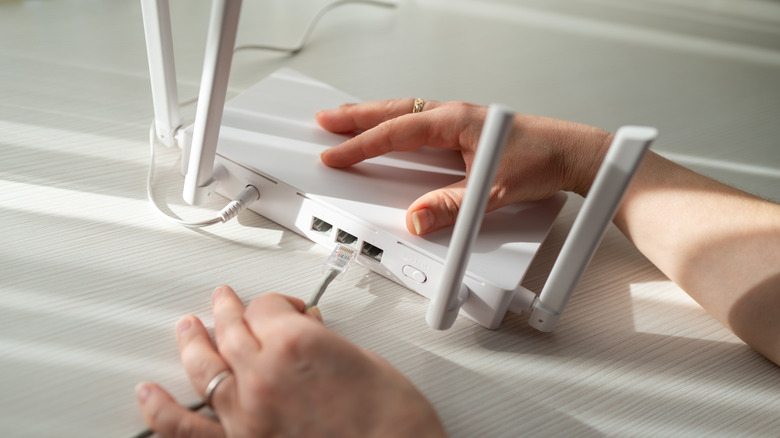
There are many clear and hidden perks of fiber internet. One of the big benefits of its development is that multi-gigabit home internet has become a reality across the country: You can pick up speeds of eight gigabits per second (Gbps) from Google Fiber in the city or Greenlight Networks across the mountains and lakes of upstate New York. With that kind of power, you need the right equipment and the know-how to use it, including those new-fangled 2.5G Ethernet ports on your modem and routers.
As the names suggest, 2.5G Ethernet and 2.5GbE ports deliver speeds of up to 2.5 gigabits per second between two points. It's a middle ground between the 1G port you'll see on your home modem and routers and 10G Ethernet, which has greater infrastructural requirements and is used primarily in enterprise-level networking. That said, you might find higher-speed 5GbE ports on some premium routers. Both 2.5G and 5G Ethernet were built into a 2016 revision of Ethernet standards governed by IEEE Standard part 802.3 — yes, you probably know part 802.11 as the overarching specification for Wi-Fi. But what exactly can you do with 2.5G Ethernet? And what do you need to take advantage of it?
What you need in order to use 2.5G Ethernet
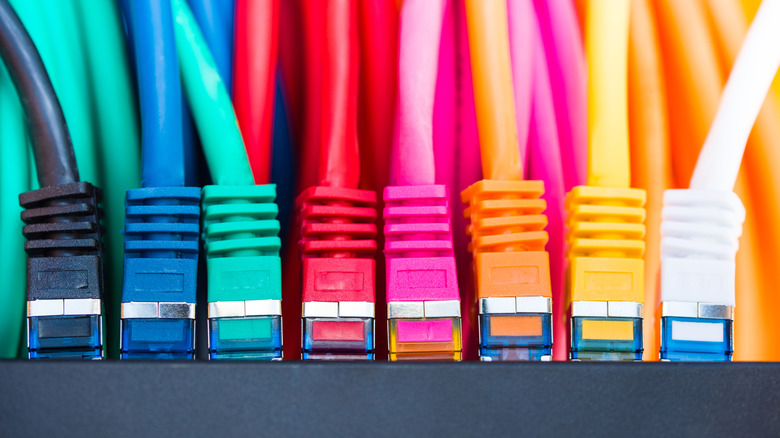
Obviously, you should check your modem, routers, and endpoint devices to see if they support 2.5G Ethernet. Ports should be clearly labeled with their rated speeds. That's the easy part.
When it comes to the actual connections, 2.5G and 5G Ethernet can run on cables designed for 1G home internet use. Keep in mind that we're talking about twisted copper wires that might or might not be shielded from interference. Generally speaking, that means an Ethernet cable should be able to deliver its best speeds across short, straight gaps, and that connection quality can be hindered by excessive length and curves in the path. Cable makers typically promise rated speeds over a maximum run of 328 feet or 100 meters.
Ethernet cables are categorized by speed rating. Ideally, you'd want to find Category 6 or 6a cables if you plan on running 2.5G or 5G anywhere close to the 328-foot limit. They're rated to deliver gigabit speeds across their entire length and up to 10 Gbps at around 120 feet, depending on cable pathing and conditions. That said, some users have reported on Reddit that they're able to achieve 2.5 Gbps speeds on Category 5e and 5 wires across shorter distances. If you're checking installed cable, make sure to look for any silkscreened or embossed print identifying its speed category.
What can you use 2.5G Ethernet for?
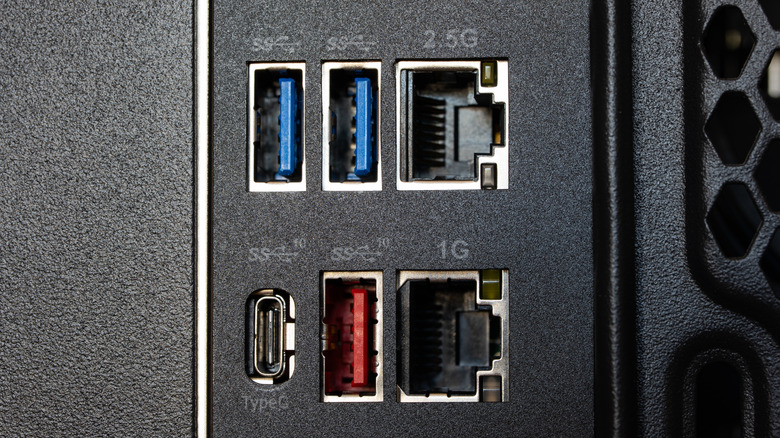
A 2.5 Gbps internet connection is overkill for many current high-demand tasks like 4K or 8K streaming, which maxes out at 120 megabits per second (Mbps), and competitive or cloud-based gaming, where latency is the more pressing issue. However, if you're regularly moving large files across the web to your PC or, better yet, a home server or NAS, a 2.5G connection will allow you to push terabytes through space much faster than ever before. Content creators and torrent-seeders may find this particularly useful. You can also pick up a shorter Ethernet cable for a clever use: connecting your PC to another computer or some local storage or whatever else you can directly interface with. You'll never experience a file transfer the same way ever again.
Of course, there's always the classic mission for a pair of humble RJ45 connectors: to bring your 2.5 Gbps internet to the other side of your house. Once there, you can tie into a Wi-Fi router so that you can use your phone in the bathroom.