

4 Headphone Brands With Software That Really Makes A Difference
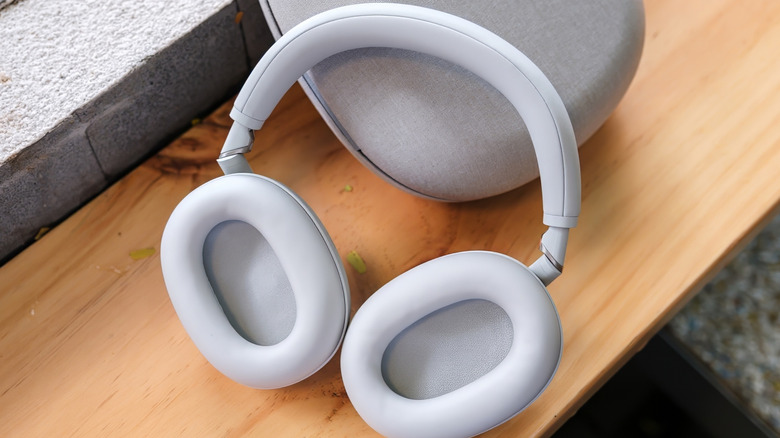
The best headphones and earbuds should wow you right out of the box. You may need to remove your glasses, extend the headband, or pick a smaller set of ear tips, but that's about it as far as hardware adjustments go. But software is a completely different story. The companion apps for some headphones offer little in the way of customization or enhancements, while others are jam-packed with features and settings you don't want to live without.
If you spent a decent chunk of change on your go-to noise-canceling headphones, you'll want to make sure you're getting the most out of your purchase. Free companion software isn't offered by all audio companies, but the four headphone brands we've selected for this list take software very seriously. And the best part is that all of these apps are totally free. Isn't it nice for a change to not have to sign up for an umpteenth subscription that you may or may not remember to cancel before the seven-day trial ends?
Owning a pair of premium Sony headphones, the WH-1000XM4 to be exact, has been one of my greatest joys in life, at least as far as consumer tech is concerned. Out of the box, these noise-canceling cans sounded fantastic, but I was able to get them to sound even better using the free Sony Sound Connect app (formerly Headphones Connect). Sony's mobile software is packed with features and settings, including numerous audio presets and a 10-band EQ.
Sony and Bose offer some of the best headphones software
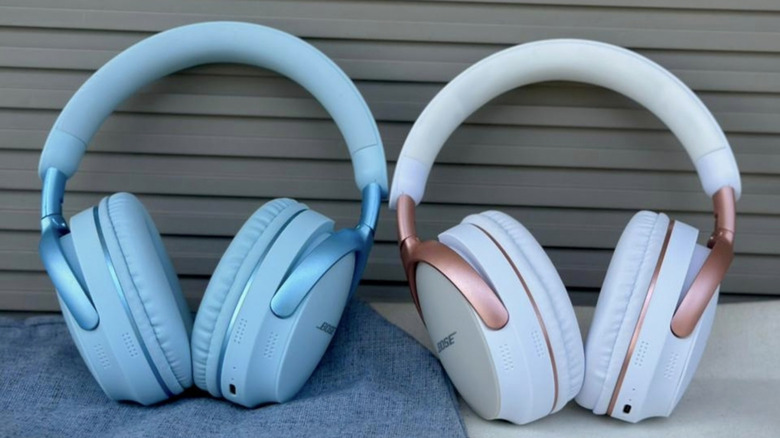
If you've got a pair of Sony headphones, the fun doesn't stop at audio customization; the Sound Connect app lets you adjust ANC and transparency strength, too. This is particularly useful if you spend a lot of your day in an office packed with chatty coworkers. The same holds for other features like Sony's Speak to Chat, which automatically disables ANC for your compatible headphones or earbuds once you start talking. Sony Sound Connect also offers a range of virtual soundstage features, including 360 Reality Audio, head tracking, and spatial audio presets.
The Bose app (formerly Bose Music) offers a robust set of features and customizations that'll make your favorite Bose cans or buds rock even more. The software provides a range of EQ presets, as well as a three-band graphic EQ for creating your own sound profile. Powerful ANC is a Bose calling card, but the company lets you dial in your preferred amount of attenuation. The app also has a Modes menu, which combines various ANC and virtual soundstage settings to create unique presets.
You'll even be able to assign shortcut commands to your headphones' multi-function button; the Spotify Tap launcher is particularly convenient for those subscribed to the music platform. If you're looking for more granular optimizations, the Bose app may feel a tad disappointing, since the software is far better at feeling intuitive than offering every audio adjustment under the sun. But if you're looking to go the extra mile with your compatible Bose over-ears or in-ears, the Bose app will help you get where you want to go.
Sennheiser and Anker offer incredible apps, too
The Sennheiser Smart Control Plus app is one of the most feature-packed bits of software we're looking at. Compatible with many of the brand's best wireless headphones and earbuds, Smart Control Plus negates minimalism in favor of options. Audio presets and an eight-band graphic EQ (five bands for older products) are some of the surface-level customizations you'll have at your disposal. Dig a little deeper, and you'll unearth features like Sound Personalization, Sound Check, and our favorite, Sound Zones. The latter uses phone- or tablet-based geofencing to auto-adjust EQ and ANC settings based on your listening space. There are manual controls for ANC and wind noise, too.
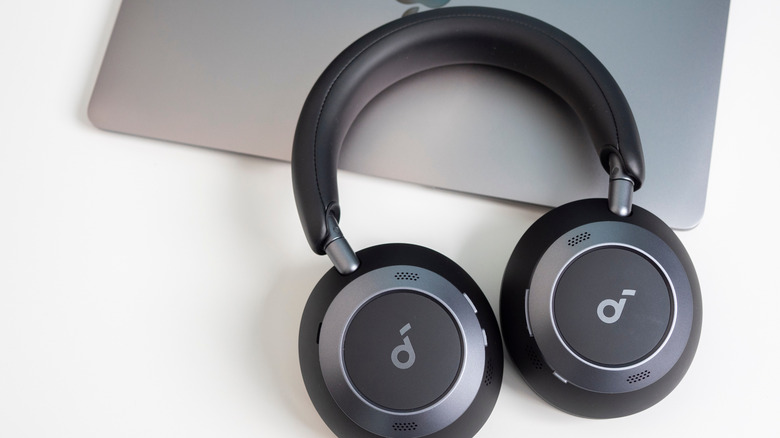
The Anker Soundcore app has the most in common with Bose's wearable audio software. The UI is pretty minimalist, but all the most essential features and settings are right there and easy to find. Anker doesn't mess around either; a multi-band EQ and a wide range of audio presets deliver enhancements both big and small to products like the Soundcore Space Q45 and Space One Pro. The Anker Soundcore software offers several noise-canceling adjustments, including the ability to switch between adaptive ANC (adjusts noise-canceling in real time) and manual ANC.
The latter includes multiple strength options, as does the app's transparency mode, allowing you to dial in the perfect awareness settings for your ears. While button mapping isn't as good as the customizing you can do with competitive apps, you can still program custom ANC and BassBoost settings to your headphones' NC button. Whether you use it all the time or only when a firmware update is released, you'll want to have the Soundcore app installed on your phone or tablet.