

You Can Download Apps On An iPad That No Longer Gets Software Support, But There's A Catch
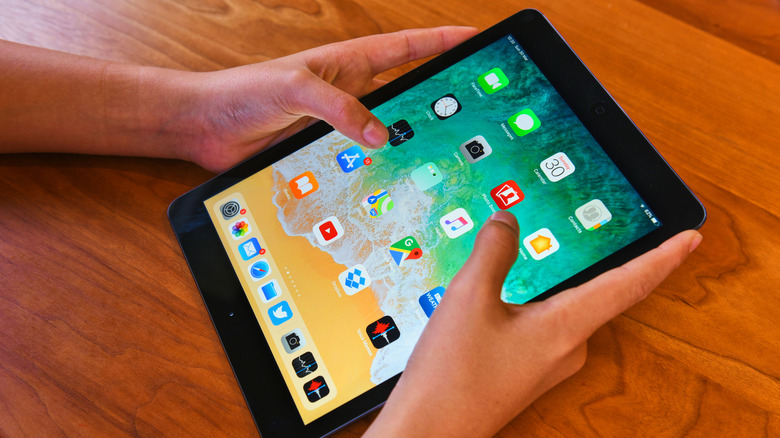
Sometimes, loving is letting go, and there are a few signs that it's time to replace an iPad. If you recently found an old iPad gathering dust and decided to use it for mundane tasks, you probably realized that you can't download new apps or update old ones, and you're kind of stuck with this functional, yet not very supported iPad. You should be careful about using an outdated iPad for some tasks, as it's not safe.
It's also a genuine feeling to want to use your functional tablet that no longer gets software updates because sometimes there's a way to download supported versions of an app that correspond to the iOS version you're currently running. However, there's a catch, as sometimes developers no longer offer an older version, which your iPad would need to open the app. As of 2026, Apple requires apps to support modern SDK standards, such as building with the iPadOS 26 SDK, which pushes developers to adopt the latest features introduced by the company.
While they can choose their own minimum device targets, security risks and old software deprecations usually drive older versions out over time, even though apps like Facebook and Google still have low minimum requirements of iPadOS 15 or iPadOS 16, respectively. If you want to try downloading apps for an iPad that can't run newer iPadOS versions, you'll have to dig a bit deeper inside the App Store, but you might be able to make some apps still usable.
Requirements and how to download apps in an older iPad
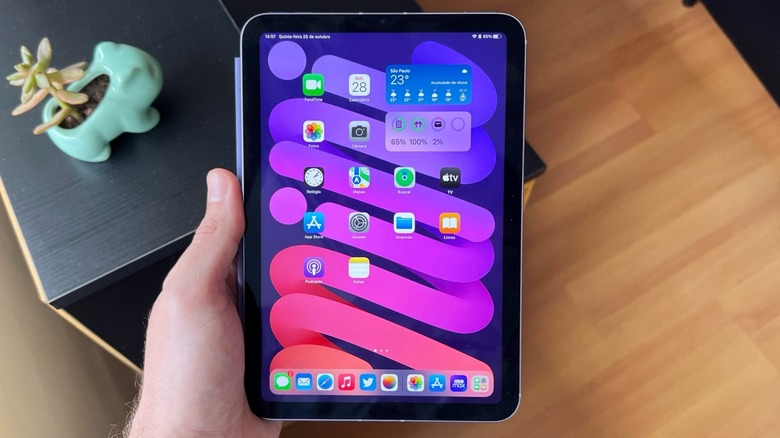
To download apps on an older iPad, make sure your iPad is running the latest iPadOS version it can by going through Settings > General > Software Update. After that, open the App Store, tap on your profile image in the upper-right corner, select Purchased, and then My Purchases. After scrolling through your list, tap the app you want to download. If the developer still offers an older version, the iPad will display a "Download an older version of this app?" message.
However, if you want to download an app you haven't downloaded before, there's a trick. On an iPhone or newer iPad logged into your Apple Account, you need to download the new app there. If you redo the steps on your older iPad to see the list of your purchased apps, you'll see that the app you just downloaded on another device appears there.
In case the developer still offers an older, compatible version, you can download the app on your iPad. If it's a recently released app that only supports new iPadOS versions, then you know it's actually time to take a look at the current iPad lineup to enjoy newer apps and features. After all, Apple recently updated the iPad Air and the iPad Pro, and there are rumors that an iPad mini with an OLED display is coming, followed by a new base-model iPad with Apple Intelligence support.