

Is There Any Point In Buying A Laptop With 8GB RAM In 2026?

At one point, adding an extra RAM stick was a cheap, easy way to upgrade an old laptop. Nowadays, RAM shortages (courtesy of AI's rapid advancement) have pushed memory prices up by 500% in just 12 months. In fact, memory is such a hot commodity now that 128GB of DDR5 RAM costs over $3,300. Good luck with that RAM update, right? So, if you're buying a new laptop, shortages may also affect how much you'll be forced to pay, since robust specs will cost an arm and a leg. So, something like an ACER Aspire with 8GB of RAM (priced at $429) falls within a realistic budget for most price-conscious users.
Is there any point in buying a laptop with 8GB of RAM in 2026, though? 8GB is more than enough to get you through the RAM crisis if you'll mainly watch Netflix and do some light browsing. Don't expect much in terms of snappiness, because there will likely be numerous slowdowns along the way. On the other hand, if you need the laptop for work, the experience of 8 GB of RAM can be best described as descending the nine circles of hell, only more annoying. In the modern era, even basic work tasks will require you to open a bunch of tabs, run spreadsheets, and simultaneously keep apps like Teams or Slack open – all of which are notorious memory hogs. So, for work, 16GB is the minimum if you want to stay productive instead of raging at a screen because Slack stopped responding or that important spreadsheet takes too long to load.
How much RAM is recommended for Windows 11 machines?
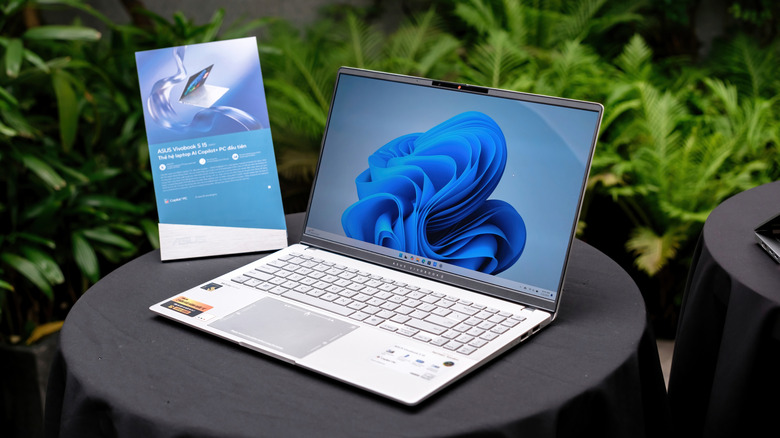
With 8GB of RAM, you're pretty much in the clear when it comes to Microsoft's latest OS. The bare minimum for Windows 11 is 4GB, so having double the requirement gives you some leeway and makes your computer more usable. Still, you'll struggle with most tasks, for one reason: the OS loads plenty of memory even when idle.
The moment you hit the power button, Windows will load everything from security tools to a variety of system services. How much exactly? On the lower end, it's about 3GB, but it can quickly grow to as much as 5GB. This leaves only a few gigabytes for you to play with, so to speak. Web browsing alone can eat up over 4GB of memory, while apps like Slack or Microsoft Teams can easily hog 2GB or more.
To put things into perspective, open one tab with Google Docs in Chrome and that's 300MB. A video? As much as 530MB. Don't be surprised if just one tab of a random text-based website takes up 80MB out of your already limited RAM pool. Naturally, this doesn't mean you can't use an 8GB Windows 11 machine for work, but you'll need to accept that your overall working experience will be anything but smooth.
How to get by with a laptop with 8GB of RAM

Fortunately, if you know your device's limitations, you might be able to get by a bit better, at least until you've got enough cash for a real update. So, how do you speed up the PC without adding more RAM? For starters, remember to restart it regularly. This automatically shuts down background processes and clears any data from the RAM. How often? Any time you notice that the laptop has gotten sluggish. Switch between tabs, for instance, and if the computer starts choking, you may be due for a restart.
Also, the number one rule for running an underpowered PC is to close any unused applications. If you're not in constant communication with your teammates, it doesn't hurt to close Slack or Teams. Choose the apps you need to keep the ball rolling. For a longer-term solution, take stock of unnecessary startup apps that launch the moment you power on the PC. Game launchers, helper apps, and update utilities have no reason to run all the time, and disabling them will free up some much-needed RAM.
Memory prices show no sign of changing trajectory, but that doesn't mean you can't scrimp on a few extra GBs. When buying a laptop, don't make the mistake of choosing a model with soldered RAM, as it will leave you unable to make any updates. A pair of 8GB RAM sticks may cost over $200 (and likely more in the next few months), but it's a relatively small price to pay for smoother performance.