

Is OnePlus High Performance Mode Actually Worth It?
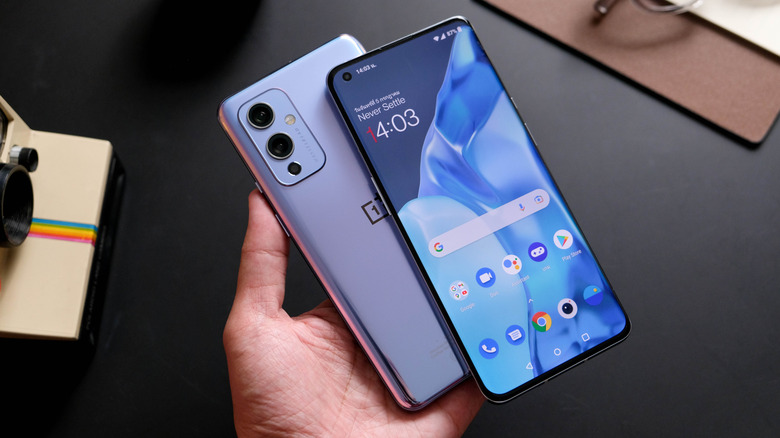
OnePlus' High Performance mode forces your device's CPU and GPU to run at higher clock speeds. You prefer to use this mode when you can't sacrifice any of your phone's power, as it would detract from the experience, but it will deplete your battery. A decent example is gaming. OnePlus has a dedicated gaming mode, but it focuses on immersion by blocking calls, closing apps, and disabling notifications while a gaming app is in session; High Performance is different and often complements it to maximize potential, but it does risk thermal throttling.
High Performance operates at a system-setting level and removes all battery-saving options that might sabotage CPU/GPU usage. Normally, you find the High Performance mode inside Battery settings. Typically, tech reviewers will use High Performance mode for benchmark tests, stress testing the hardware or simply finding out what peak performance the phone can handle. In most cases, though, OnePlus devices are enough with regular power settings for everyday use.
For example, you can do moderate gaming in Balanced mode (some games are already capped at 60 FPS), and adding the High Performance setting won't improve it much; it will only drain the battery and produce a lot of heat. High Performance is only worth it in very niche situations, such as when you're rendering a lot of 3D assets and don't want frame drops, when you're trying to upload a 4K video at 60 FPS or 120 FPS, or during editing, where heavy processing is required.
Thermal throttling can hurt a device's performance
While High Performance mode sounds good on paper, it can sometimes lead to unintended performance dips. For example, CPU and thermal throttling. Thermal throttling can be a concern with High Performance mode depending on the thermal management solution — as some phones handle it better than others, like the OnePlus 15, but that's no surprise, as it outperforms Samsung's Galaxy S26 in terms of gaming. In general, if your device can't stay cool, that's when thermal throttling kicks in, since it is a safety mechanism built into OxygenOS.
Essentially, the software detects that your device is operating at unsafe temperatures, typically between 101 and 113 degrees Fahrenheit in skin temperature (internal temperature may be significantly higher). When this happens, overall performance worsens because your phone tries to cool down by reducing CPU usage — it's a bit counterintuitive to what you're trying to accomplish with the High Performance profile on your phone, but it can happen. That's why, if you're trying to push your phone to greater heights, you may want to consider other options that don't necessarily force your phone's processor to run at higher speeds.
Consider other options to improve your OnePlus phone's performance
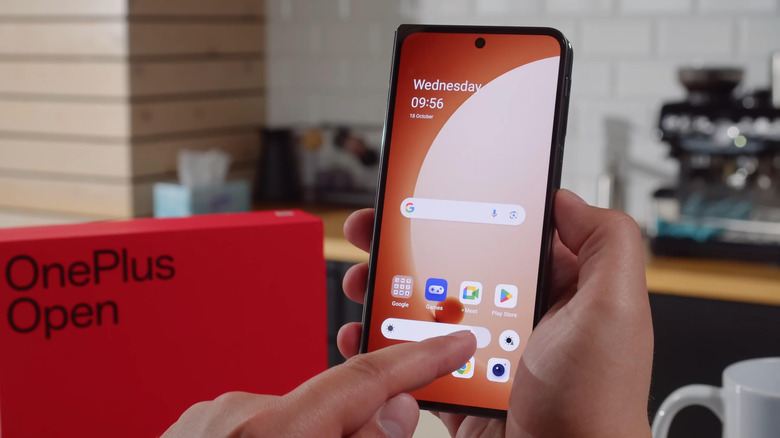
Luckily, you don't need to rely on High Performance to improve your OnePlus usage. There are a few ways you can get a boost. The first is to use gaming mode, specifically Pro Gaming mode — this turns on when you launch an app through the OnePlus Game Space. You can also set it as a default per app in the Game Assistant app through the Performance settings. Pro Gaming mode improves performance by focusing on frame stability and reducing touch latency; it will drain your battery, but it isn't nearly as harsh as High Performance mode.
If you're neither a gamer nor a video editor but still want your OnePlus to feel fresh and responsive, you can tweak your display's refresh rate in the Display & Brightness settings. This is an easy trick and is great for everyday use. You can choose between Auto select, Standard, High, or App-specific refresh rate as radio button options. Selecting High sets the refresh rate to 120Hz. Still, it may consume battery — if you want a compromise, you can choose Auto select, which uses an optimal refresh rate but is also conservative with your battery.