

Are Chargers With Multiple Ports Slower Than Normal Ones?
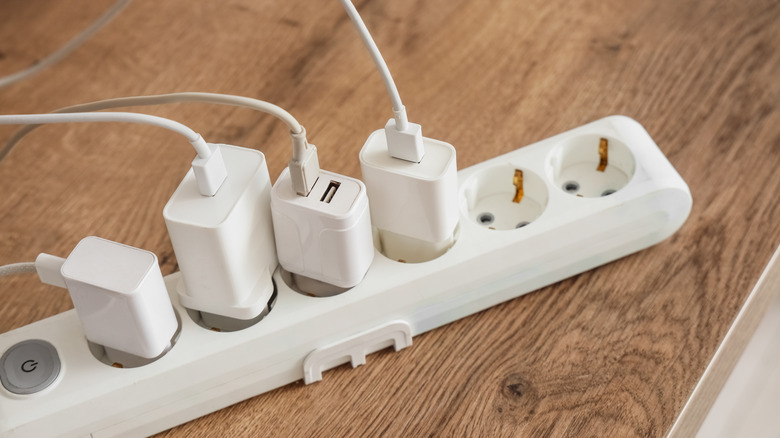
Are you hungry for power? Never have we had access to so many gadgets, and never have we needed as much capacity to charge them. You've got your phone, your earbuds, your smartwatch, your laptop, your camera, your power bank ... man, you're busy! You're the type of person who would nab a charger with three, four, maybe even five charging ports. But it's important to make sure your brick matches the needs of all your gear.
If and when you're looking around for a new power adapter or battery pack, don't just immediately click "Buy Now" after only seeing the topline wattage — you probably shouldn't expect that fairly compact 200-watt cube with several ports to charge every single device at that rate all the time. As it turns out, though, you don't necessarily sacrifice that much charging capacity by plugging several devices into the same charger instead of using dedicated adapters and outlets for each of them. We'll detail below what numbers and letters to look for if you want to get the most out of your multiport charging.
Match your charging ports to your device needs
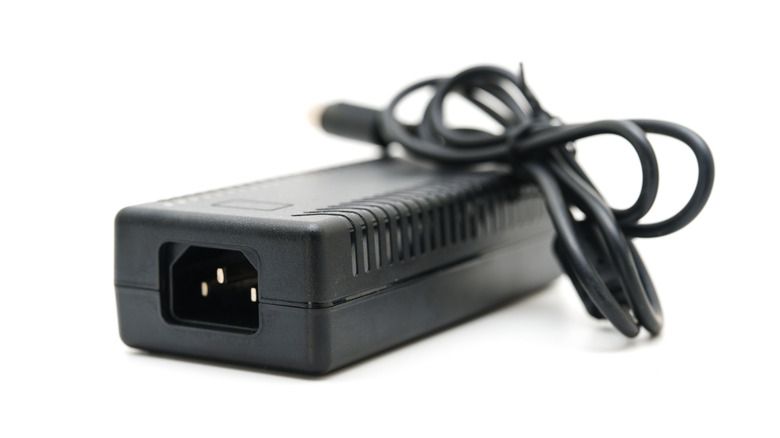
In order to make sure that the multiport charger you choose can charge your devices as quickly as individual dedicated chargers, you need to know exactly what you're trying to accomplish. Ideally, you need to figure out how many lines of power you might want at once and how much power at peak times each line needs to draw. Electronics manufacturers print their acceptable operating power levels onto their products, as well as their charging accessories. That information should also be available in manuals that came in the box or are available online. Look closely at the Input section on endpoint devices or at the output section on those charging accessories and note the listed voltages and amperages.
Also, take note of whether certain ports on the device support USB Power Delivery (ideally, revision 3.0 or later), especially on higher-wattage items. In theory, the USB PD protocol enables safe high-wattage charging at up to 240 watts, along with variable incremented voltage and current rates. That said, laptops that take 200 or more watts through a dedicated adapter, typically with a bulky non-USB port, will usually limit USB PD charging to 100 watts. Wherever a device supports a proprietary fast charging standard, like OnePlus's SuperVOOC or even Samsung's, you may find that a charger will default to a lower speed. Those limits are one reason multiport units can compete with normal chargers in terms of speed.
Once you do the homework of determining your overall power needs — for all your devices at once — you're ready to find the right charger for you. Choose wisely, and charging with your multiport charger won't be noticeably slower than using multiple individual units.
How to choose an adapter with multiple charging ports
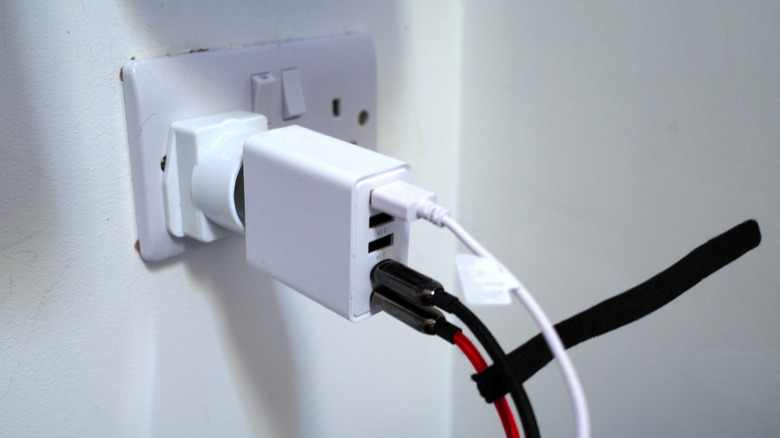
Whether we're talking about a wall adapter or a power bank, you should look past the big wattage number at the top of the page. Product listings will indicate the maximum wattage each port can output, and you'll also often see those numbers printed right near the ports. You might also find information about lower output rates where multiple ports are simultaneously being used.
Ugreen, for example, sells a 500-watt 6-port charger that will always charge at up to 240 watts on its top Type-C port, no matter how many devices are plugged in. Between the second and fifth Type-C ports, you'll get a nominal top rate of 100 watts and a lower ceiling of 60 watts, depending on how many and which ports in the pecking order are occupied. The last port, a Type-A, maxes out at 20 watts. With all six ports in use and the middle four running at 60 watts, that's how you get to the advertised rate of 500 watts.
For those on the run, Anker's Prime Power Bank features a 9.6-ampere-hour battery, as well as an integrated plug that lets you pass mains power to your devices. This bank has two USB-C ports that charge at up to 65 watts whether either or both ports are in use and whether it's on mains or battery power. At the end of the day, you'll need to do plenty of reading up on those wattages, especially since Anker and Ugreen, as well as many other producers, will spoil you for choice. Make sure you have a sense of how many devices you'll need to charge on a busy day and which ports you'd be plugging them into.