

If Your Monitor Is Stuck In A Bright Room, Try This
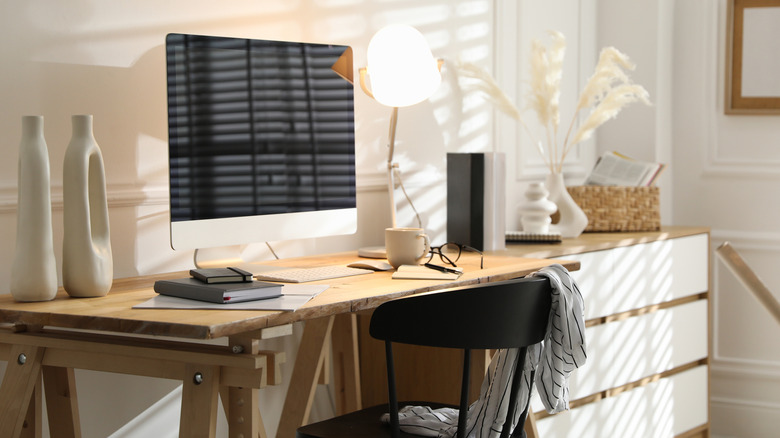
Not everyone has the luxury of choosing between multiple rooms for their PC setup. If you only have one room where you can put your computer and it has a window in it, you'll likely run into an age-old monitor problem: glare. Glare can wash out the image on your PC display, while also creating distracting reflections. If you're gaming or watching a movie, a dark scene can be ruined by bright light shining in through the window or from overhead. It can become tiring or even uncomfortable looking constantly at a monitor with a glare issue, and it can interfere with your work if you can't read what's on the screen. But there are steps you can take to lessen the effect, starting with trying to control the light.
One of the easiest and most effective solutions is a blind or net curtain that shuts out or diffuses some of the light. You can then think about adding a lamp, LED strips, or even a glare-free monitor light bar to introduce lower, more controllable light when (and where) you want it. If blinds or curtains aren't an option, and you have the space, try positioning the monitor away from the window, or ideally perpendicular to the incoming light, rather than having the light source behind you. Other solutions include increasing the monitor's brightness to a point where it reduces the glare but not so much that it causes eye discomfort. You could also consider attaching a matte anti-glare screen protector to your display to scatter incoming light rather than reflect it directly back at you. Another option is a monitor shade, a physical enclosure that sits around the display to (at least partially) block incoming shafts of light.
Changes that don't always help with monitor glare
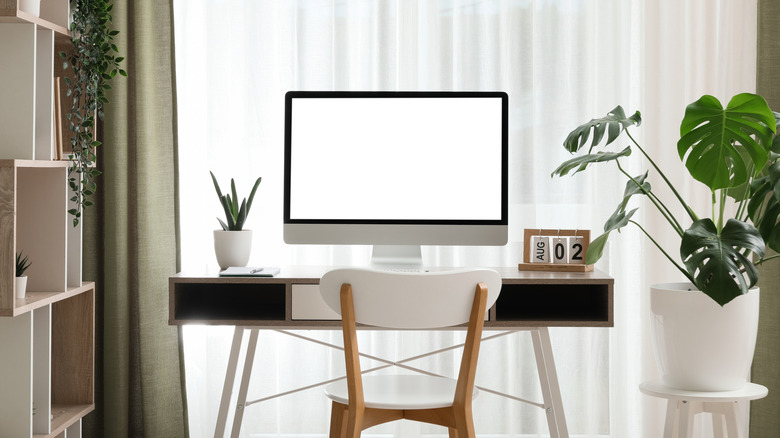
With monitor glare, some changes might seem like they should help, but don't necessarily make much difference. While increasing the brightness may help to a degree, a very bright image can be tiring to look at, so it's not always a great solution. Likewise, increasing the contrast may make the image appear more defined, but it won't actually reduce the glare. Your PC's dark mode might also seem like the answer, but in a bright room, reflections from windows and lights will stand out more against a dark screen, sometimes worsening glare.
The way you set up your room and position your monitor can also be a source of confusion when it comes to glare. For example, putting the monitor in front of a bright window — but facing away from it — might seem sensible, but the light can create a distracting, high-contrast background behind the monitor, making what's on the display harder to see. Blackout curtains and blinds aren't a perfect solution, either. Yes, they can dramatically reduce glare, but unless you add another light source, you'll be left with a very dark room and a bright screen, which could cause eye strain. Some added ambient light can create a more balanced viewing environment if you do go for the blackout option.
There's no ideal fix for monitor glare, but sensible placement and the right monitor display settings can make a meaningful difference, as can controlling how light enters your room. Certainly, with trial and error, you should be able to create a more comfortable space where glare is much less of a problem. And once you have your glare problem in hand, you can make sure you're also avoiding the monitor placement mistake that most people ignore.