

Why Does Windows Constantly Need To Update?
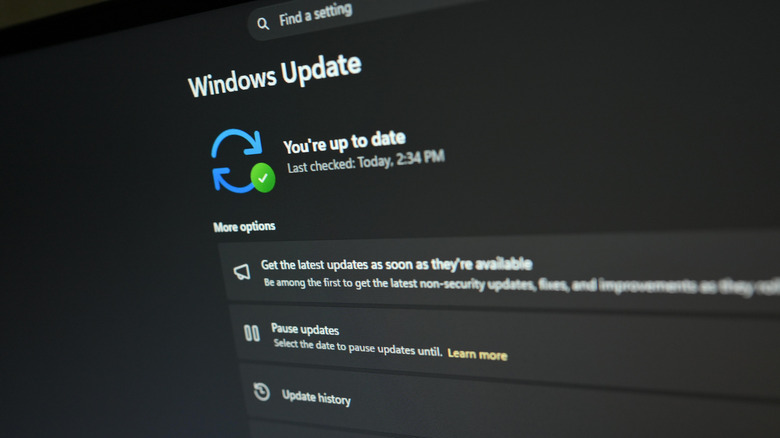
Windows users are familiar with the system updates process by now. Monthly, sometimes more often, new updates will drop, which means your system has to download the package, install the update, and restart. You can automate a lot of this by ensuring the updates happen on a schedule when you're not using your computer, but it still happens regularly. Why does Windows constantly need to update like this? Surely there aren't that many new features being added on a regular basis.
There are many reasons why Windows updates are pushed out, but the cadence has a lot more to do with performance and security than it does with new features. Sometimes, Windows might receive updates to improve system performance, to enhance compatibility with apps and devices, to fix various bugs or software issues, and perhaps most importantly, to distribute security patches for potential vulnerabilities discovered by developers and researchers.
However, malicious threats are being discovered often, and the nefarious parties who would exploit them play a cat and mouse game with system developers — when attackers discover a new vulnerability and begin exploiting it, system developers issue security patches to stop it. That's precisely where Patch Tuesday comes into the equation: it's Microsoft's scheduled release of system updates and security patches. Ultimately, what happens to your computer if you skip Windows updates is never anything good.
How often are security vulnerabilities discovered?
Security vulnerabilities are discovered pretty often, actually. The Cybersecurity and Infrastructure Security Agency (CISA) regularly issues security warnings and bulletins about known vulnerabilities that are being exploited — across many platforms, not just Windows. Meanwhile, the Common Vulnerabilities and Exposures (CVE) program is where those individual issues are reported. Microsoft has its own security portal for software engineers and researchers to document discovered weaknesses as well. That information coming in helps Microsoft's system developers understand and fix any security holes.
Then, every second Tuesday of the month — Patch Tuesday — those security fixes are rolled out as a system update. Microsoft explains that all security updates are cumulative, meaning that applying the newest updates, even if you haven't installed previous versions, will ensure you get all fixes released prior. That's also why it's important to install updates as they become available and why you should move away from unsupported software versions. Windows 10 is no longer as safe as it used to be because Microsoft has ended its continuous updates support. If you are still on Windows 10 and you're not enrolled in the Extended Security Updates (ESU) program, you should consider doing so.
What about feature improvements and non-security changes?
According to Microsoft's release cycle information, security updates are released monthly, with major security patches or "out-of-band" releases issued as needed. But Windows clients also get an annual feature update, typically during the second half of the year, which includes new system features, potentially new apps and services, and a major change for the Windows version. Periodically, though no set schedule is specified, optional non-security updates may include new features and enhancements, as well.
The Windows 11 February 2026 preview update introduced three new features, including a browser-based network speed test, minor system updates, and file explorer performance and usability improvements. However, a preview update isn't considered part of the stable channel, which means an official stable release always comes later — in this case around March. But it's a great example of Microsoft continuing to update the platform in some helpful ways, beyond the usual security fixes.