

How Long Will Your Old VHS Tapes Last?
We may receive a commission on purchases made from links.
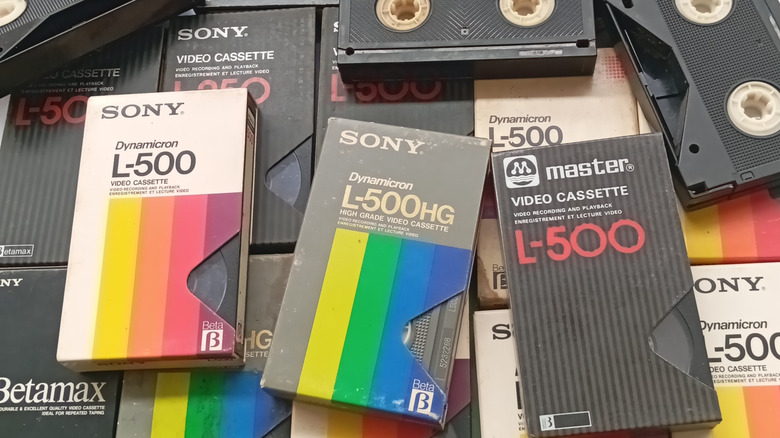
Physical media is not invincible. As much as we'd like it to last forever, media can degrade. For instance, CDs and DVDs experience something called disc rot — although, when properly maintained, you can expect your Blu-Ray and DVD collection to last for a long while. More good news is that the Library of Congress found the problem to be far less prevalent than believed. But it happens. So, what about older physical media formats like cassettes or VHS tapes? They use analog magnetic storage, or metal-coated tape, versus a disc's reflective layer. How does that fare? According to Kodak, VHS tapes degrade about 10% to 20% over a span of 10 to 25 years. That's a wide range, but if you have VHS tapes from the '70s or '80s, there's a chance you'll encounter defects while playing them.
If it only takes a decade or two for a tape to degrade up to 20%, it's not hard to imagine a 50-year-old VHS cassette having significant issues with audio and video — or even failing to work at all. The rate of failure isn't an exact science, though; it's influenced by many factors. Proper storage and handling can prolong VHS lifetimes. There are reports of users with home videos and retail VHS tapes from the '70s that still work perfectly.
The environment or temperature of the storage location, including humidity, the quality of the tapes and components, and general use all play a role in a tape's reliability. For example, a VHS tape that has been excessively inserted and ejected, watched and rewound, can degrade much faster. Throw in any of the other conditions and that rate may accelerate.
If you store and care for them properly, VHS tapes can last a long time
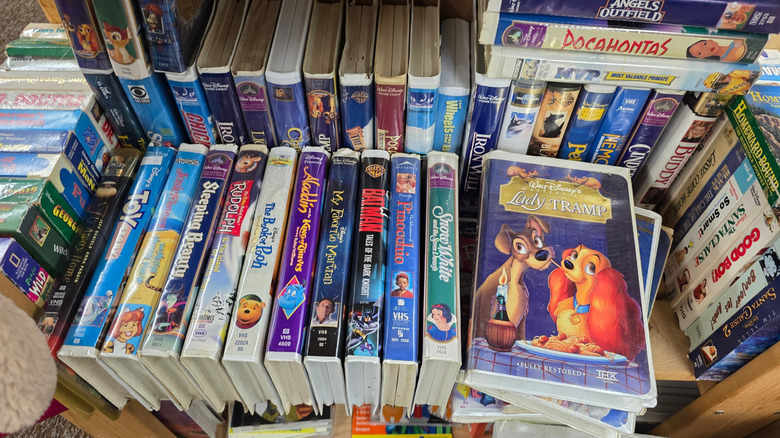
Degradation isn't guaranteed. You may not run into issues for years or even decades. However, the environment where you keep your VHS tapes matters. How you store those tapes also matters — specifically, whether they're protected from the elements and debris. Finally, how you treat those tapes is a major factor, like how often you've rewound or played back tapes and whether you've properly handled them before storage. Let's break it down.
When you store your tapes, make sure the conditions are suitable. Avoid places that are particularly cold or damp, like a basement — but you also shouldn't keep your VHS tapes in hot and humid locations, like outdoor sheds or a garage. If you must store in areas like this, ensure the space is insulated and has proper climate controls. If you're storing them long-term, you might consider placing them in a weatherproof or waterproof bin. Sealed bins will also protect them from dust and dirt buildup. Contaminants can clog the VHS heads, which help reel the ribbon, and could also scratch the surface of the magnetic tape, leading to playback anomalies.
Handling your video cassettes correctly is the final piece of the puzzle. Before storing the tapes, always rewind them to help ensure that the ribbon remains tightly wound. Forgetting to do this can lead to loose or sagging ribbon, which may eventually cause playback issues. Furthermore, always place your VHS tapes into their sleeves with the rear or back label facing out. It all sounds pretty archaic now, which makes it hard to believe the obsolete media format used to feel cutting edge.
If you're worried about your VHS tapes, you can always digitize them
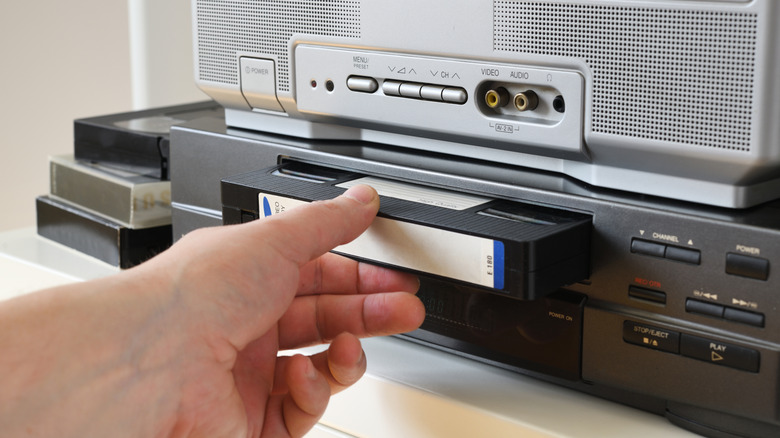
If you're worried about quality loss, or losing your VHS content altogether, you can digitize your tapes to back them up. That means converting them to a digital format from analog. There are several ways to go about this, including DIY methods you can do at home and professional services that will take your tapes and convert them for you.
You can transfer the media to discs by converting them to a digital file on a storage drive and then burning to disc. You can also store the digitized content on a USB thumb drive, a hard drive, or in the cloud. The latter is a great way to turn your physical media into your own personal streaming service by using something like Emby or Plex. To convert to digital directly, you can use a VHS player, USB capture card, and the necessary video adapters, like a composite-to-HDMI adapter. You could also spring for a VHS to digital converter adapter for about $20 and plug a compatible VHS player right into your computer. If you don't have a computer and you're willing to spend a little more money, you could get a standalone VHS to DVD conversion machine.
If you'd rather go through a professional service and let someone skilled do the work, retailers like Walmart offer video digitization, alongside Kodak, CVS, Costco, and many others. If you do a quick search locally, you might also be able to find professional media and digitization services closer to home. Professional services are more costly, so keep that in mind — you're looking at prices anywhere from $20 to $35 for converting two hours of content. Some places charge by the tape, and of course, each business will have its own pricing policies.